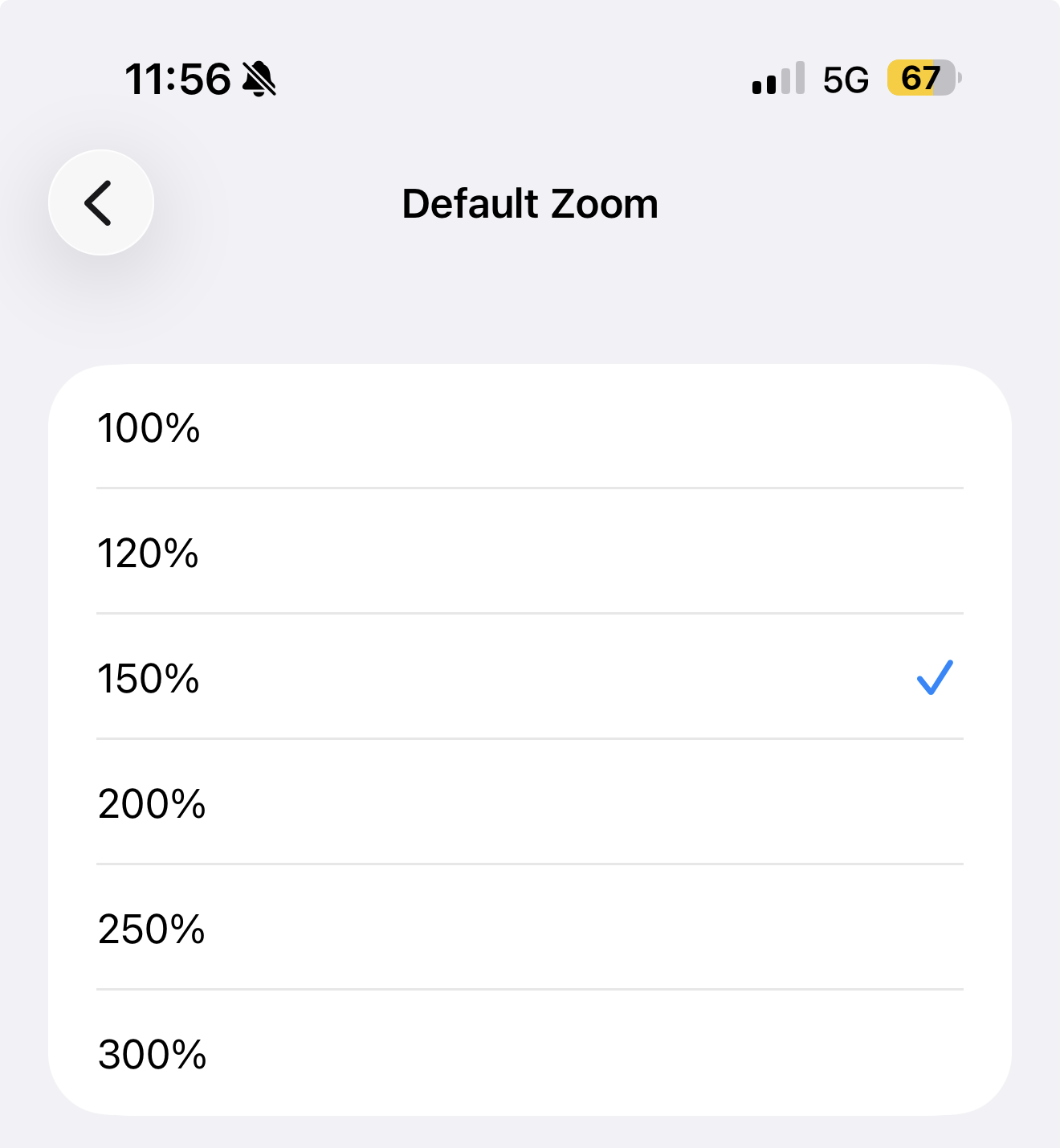
- Since there is no trial for the Scrivener iOS app, can someone please tell me if the app respects user accessibility settings or can I at least increase the displayed font size myself? If the latter, does the setting stick or do I need to adjust every time?
I don’t plan to do any editing on my iPhone, but I will need to read and would like to avoid having to wear glasses or use the iOS display zoom. - I currently use the built-in iOS dictation with Obsidian and assume it should function the same with Scrivener, but if someone could verify that there are no app-specific dictation issues, that would be helpful.