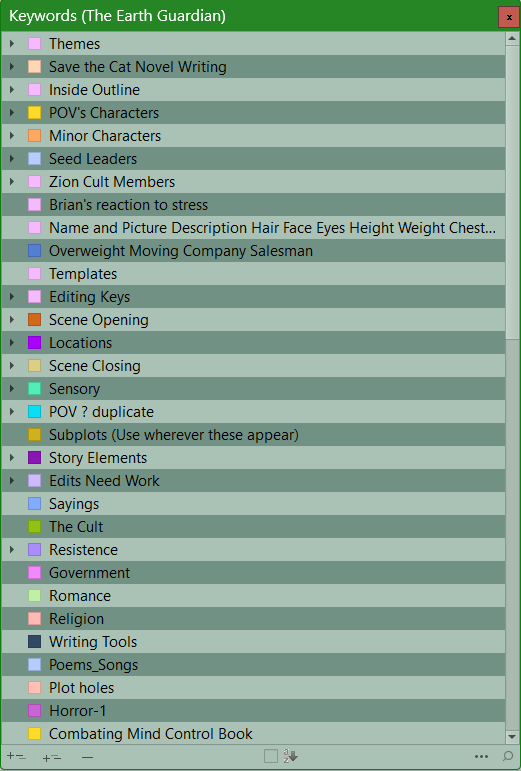
Each time I open Scrivener, then look at the Keyword panel, the settings I applied during the prior session regarding keyword sorting, is never saved. Each time I want to look at keywords to apply to documents I need to sort them alphabetically again.
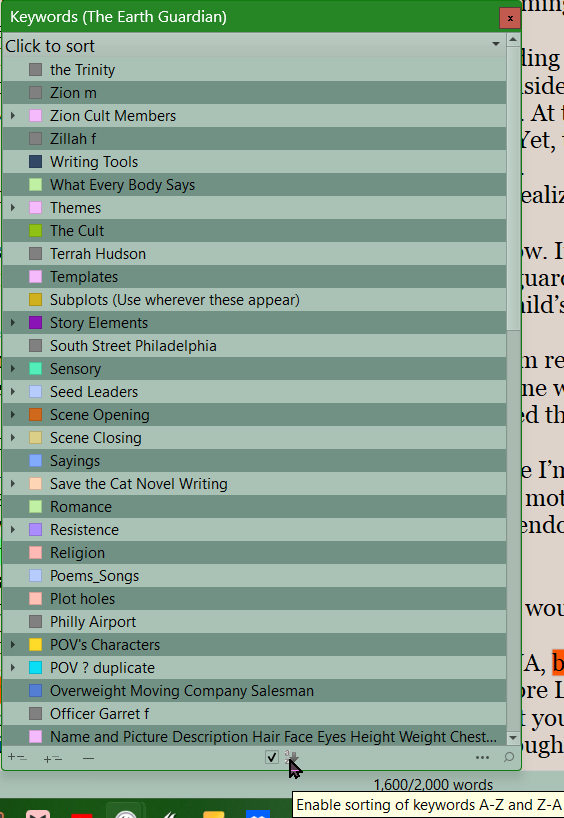
Sorting them is easy enough: Click the ‘sort alphabetically’ checkbox at the bottom of the keyword panel, then clicking the bar at the top to actually sort them. But having to do it every time is a bit annoying.
Should this setting be saved when I save a project? Is there a way to activate saving this setting?
I don’t know the answer, but if there’s no other way, maybe you could set up an AutoHotKey to launch Scrivener and perform the sorting operation at startup.
Is easy to sort and if uncheck goes back to previous order. Gray keywords are due to syncing with Aeon Timeline, (cannot explain top entry on z to a order but otherwise alphabetical and done inside any folders whether open or not.
normal arrangement
The intended design here is for the Edit ▸ Sort submenu to service various areas that can be sorted, like this one. Unfortunately that was never implemented, and in this case it might require a different solution anyway, as the only way to get to that menu is to activate the project window, which would then change the sort context to something else (like the folder you have selected in the binder).
That said there are known persistence issues with this window all around. It should be remembering how you leave it, from one session to the next.