I searched around for an answer and just didn’t find it. My guess is the new Version 3 is a lot different than what I was familiar with previously.
Scrivener on my iPhone and iPad both have a PROJECTS list that shows all my projects that are synched to Dropbox. I’ve found that useful because I often jump from project to project and it’s helpful to have them all listed. I have a crazy amount of works in progress. Some days, I might not want to write on project A, B or C, but prefer to do something with project G.
The Version 3 on my Mac doesn’t seem to have that option. (or maybe I haven’t found it). Maybe Projects are called something else in this version? Beats me… I’m still figuring this one out.
You are right, desktop versions Scrivener do not have a precisely similar function. (Don’t think it ever did.)
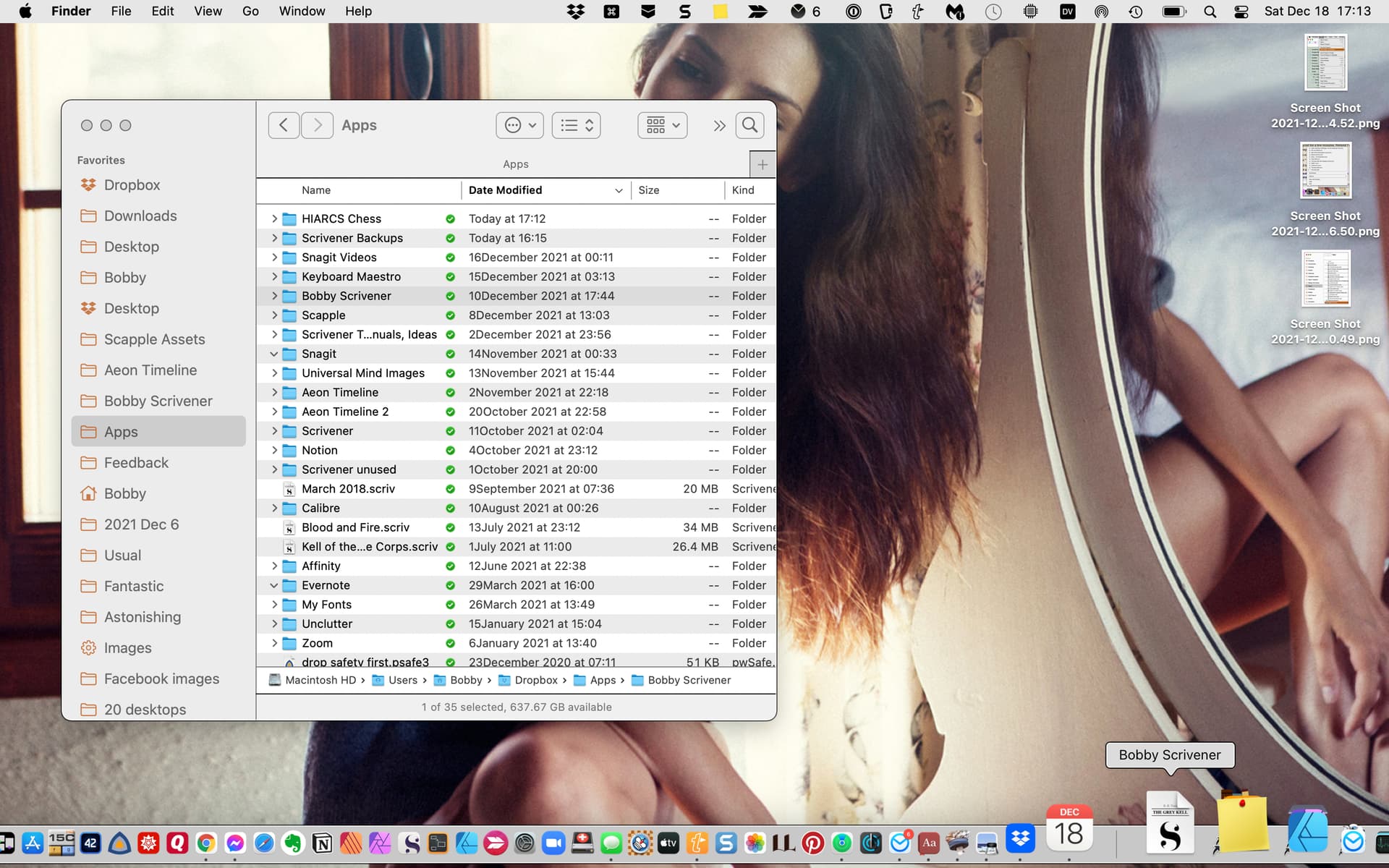
A nice solution is to use a Saved Search in the Mac’s Finder. In Finder, do a search for files with extension .scriv. Then use the Save Seach function to save that search. You can place an alias to that saved/smart search anywhere you might like to have it, and will thus always have an up to date list of your projects.
It is useful if you have your Scriv set to do zipped backups, so your backups do not end up on this search list!
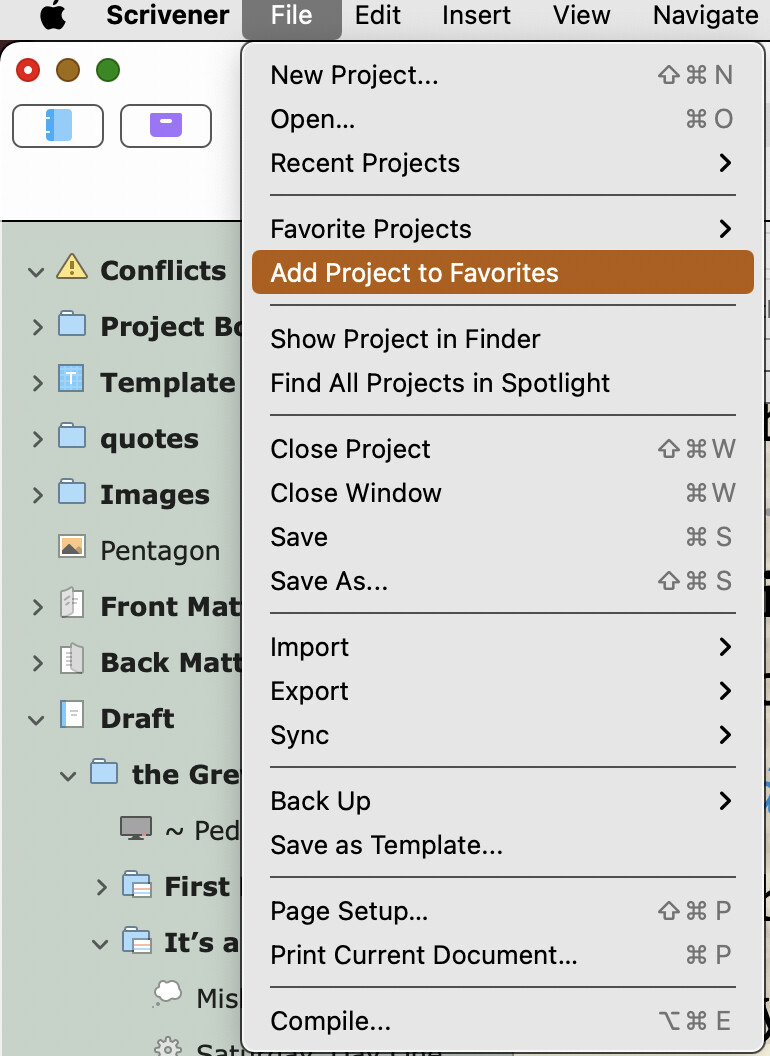
For certain stock projects that I am constantly consulting, I put those on Scrivener’s Favorites menu.
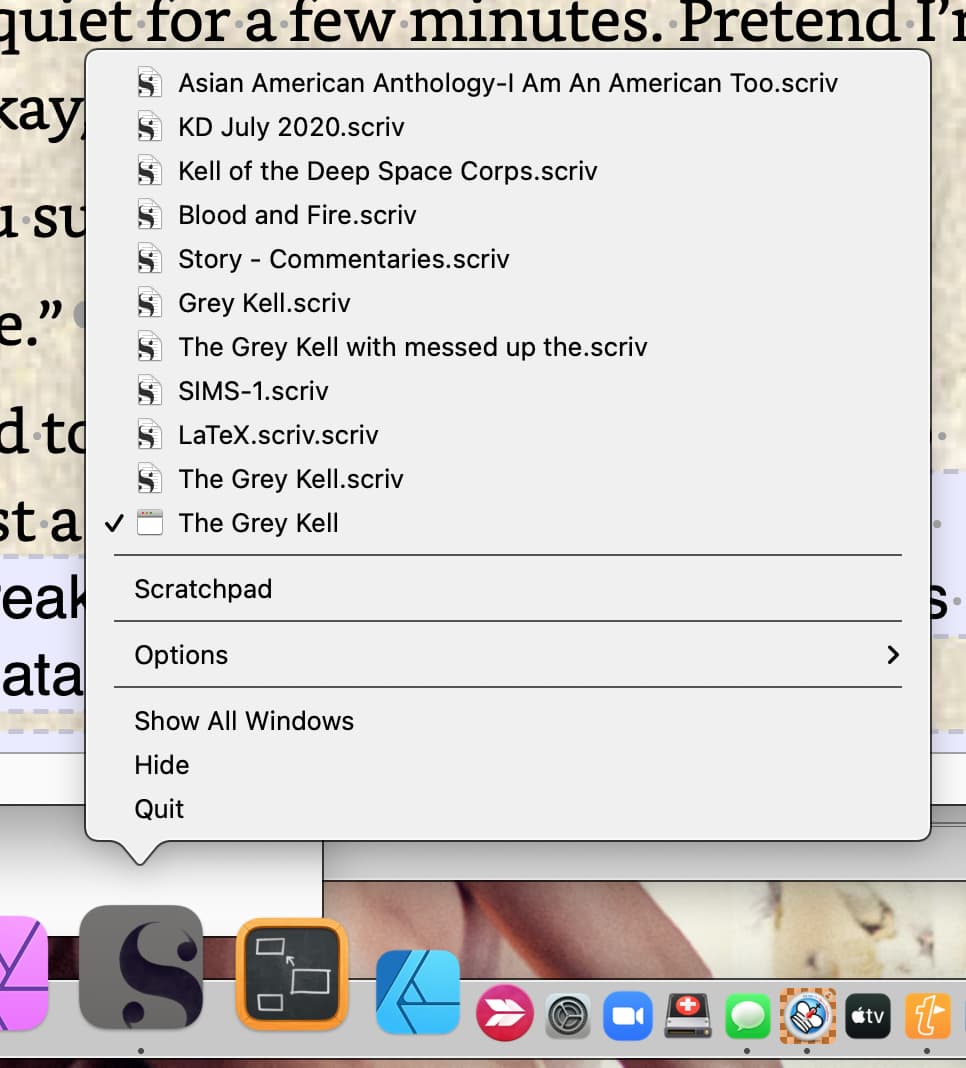
Note: If you have multiple copies of projects or have occasion to open a backup copy of a project, Saved search result just like Recents Menus can be a source of confusion, because it can too easily happen that you open the wrong version of some project and start editing it thinking you are in your master copy. Word of caution.
I’ve mainly used my iPad or iPhone in recent years, then went to the desktop to put it together. The new version seems to have a lot that makes it better to use the Mac OS version more often.
Thank you. I just started looking at that earlier. I generally spend more time on my iPad so I need to go through the guide with my Mac. I’m also going through the tutorial videos. I still hadn’t wrapped my head around what a “Collection” is used for in this thing. I’m sure they’ll get to that in the tutorials.
And thank you. Short of LaTeX and markdown compiles (which I have no need for) and the Scrivener manual as a project, that compile is the most powerful thing I’ve seen in Scrivener.