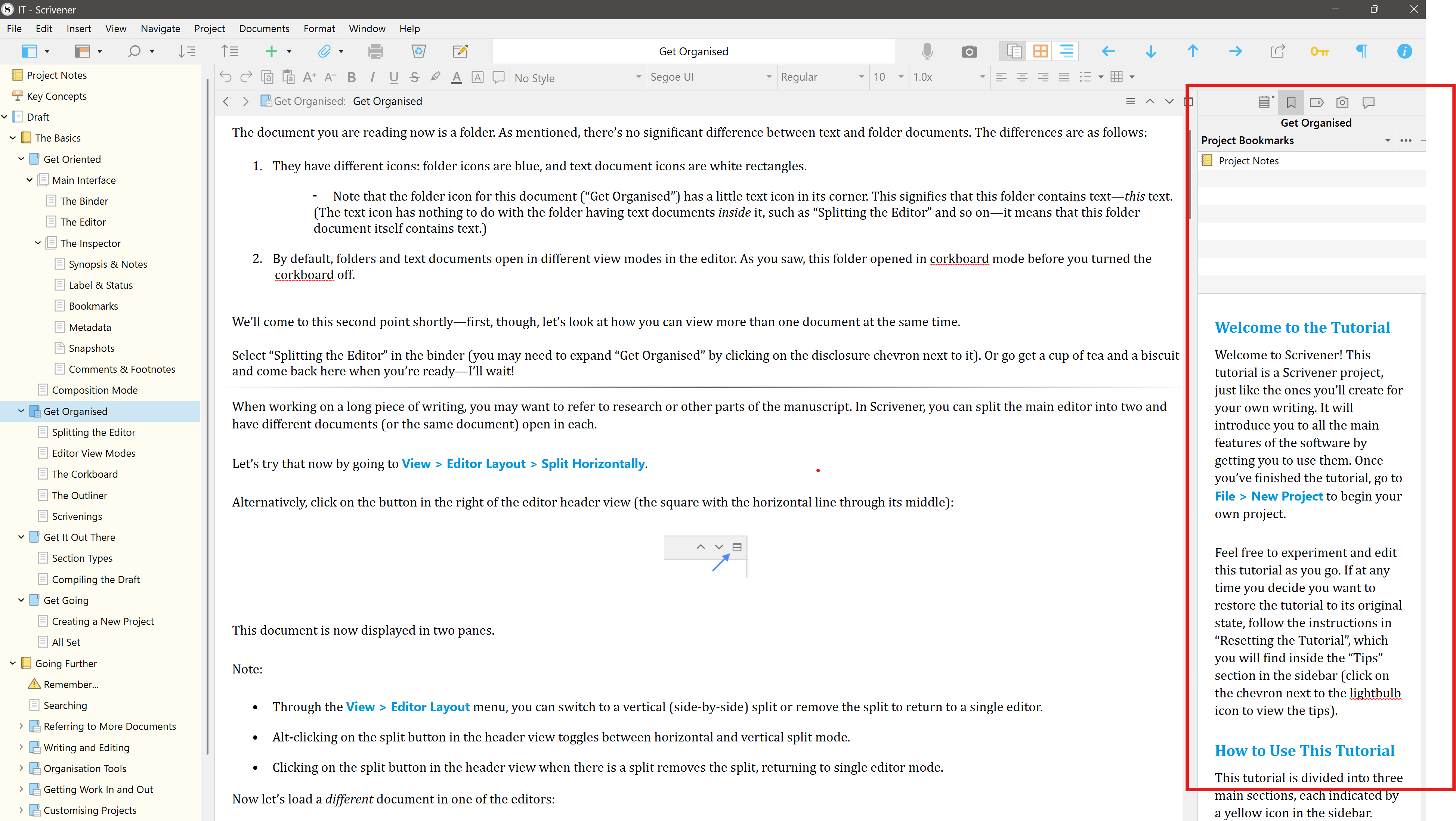
I have no idea what Project Notes looked like in Scrivener 1. But what you’re looking for appears to be possible in Scrivener 3.
- Create a document called Project Notes.
- Populate and update the content as you move through your project.
- Drag the document to Project Bookmarks. It will be a click away in the Inspector | Bookmarks view no matter where you are with your project with an editable preview in the pane below Bookmarks. Alternatively, you could open it as a Quick Reference Panel or a copyholder or side-by-side editor, as you prefer. There are other options that require more clicking around that I’d typically avoid.
Here’s the basic look, a Bookmark is a link to the document or folder in the Binder.