Hello, I would like to have my interface in English but still be able to choose from different other languages, without changing my interface language. Is it possible to do that per project and/or for each folder in my binder ?
Also, if I use Antidote, can I connect it directly to Scrivener ?
Thanks
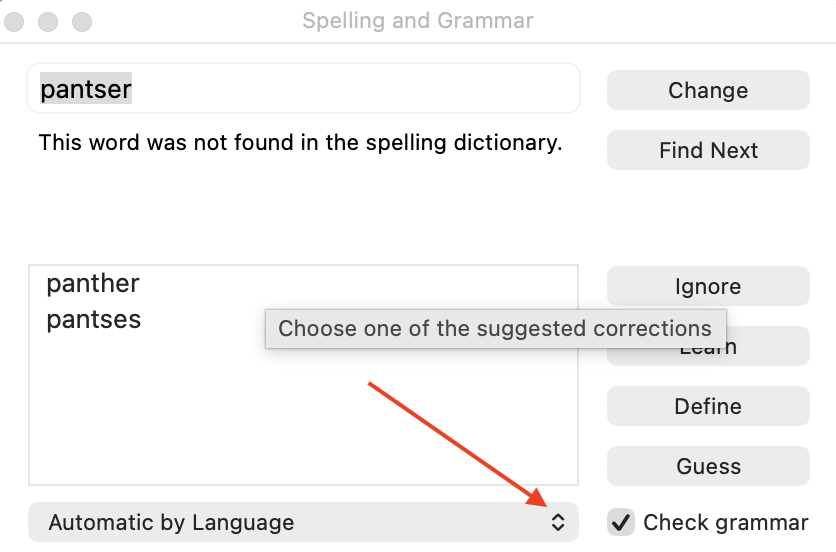
You can change the spelling and grammar language at any time with Edit > Spelling and Grammar > Show Spelling and Grammar, don’t know if that’s what you are trying to achieve.
As for connect direct to Scrivener, I see nothing on the Antidote site to suggest that. It’s a question you need to ask them.
Thanks for you reply.
About Antidote I can use the external correction in send to “Connectix” for grammar.
About the writing language, I’d like the app to check or suggest corrections in the language I’m writing in — for example, French — as I type. It would be even better if it could automatically fix common mistakes using a built-in dictionary.
Salut.
Antidote should integrate under Mac.
You have to go in the connectix settings and install it for Scrivener.
After that I believe you should see a green checkmark icon to trigger Antidote inside Scrivener. (In theory. I can’t say more, I am a Windows user, and Antidote doesn’t integrate to that version of Scrivener.)
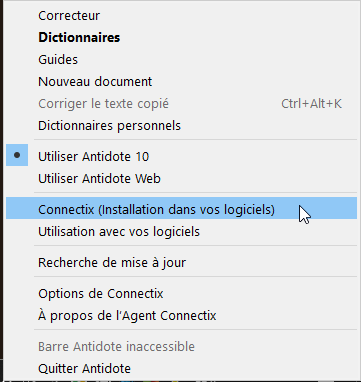

(These icons should then appear somewhere, I don’t know where. – In one of the toolbars, likely.)
We can only use Connectix like external app with Scrivener it isn’t integrate in fully unfortunately. I must send my text in antidote for correction.
You can use this menu to launch Antidote from any application you are writing in. If Antidote integrates with the software in question, any changes you make in the corrector will be applied automatically to the source text. Otherwise, you need to copy the corrected text and paste it back into the original document.
I am pretty sure it works under Mac.
Search the forum.
In case it doesn’t :
The way I go about it under Windows is that I use LibreOffice as a host (Antidote fully integrated) and use Sync with external folder (Scrivener) to migrate my documents to LibreOffice and back.
1 Like
Ok but can I have a different language for interface and my writing ? in same time ?
2 Likes
Yes, you can. As @RuffPub suggested above, change the spelling language in Edit > Spelling and Grammar > Show Spelling and Grammar and change the Automatic by Language drop down list to Français (par exemple…)
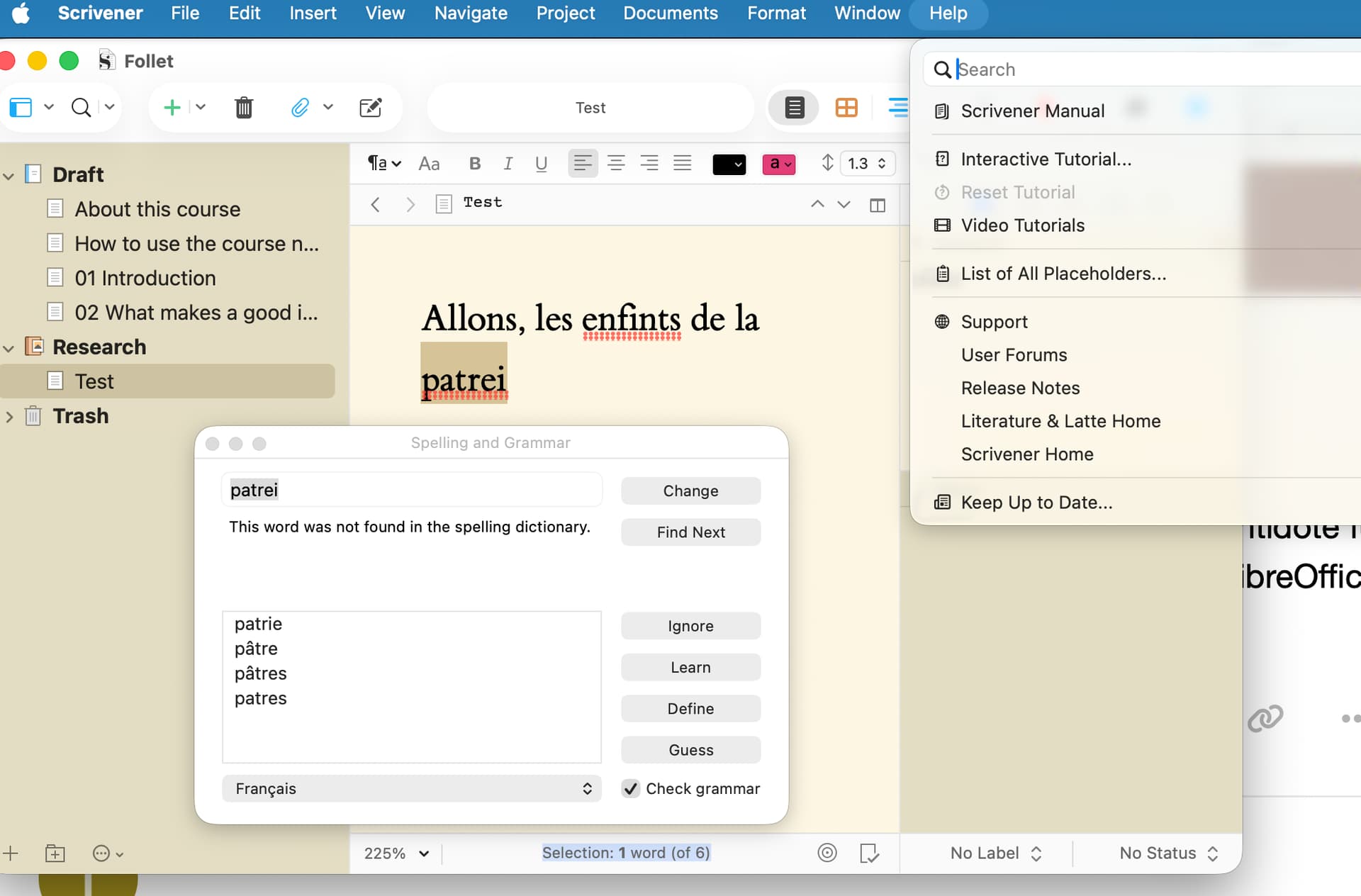
HTH
2 Likes
Many thanks it’s perfect 