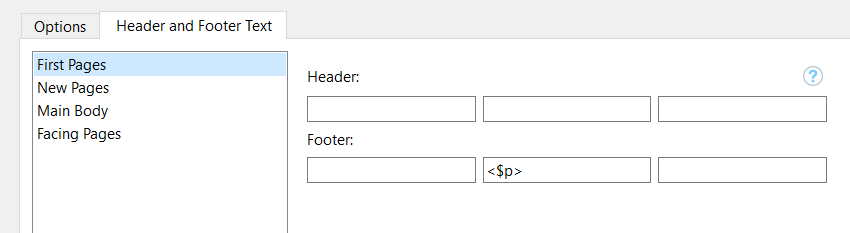
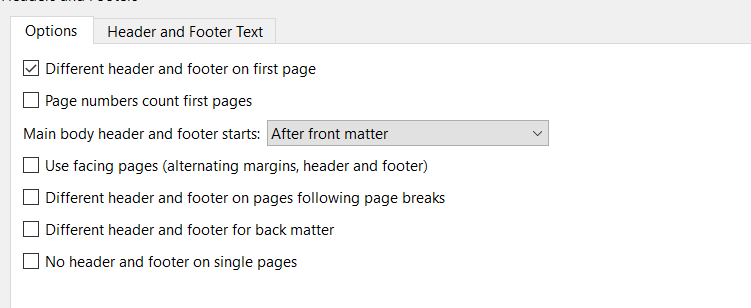
The position of page numbers can not be modified with my project. They are always displayed left, no matter which position I choose. And there seems to be a misassignment between section names and header/footer configuration. I only can see page numbers when I assign $
to the ‘first page’ section, assigments to ‘main section’ are not displayed.
BTW, where is the dialog that allowed to change the project and author name within the Metadata/Project Properties in 1.9?
I have exactly same problem, pagenumbers are always aligned to the left and only when I set pagenumbers to the first page section. Settings for other sections are not displayed when the document is compiled.