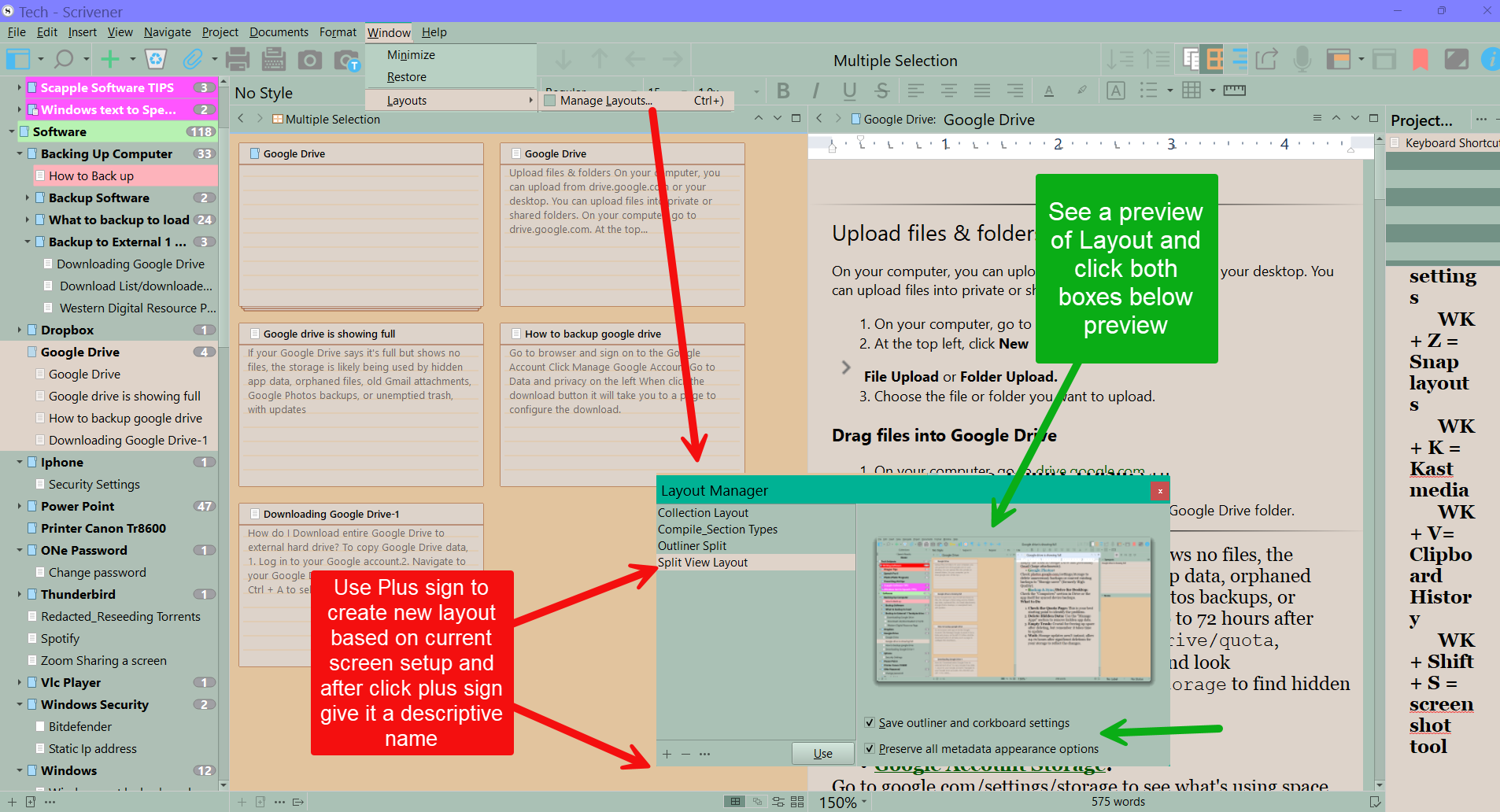
I like to write in split screen, with my working document in one side and my grid of notecards in the other half. Is there a way to lock the grid half to always display the same view? Note: I do not mean locking it to one specific document, I know it can do that. I mean, if I have that half active and click on another section, can I set it to have that section then load in grid view by default?
1 Like
On my platform (Scriv MacOS) that is the default behavior.
1 Like
It will stick to this view for folders in the binder.
Either use folders, or activate this setting in the options :
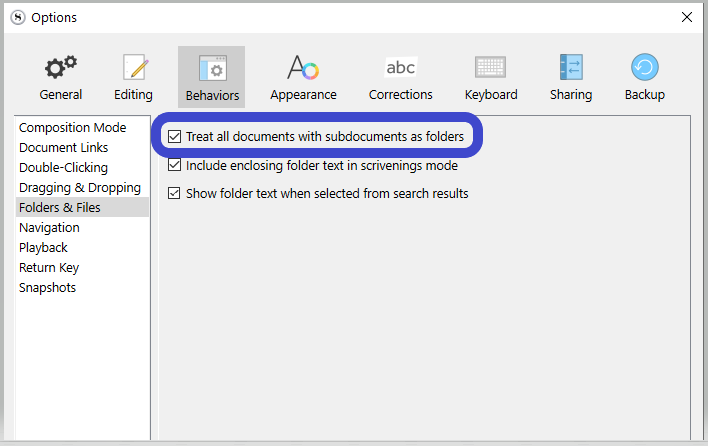
Folders do/will remember the last view mode. So, until you change it, it’ll stick.
3 Likes