I see that this is a known, unfixed bug. The other posts recommended selecting all text and checking the outline setting in “format” but I have pictures in my documents so when I select all, the outline setting is grayed out and I cannot select it. I have to manually highlight each section that does not have a picture and uncheck outline which will take forever. Any other ways to go about this? Or any ideas if this glitch can be fixed?
Hi
I can’t think of a way to select all text (any formatting) but not the images.
But, I just tried, and having images selected along the text did not prevent me from toggling the outline. The menu function wasn’t grayed out. Make sure your editor has focus.
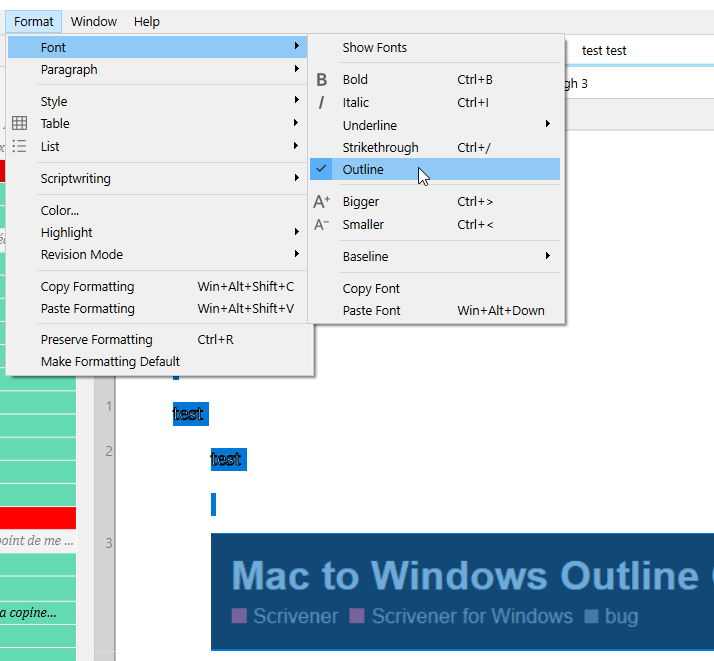
(You might have to do it twice : once to outline whatever didn’t suffer the bug, should it be so, and once again to remove it from it all.)
Thanks for the suggestion! I ended up selecting all (ctrl-a) and kept toggling ctrl+; a few times instead of using the dropdown. That ended up forcing the text to remove outlines.
1 Like