In my novel project, I have multiple locations where a bit of prose must start on a new page, for tension or rhetorical/literary effect. After trying several other ways to achieve this (see below), I ended up simply inserting manual page breaks into the text. Easy-peasy.
When compiling to epub, these manual page breaks are respected, putting the bits of prose on a new page every time, exactly as I want.
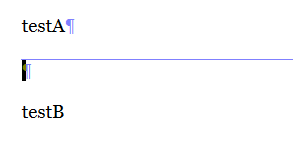
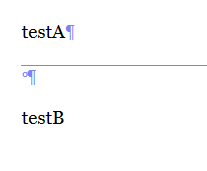
But when I compile to docx, the manual page breaks vanish. In their location, there is nothing in the Word document, even with unprintable characters shown.
I would expect Scrivener to treat these the same in epub and docx. If not, why would anyone want to use them? Is this a bug? And if so, how can I get around it?
Thanks!
(Creating a Section Type/Section Layout for this with page break Separator before, puts these bits of prose in the TOC, which I don’t want. Creating a custom TOC (structured link list) to fix this doesn’t use my chapter formatting as defined in the Section Layout for my chapters, so doesn’t achieve the desired result. And the option to exclude specific Section Layouts from the TOC, as documented in the manual, doesn’t actually exist.)
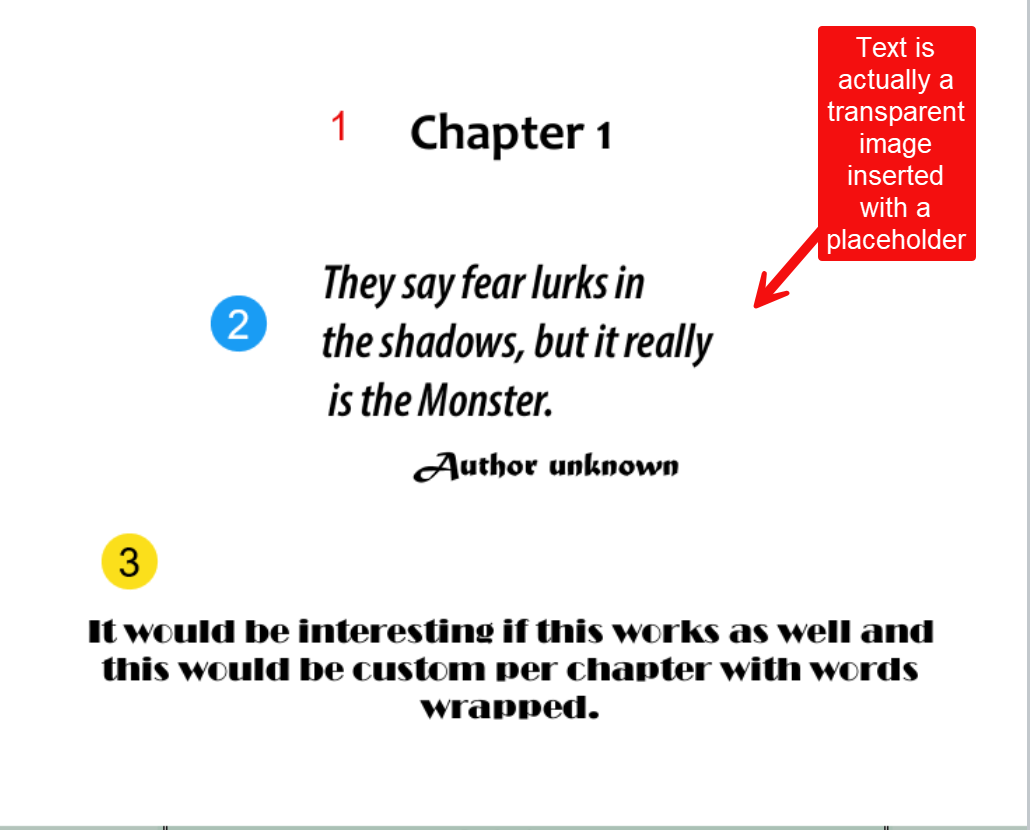
You could insert an image of transparent text into a page with a placeholder. Would not be a page break but could make big enough to have space before text starts. I have an article about that on my website.
Turns out there is no difference between epub and docx for this issue. The text fragments that need to start a new pages were in separate documents. After trying out the manual page break, and finding success in epub compile, I merged all these documents, and compiled to docx, and found that the page breaks were no longer compiling. But after the merge, compiling to epub also ignored the page break.
So the actual issue is: Manual page breaks only compile when they are inserted at the very start of the document. Manual page breaks anywhere else are ignored.
I’m mystified as to how this would solve my issue. I’m sure I can insert an image large enough to push the next bit of text to the next page. But the necessary size of the image would depend on the length of the preceding text, meaning that whenever I edit the text and the length changes, I’d also have to adjust the image, recompile, and verify that the image has the appropriate size to push the next text to the next page.
Maybe I’m missing something, but your suggestion seems to have very little to do with my issue.
I meant combining an image or image of transparent text with a chapter heading on one page. The chapter can be set to have a page break and thus the text is separate from the beginning of the scene. In the image above #3 was a custom metadata text field with unique styling applied in the Section Layout. Again this could be contained on one page based on amount of text you are talking about. The other option if this text is more than one page is to have the text as a different section type and then have the section layout be text without a title.
Else, what I would do, and perhaps I’d do it before the above, would be to create a dummy project and import my compiled docx in it. If the page-breaks are still present, then it is Word acting up. Nothing to fix in Scrivener, in your project itself.
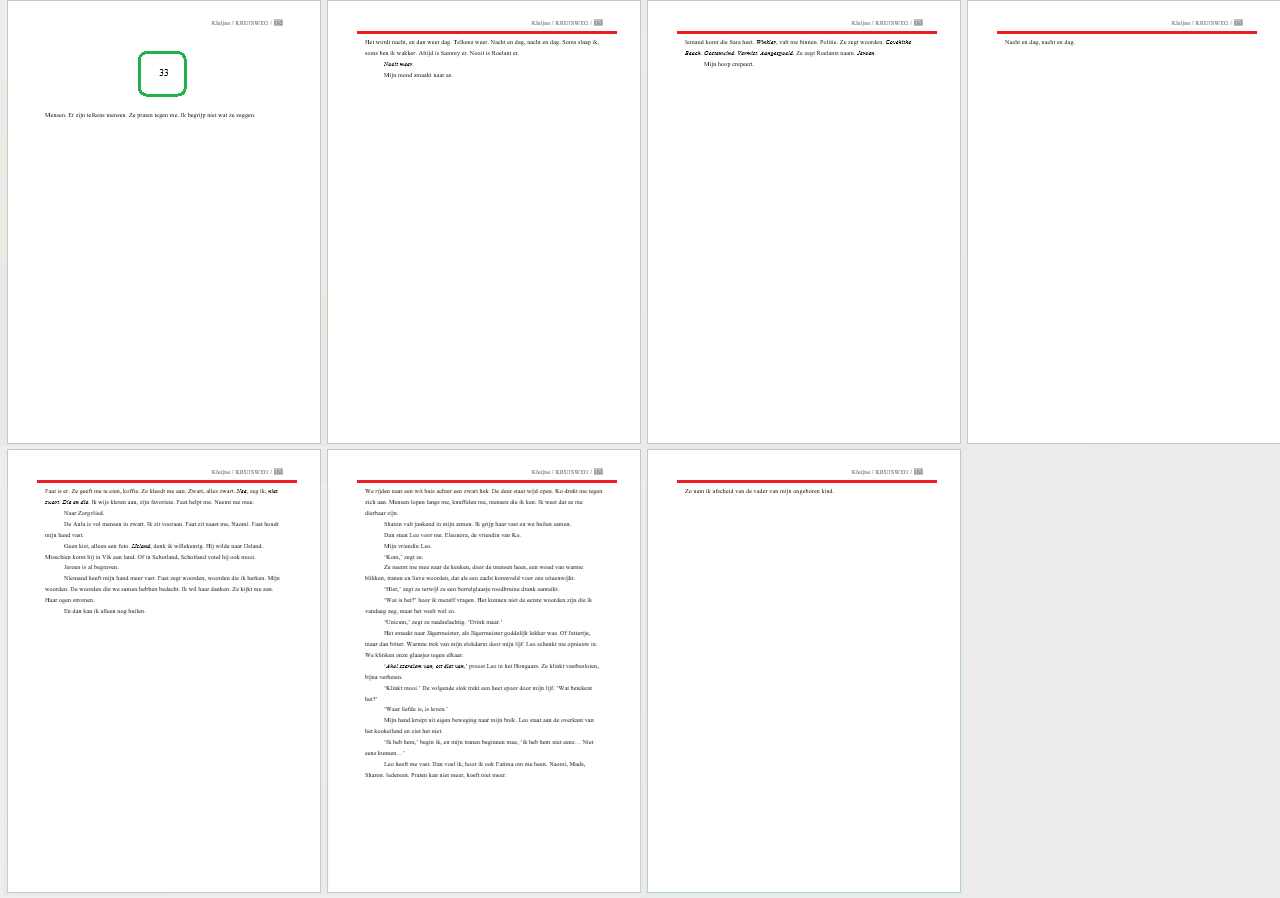
Okay, so I need to be more specific about the requirements. I’m talking about a single chapter (folder) with a title, comprised of multiple bits of text, each consisting of 1-handful of paragraphs each. Each bit needs to start on a new page, and only the chapter may be listed in the TOC. Having a section type with a page break separator puts the sections in the TOC.
See the image below: The green box indicates the chapter number (<n:Chapter>), which must go in the TOC. The red lines indicate where a page break is needed, which should NOT appear in the TOC.
But see my comment from earlier today: the solution is to separate the bits into separate documents, and insert a manual page break at the start of each document.
Scrivener has logged as a bug the fact that manual page breaks in the middle of a document don’t compile.
. . . . . . . .
Note that prior I ran a test.
I inserted a bunch of page-breaks to a document, compiled to docx, and in LibreOffice all was fine.
I then tried to tweak compile options so that it would compile without the page-breaks, to reproduce your issue, but I couldn’t. (Thus my suspicion toward Word.)
[EDIT] OK, I had only quickly skimmed the image part and missed that.
. . . . . . .
As I said, all works fine at my end (Windows).
The fact that it doesn’t work in both format (new data) changes the rules a bit.
I was just now able to “mess up” my compile by replacing the page-break with nothing in my compile format’s replacements. It is very far fetched, but worth having a look.
Have also a look at the compile panel’s replacements too.
… (Perhaps at some point, for a printout maybe, you wanted them bypassed and you since forgot?)
. . . . . .
Another thing to try :
Create a dummy document as the last document of your draft/manuscript.
Add some text and a couple of page-breaks, here and there, between paragraphs.
Have only that document selected in the binder, then compile selection (only that one document).
If it compiles fine, all page-breaks respected, then compile the whole manuscript.
If in the whole manuscript version that last/dummy document is no longer fine, then it means that there is something flipping it off, messing up the formatting or else, somewhere in your project, in one or more of your documents. It has been seen before.
No project replacements in this project. (And even if there were, I don’t see why a remove-page-breaks replacement would leave start-of-document page breaks intact, and remove the mid-text ones.)
Created two dummy documents, inserted page breaks in various places, including one at the start of the 2nd dummy document. Only the one at the start compiles, the others vanish.
I would create a new, blank dummy project, and run the same test in it.
Don’t drag or import anything to it.
Insert all text and page-breaks anew, manually.