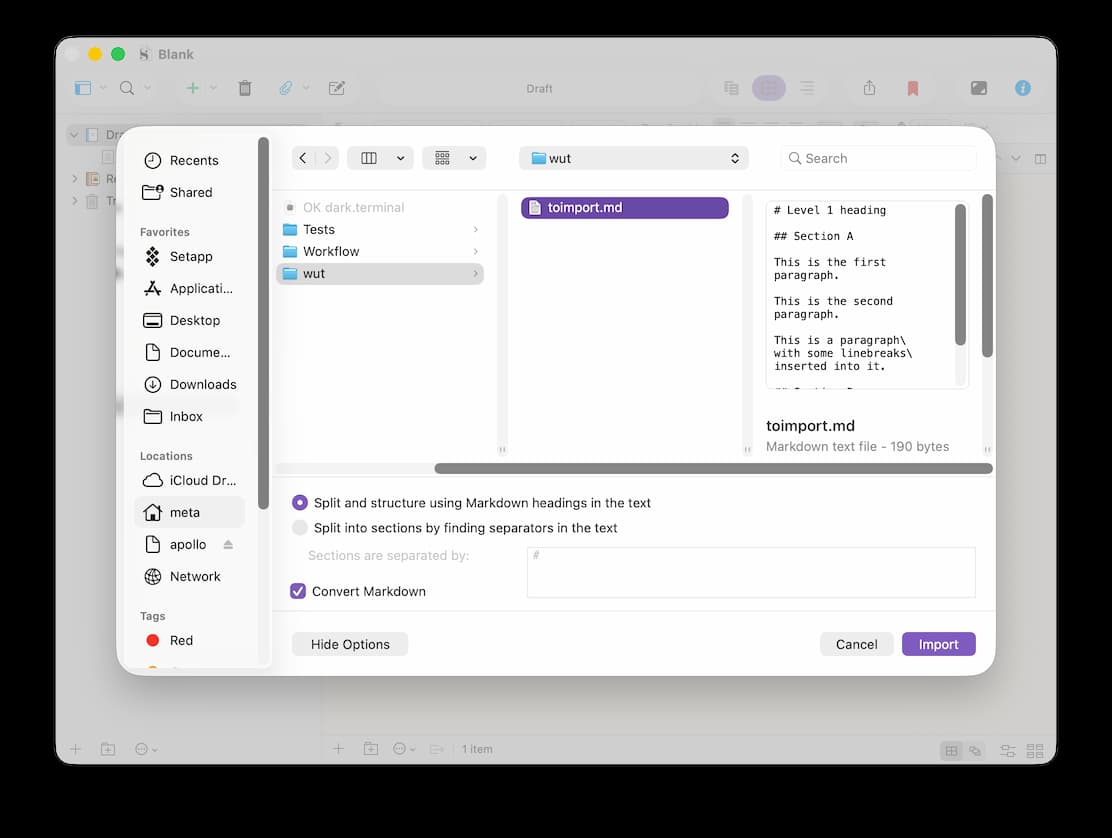
# Level 1 heading

## Section A

This is the first paragraph.

This is the second paragraph.

This is a paragraph\
with some linebreaks\
inserted into it.

## Section B

One more paragraph.
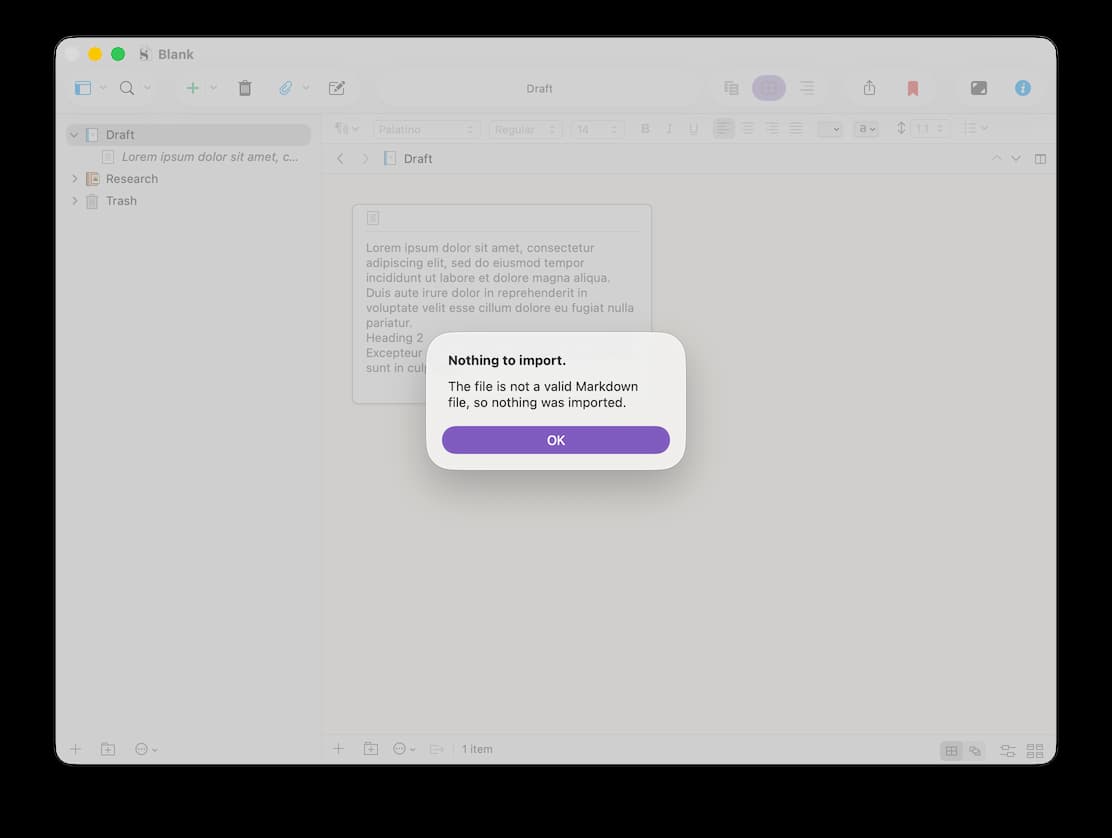
I’ve just tried on a different Mac, same OS and Scrivener version (26.2, 3.5.2), same file (identical SHA256 checksum), and it works on this machine. I’ll try to work out what the difference might be between the two.
I don’t have a problem with this either (though macOS 15.x is what I’m using, which might make a difference). Do make sure the file is UTF-8 encoded, and maybe check LF line endings as well (in theory the Mac will handle Win CRLF endings too, but things do get a little more picky once you get into processing text).
By the way, in most cases I would recommend using Pandoc or similar to create a .docx file and import & split that, using outline structure to split by (Pandoc will generate a stylesheet outline from heading structure). You’ll get better quality that way; this checkbox you’ve ticked here is not amazing. It’s okay for very simple documents, I’m sure, but if you have figures, footnotes, or anything more complex than a little italic here and there and some headings, I’d just go with Pandoc.