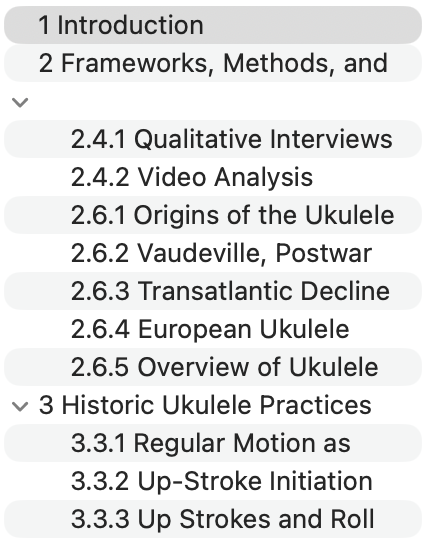
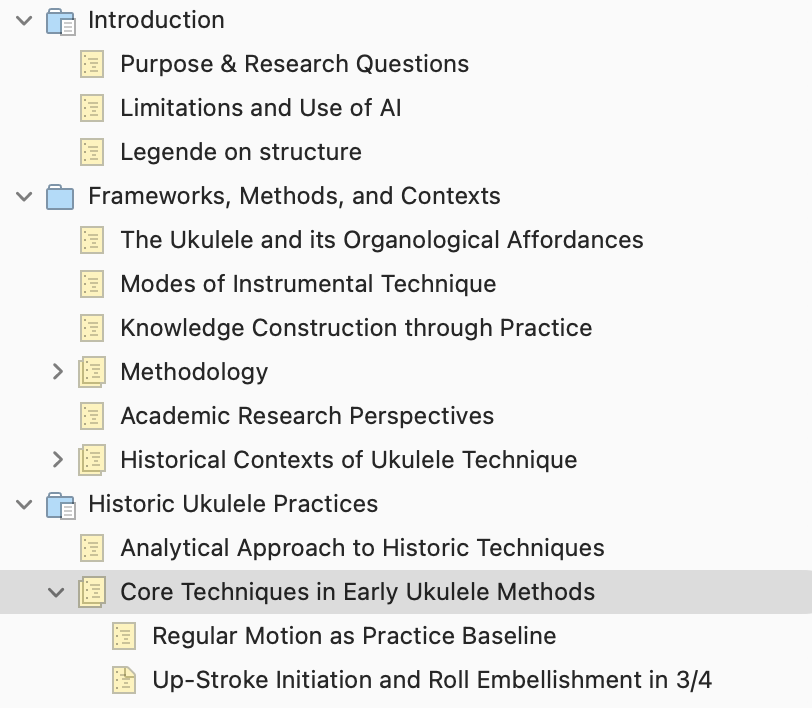
I’m currently trying to get Scrivener to export to Word and format the headings correctly. While it doesn’t work when I’m compiling to .doc (and not at all when to .docx - file unreadable), it generally works when I’m compiling to .rtf. However, my “Section xx” are not formatted as Heading 2 as they should be, but are formatted as standard.
As far as I can tell, all sections are correctly assigned and I cannot makeout a difference between the styles where it works and the one where it doesn’t.
I’m afraid a little further information on how you are working, such as whether the headings are being generated by the compiler or not, would be necessary to provide any specific advice. That said, I’ve written a short how-to on making properly styled headings. If you’re familiar with the basics of how these work in word processors (as it sounds), then skip down to the Application of Styles in Scrivener section of that post, where additional guides are posted. The second link in particular has a sample compile Format.
As an aside, from your screenshot it doesn’t seem like you are writing a screenplay, but all of your documents are set to scriptwriting mode—as indicated by the yellowish paper. Perhaps that is intentional (there are unorthodox ways of using this feature for sure). If it is not, then I would first try converting one back to standard writing mode, by selecting it and using the Format ▸ Scriptwriting command at the very top of that submenu. Experiment with the document, make sure it works fine, and if it does, you can bulk select and convert using the same procedure on a larger scale selection in the binder.
Note that toggling modes won’t change any formatting, it is a completely benign toggle that only impacts how text formatting works as you type. It is designed to be freely toggled on and off for those that write scripted sections within prose.
Thank you so much for the hint on the scriptwriting. That was completely unintentional and I couldn’t revert it.
I found the mistake while going through your suggestions. Had missed assigning “Heading 2” to the respective heading in the formatting area of the section layouts.