Hi
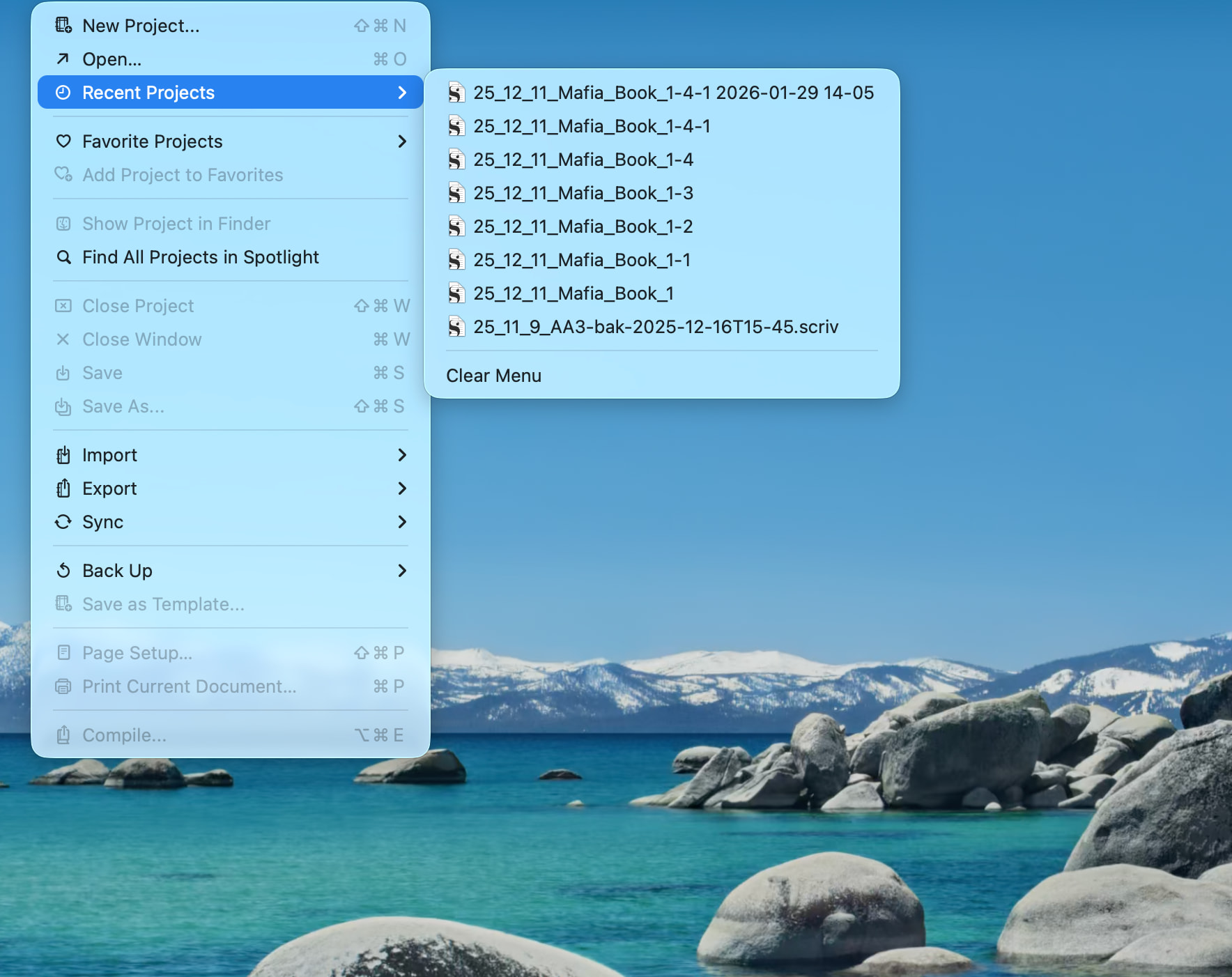
The one at the bottom of your list is clearly a backup.
Setting your backups to be zipped would already spare you loading them by mistake. The setting is in the backup tab of the preferences.
You need to get off the Recents Menu. Find your project in the Finder and open it directly. Five will get you ten this will resolve your problem.
Going forward, I recommend against relying on the Recents menu at all – that is an Apple function, not a Scrivener one.
Instead Favorite your commonly used projects and use trhe Favorites Menu instead.
This avoids the danger of inadvertently opening up and starting to work in something other than the current master copy of your project. You are especially prone to this danger, because you are not having Scriv zip your Scriv backups.