Hi, I have a new Mac Bk Air and after downloading the latest version of Scrapple, none of my old documents will open. I tried deleting it, uploading an older version and still it won’t open old docs!
After downloading Scapple, did you actually install it? Have you granted it permissions to open files? Any sort of error messages displayed? Exactly how are you attempting to open the files (via Finder? Menu: File - Open?)?
1 Like
I’ve tried so many things, but not those! Somehow when I tried to delete and reload the application…the one I’m running now shows this when I try to check for updates:

The dialog box says exactly the problem. Incorrectly installed. Do the install again and follow the onscreen instructions or see
1 Like
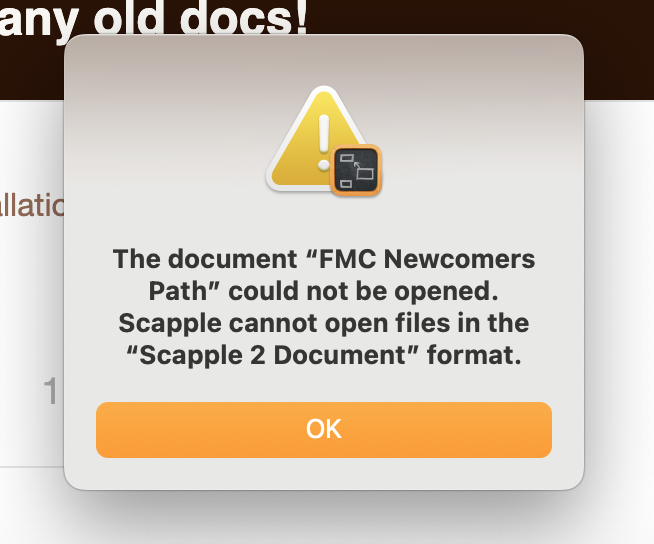
So I circled back to this problem and really thought/think I downloaded the latest version of Scapple. Right now I’m running 1.4.2. I don’t know why downloading 1.5.? didn’t work, but I don’t think thats the real problem. I think when I was mucking around with this Newcomer’s Path file (changing extensions and whatnot), I destroyed it. Is there anyway to get it back? Also attached, a screen shot of the error message I get when I try to open it or add it here. Many thanks.

Locate one of your Scapple projects in Finder. Right-click, and choose the Get Info option. What is the “Open With” setting?
Also, what version of Scapple are you running? The About Scapple command will tell you.
1 Like
“Scapple 2 Document?”
For a different project, it says, Open With Scapple 2. I’m running1.4.2.
Yeah I don’t know what that means. But a document that does open; Get info/open with/Scapple 2. But I’m running 1.4.2.
Scapple 2 doesn’t exist.
If you installed the new version – 1.5.1 is the latest – without removing the old one, Mac OS would have named the new copy “Scapple 2.”
Look in your Applications folder and see what’s there.
1 Like
I deleted the old versions and successfully installed Scapple 1.5.1 I still can’t open the documents that I butchered by changing their extensions. There have to be older versions somewhere, right? Here are the latest crop of message boxes:
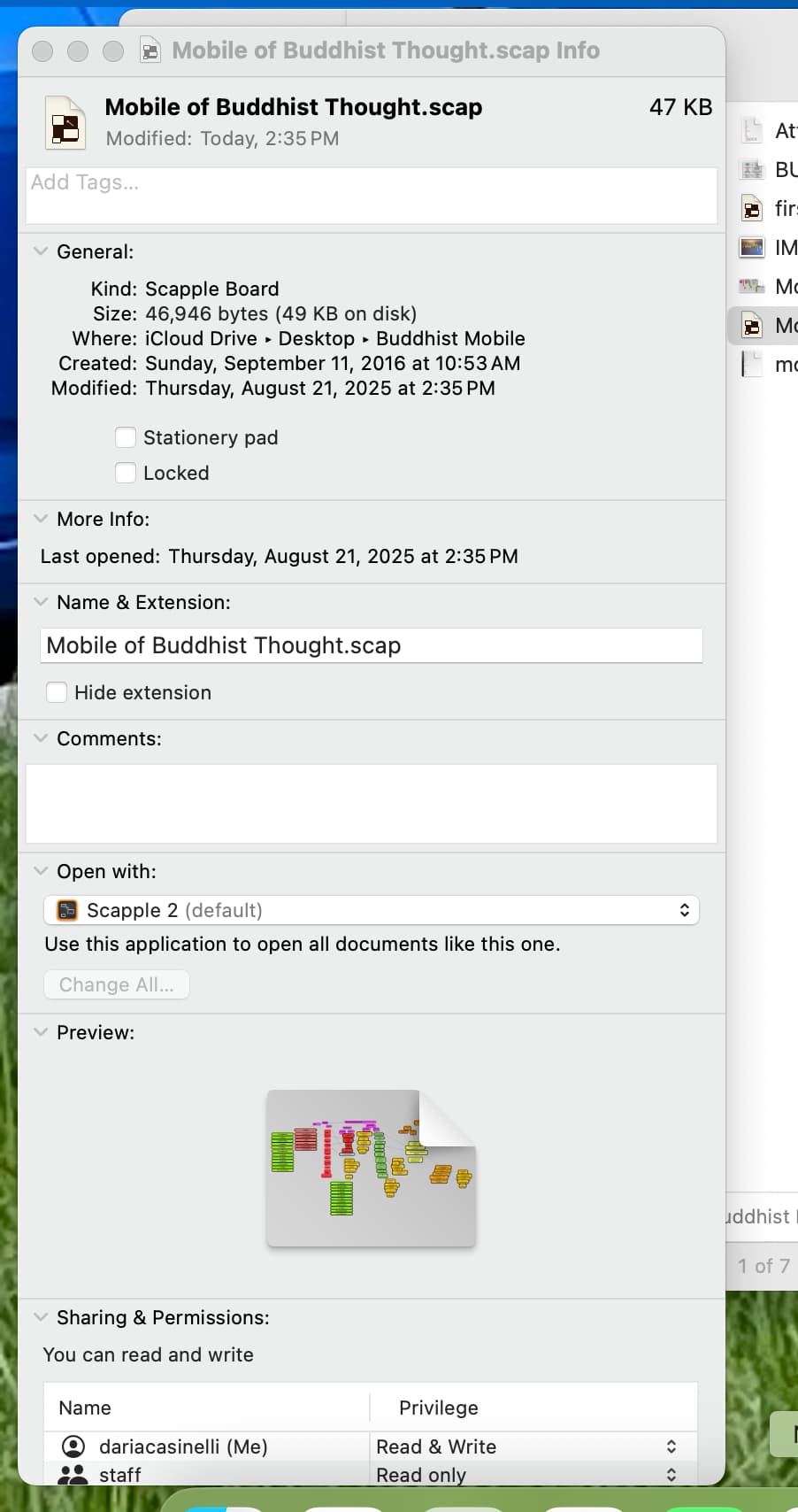
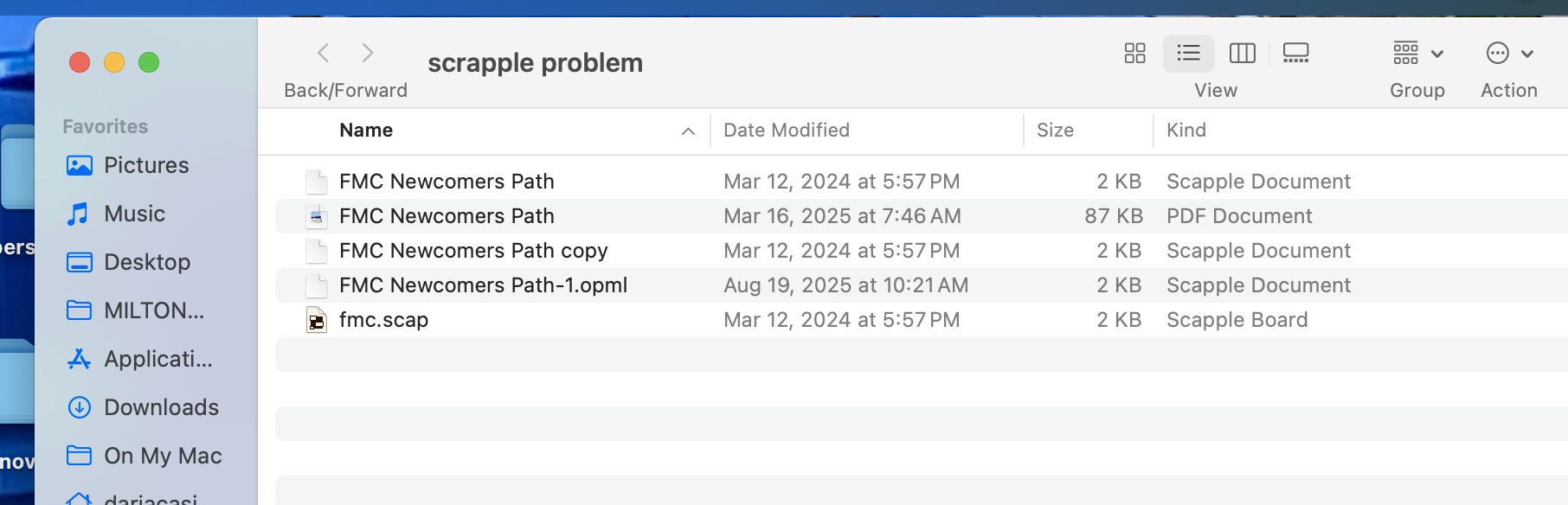
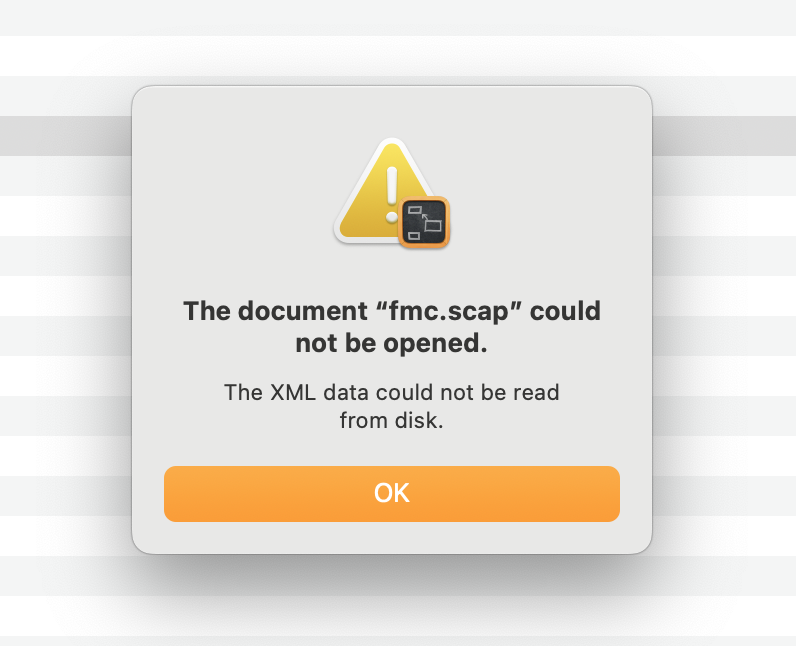
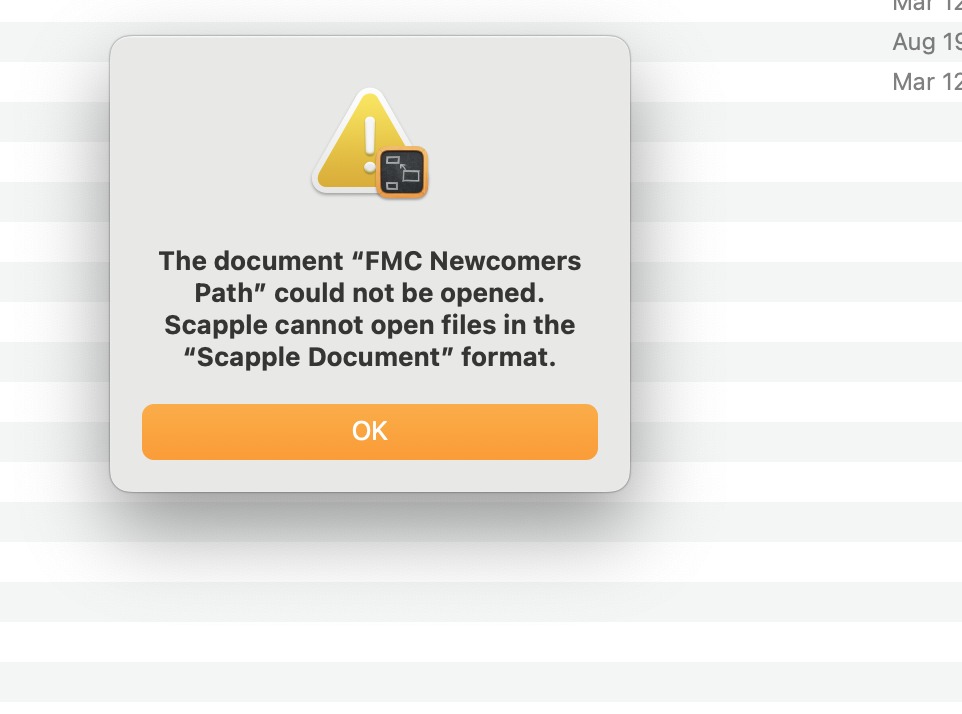
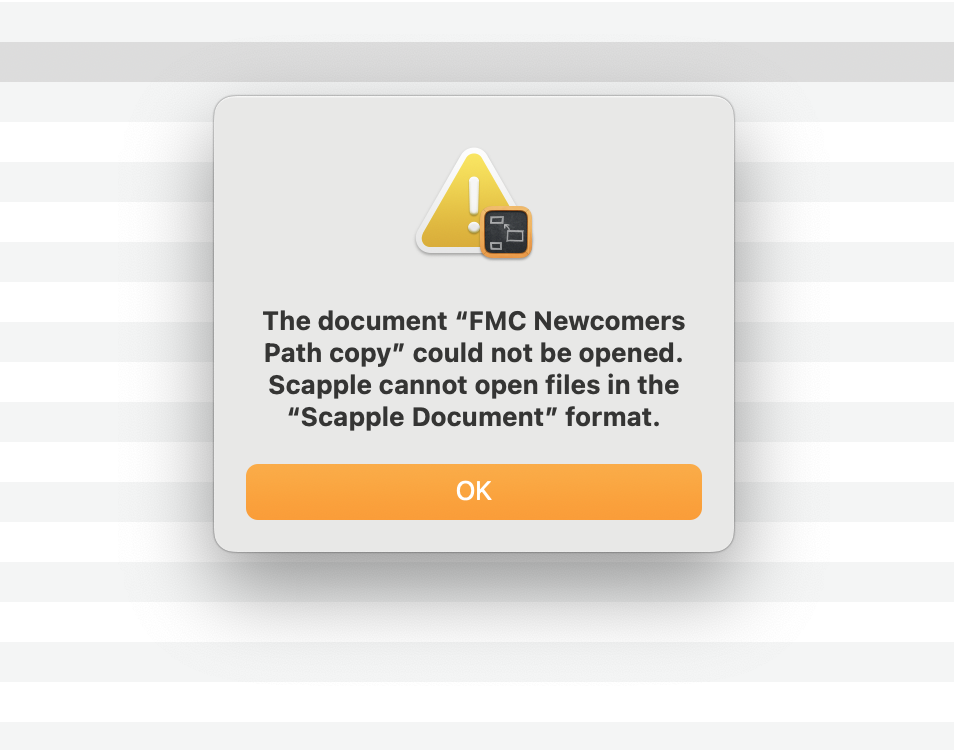
In the Info box screenshot you posted, see where it says “Open With?” Change that to point to your actual Scapple application. If the file then opens correctly, use the “Change All” button to set the default for all .scap files.
3 Likes
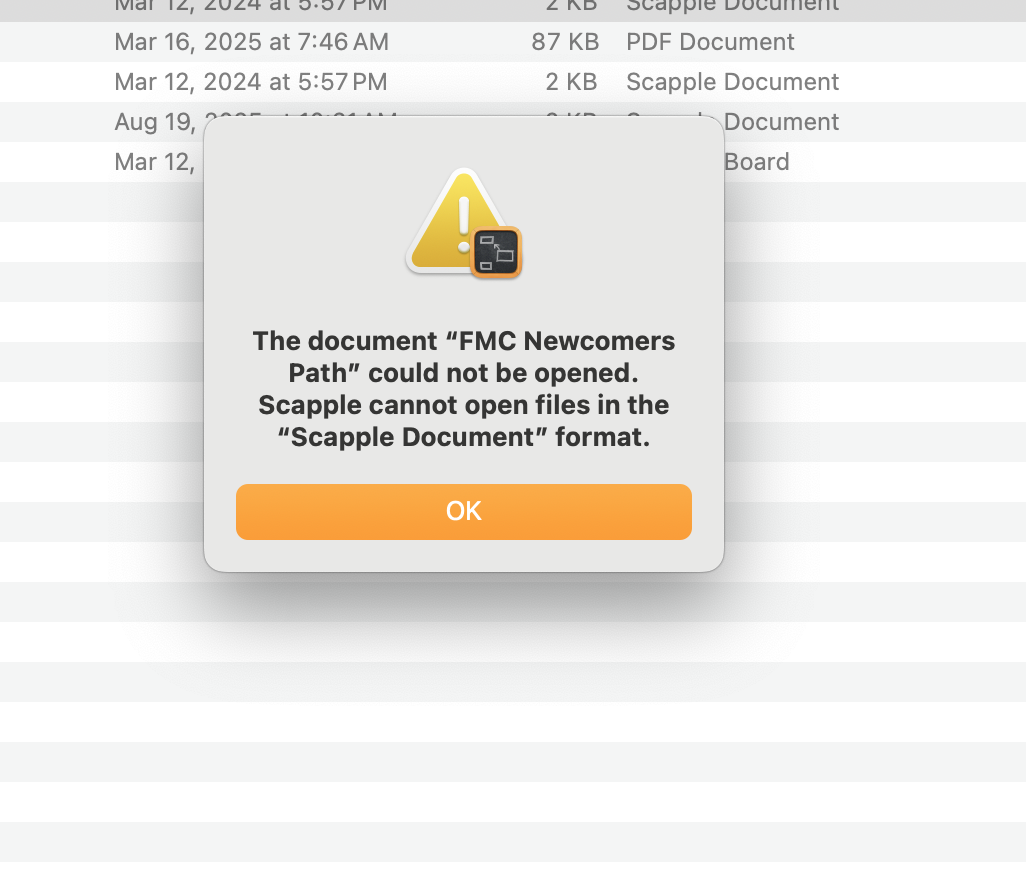
Hmm. Are you able to create new files with this version of Scapple?
Do you still have multiple versions in your Applications folder?
Yes, I created two Test documents, with the new download, Scapple, 1.5.1 that it is storing on the cloud. I haven’t been able to find any second download of Scapple. Still getting the same message about not being able to open a Scapple document. Is there any way for me to locate the last saved version on the Newcomer path, before I started changing extensions?
I opened a back up version!
1 Like