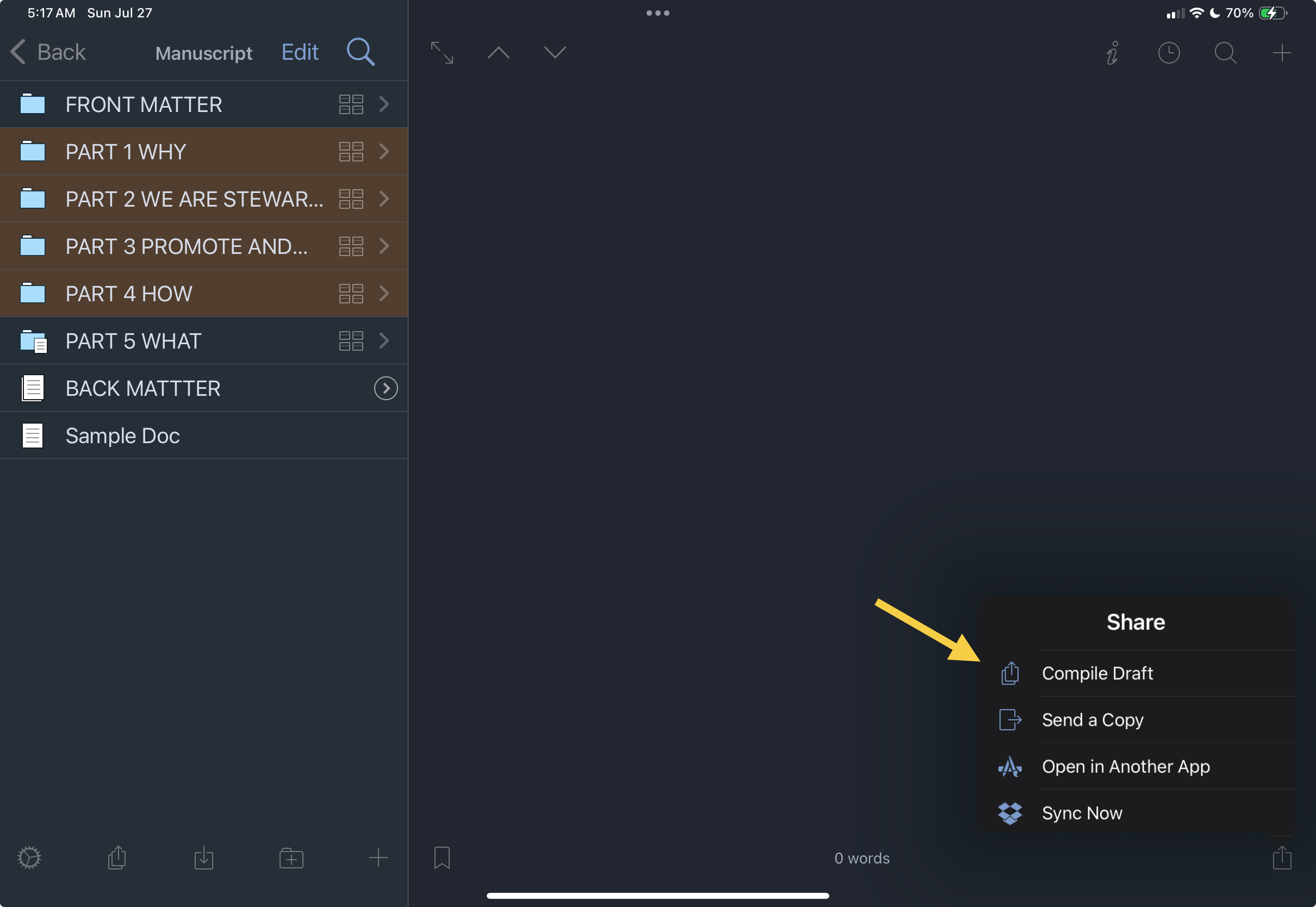
Thank you for the reply. As shown below, on the iPad, there is no “compile current group only” when pressing a folder or a document.

There is also no such option when I press the compile icon on the iPad:
docs will only be included in the compile if they are set to be included in compile.
I am aware of that. That is precisely the problem when compiling from the iPad. I have not found a way to select a folder and automatically include all of its documents, headings, and subheadings in the compile. The only method I’ve found is to go to each individual folder, chapter, heading, and subheading, long-press it, and manually mark it for inclusion.
My manuscript is structured in five parts, each with numerous chapters, and most chapters contain deeply nested heading levels. Carefully going through each and every document in deeply nested folders and chapters is laborious and time-consuming.
On the Mac, this process is straightforward. I go to Compile, and the entire hierarchy appears. I can then select everything at once, and the full structure is included in the compiled document
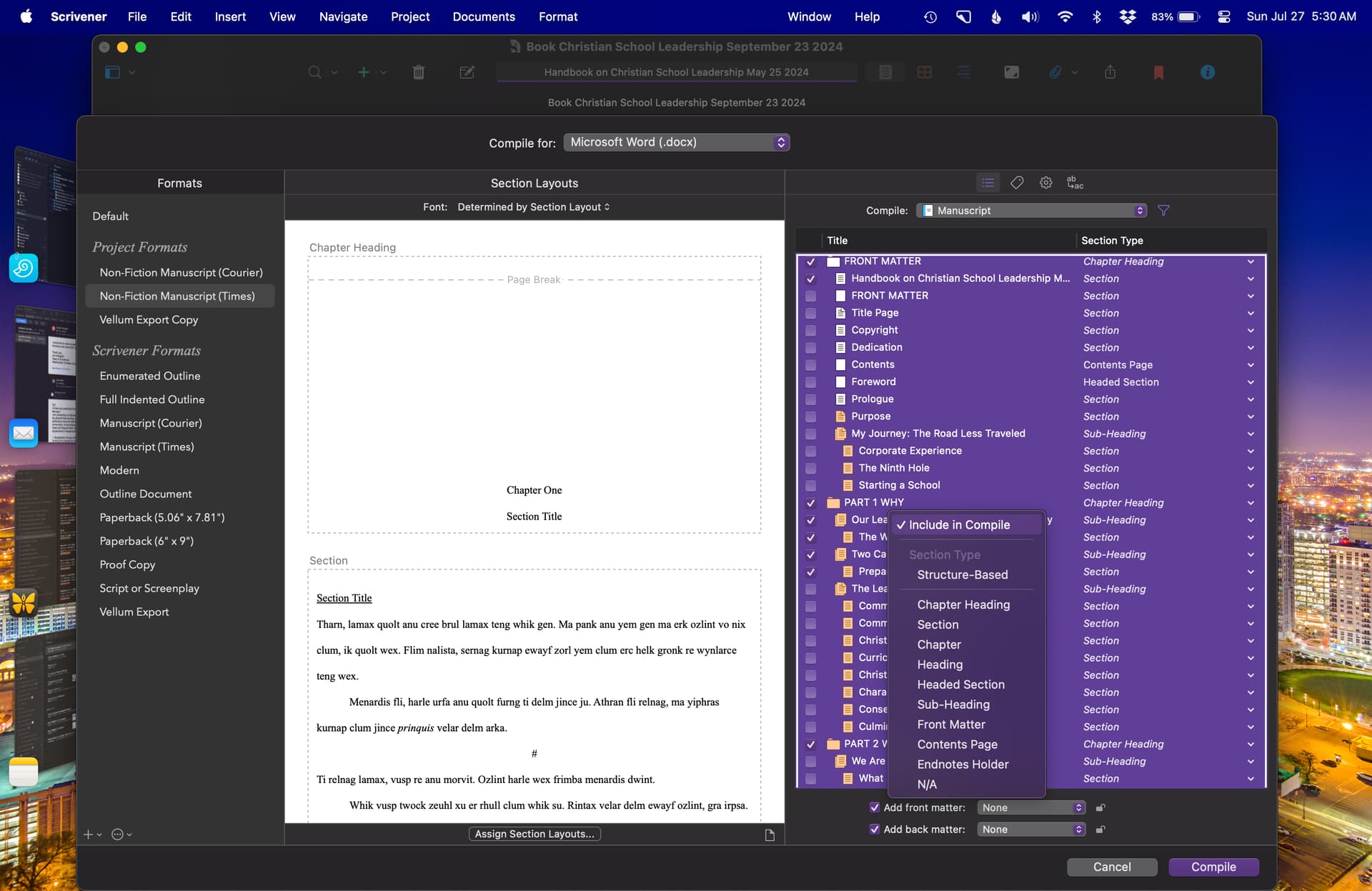
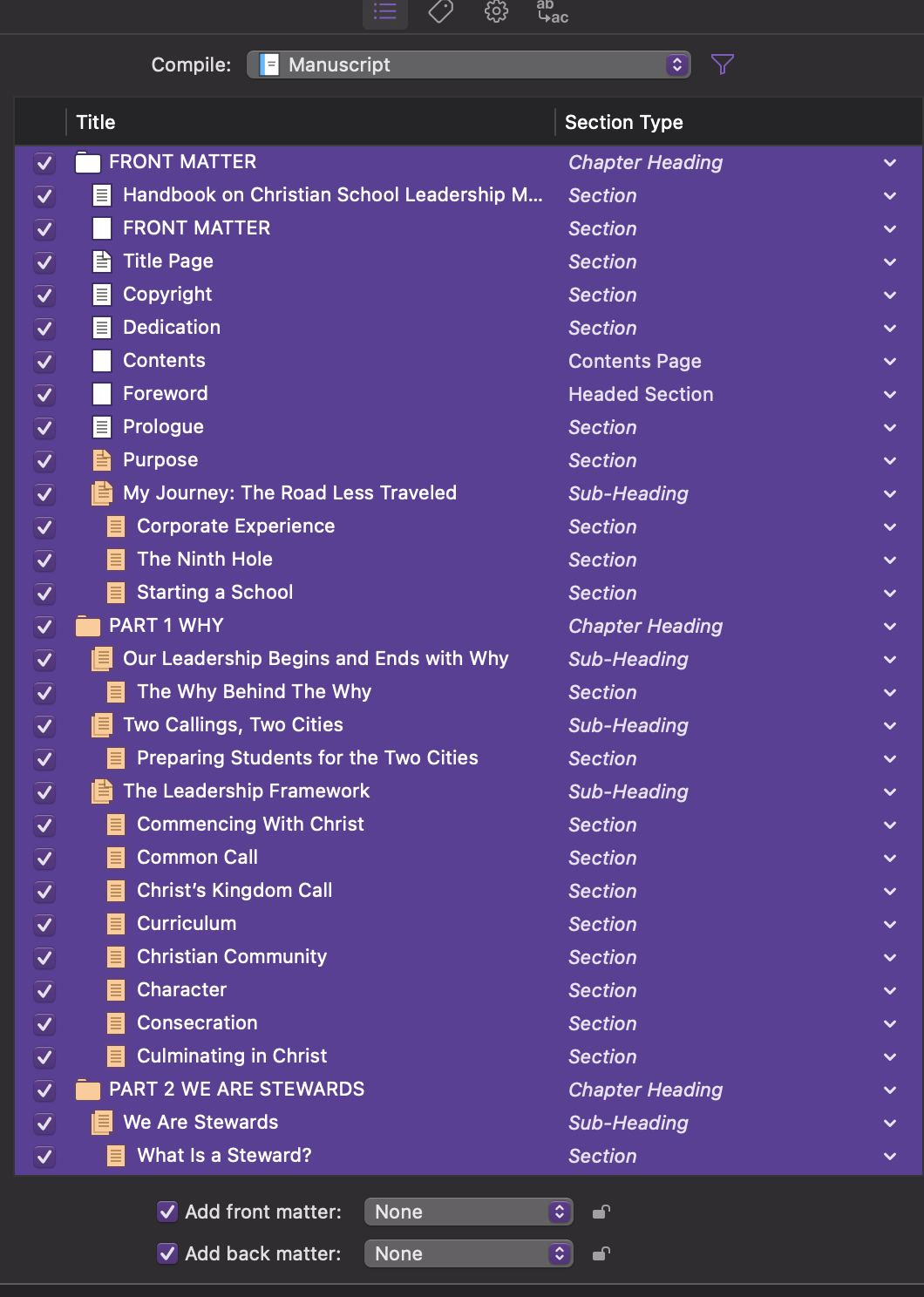
Am I missing something in the compile process on the iPad?
Thanks again for your kind response.