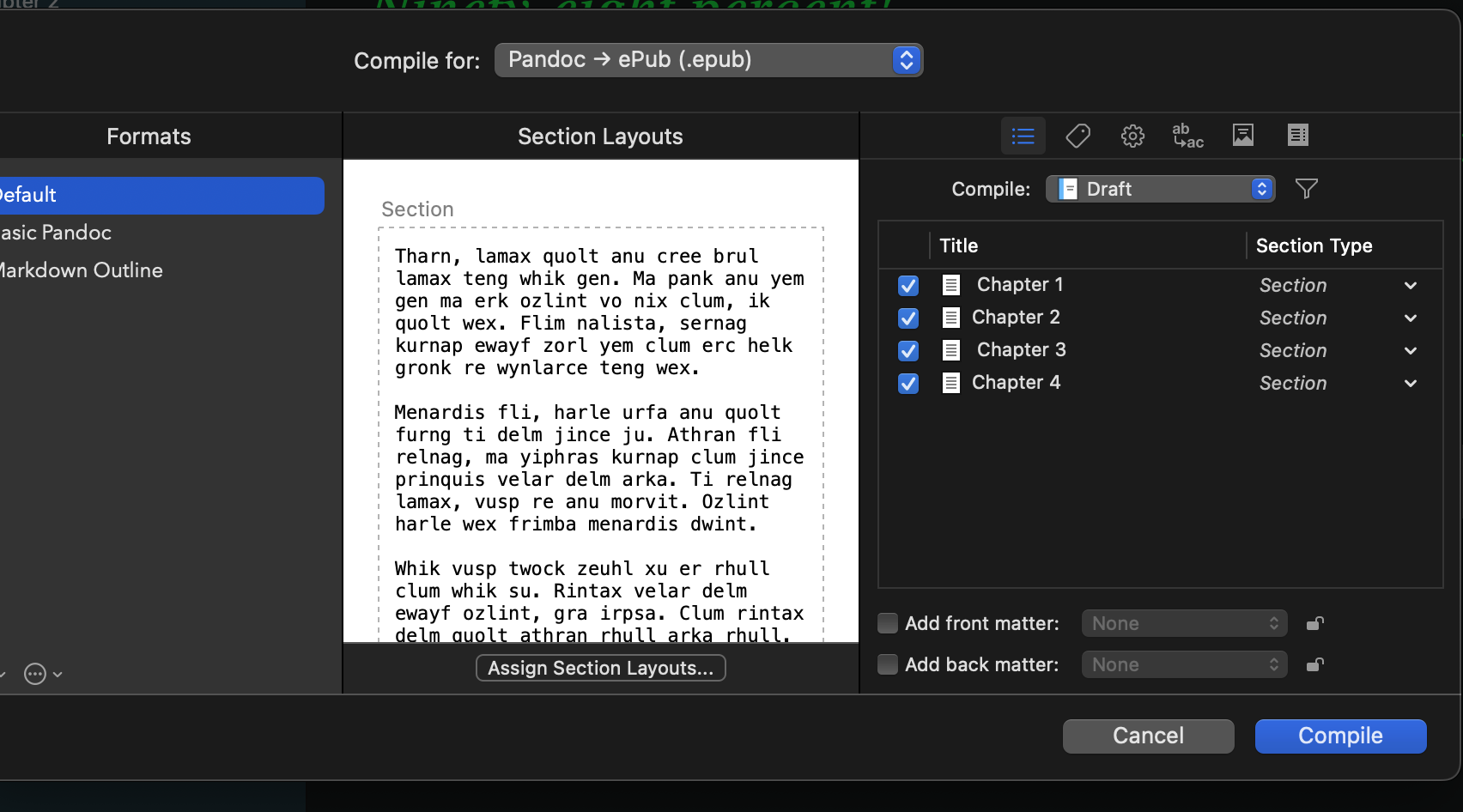
When compiling in Dark Mode, the middle pane is not in dark mode but displays in white. The problem is that the glare makes it difficult to read the other two panes–and sometimes everything else–on the screen. Is there a way to force this central pane to display in Dark Mode?
This may seem like a rare issue but this week there were two posts on Ycombinator addressing dark mode vision issues so I am confident that I am not the only one experiencing this issue. They tell me I need an operation but…
I think the idea is that rich text users would need to understand what the previews look like on normal paper (for that same reason there is in fact a setting on the Mac version that will make all text editors bright white while everything else is dark). I agree it is entirely unnecessary with anything plain-text related like this—though I don’t know if inconsistency depending on which option is set in the top dropdown is the best answer either. You’re going to get a sudden burst of light if you stray outside of Markdown or TXT, and I think that would be just as shocking as it always being that way no matter.
1 Like
Thank you. I can hold up my hand or a piece of cardboard so that I can read the left or right panes, but it’s not ideal.
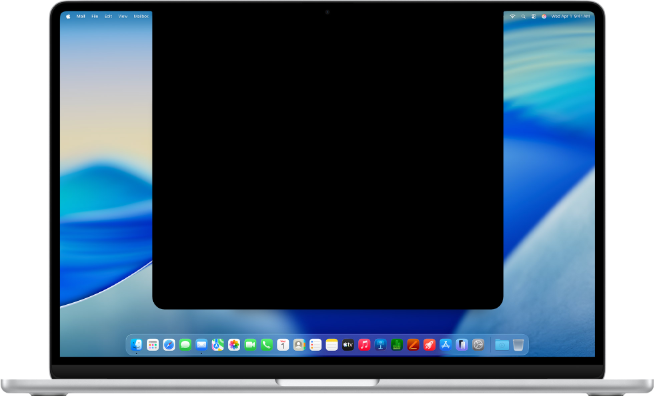
That’s a rare case where a bigger notch would improve the situation.
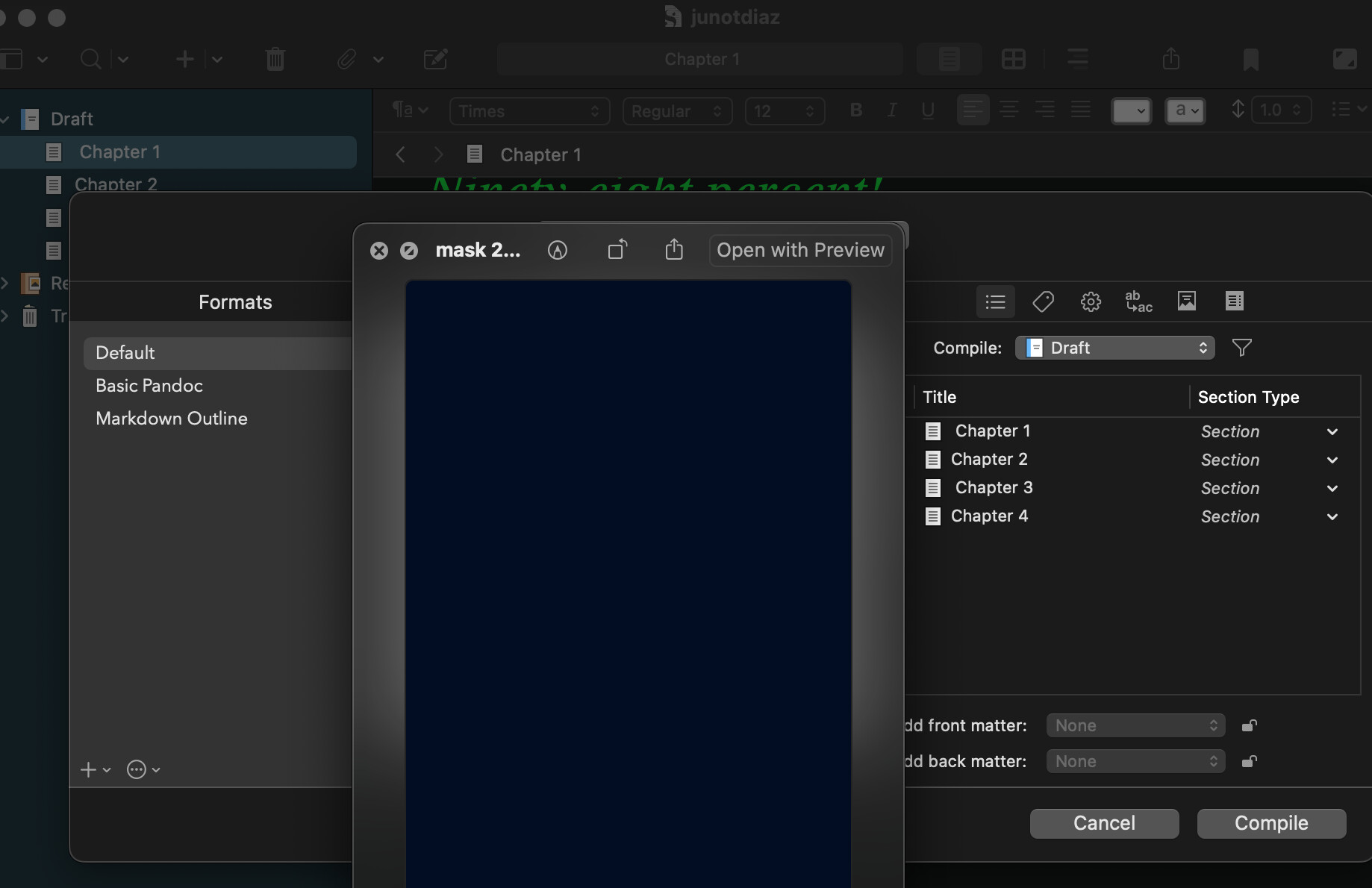
Here’s a possible workaround. I need to find a program that will display the mask and little other information. Preview on MacOS sisplays an unnecessary canvas that cannot be reduced in size.