Placeholder for paragraphs with a particular style

Hi,

In some cases, I would like to be able to include in the output text from a particular style. A typical case may be a running header, where I want to include text that is not the same as the document’s title in Scrivener.

For this latter, I could simply use the <$pageGroupTitle>. For an arbitrary paragraph in a particular style, there is no placeholder available.

This would make a great difference when having to export a PDF directly from Scrivener. While the output might not be as sophisticate as the one from InDesign, it may at the same time be more than enough for a simpler edition (like a report or a short manual) not requiring particular visual sophistication.

Paolo

Do you mean something like using a style that, for one particular output, appears like normal text, but with another has some accentuation to it (perhaps for editing and proofing purposes)?

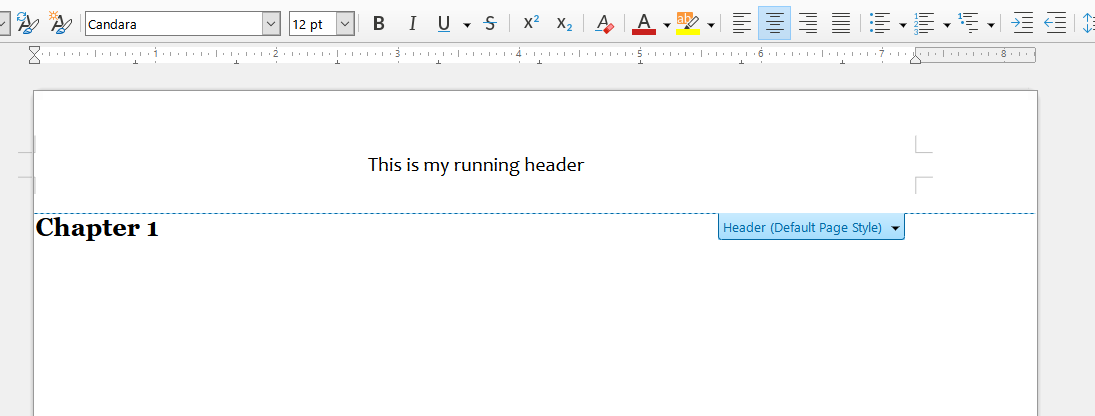
What I mean is something like this:

  • A document in the Binder has a title like “General premises”.
  • When generating a PDF, I want a running header that says, instead, “Premessa generale”, or “General premises about a very long writing”. That is, a text in a different language, or in the same language, but longer or shorter than the document’s title in the Binder.
  • The <$pageGroupTitle> placeholder, in the Compile format editor, would only let me insert the document title as it appears in the Binder. But I don’t want it.
  • If I could insert something like a <$paragraphStyle:“Heading 2”> placeholder, the first paragraph in the document with the Heading 2 style applied would be included in the running header.

Hope this makes sense.

Paolo

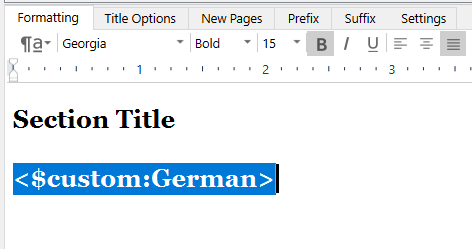
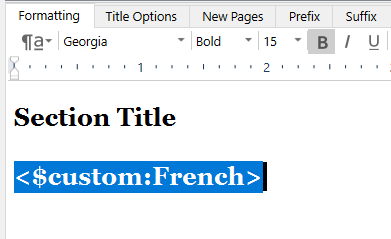
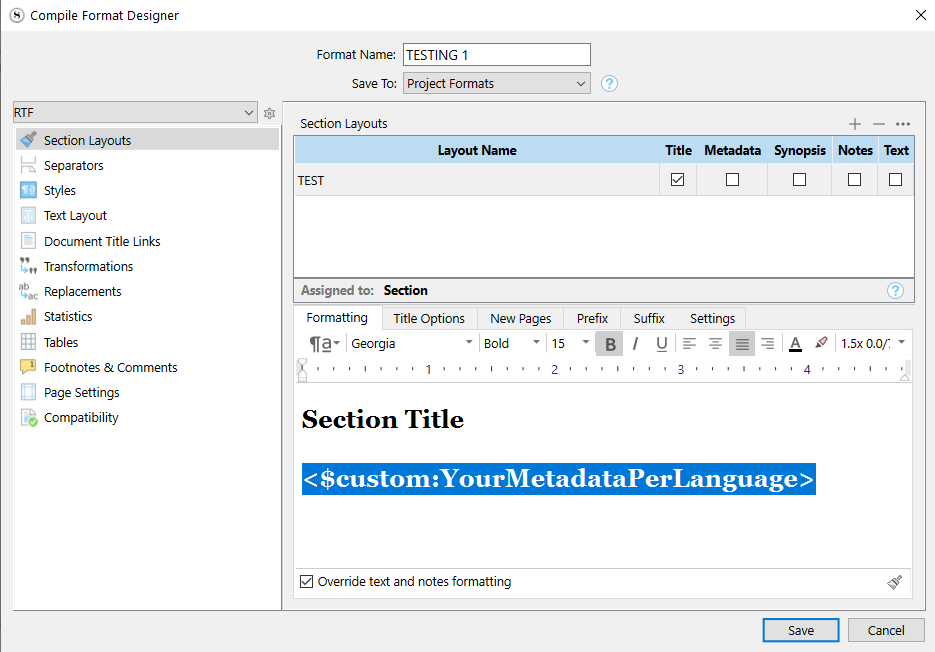
I would have my alternative titles (per language) in custom metadata fields (text) of their own. One per language.

In my compile format, I would uncheck the title if I only want the new title.
Put my placeholder pointing to a specific title-language as the title’s prefix.
Format it in the formatting panel.
[Same as above, with the binder title included, and the placeholder as a suffix, if it is an extra.]

Once I’d have a section layout that matches my needs, I’d duplicate it, and adapt the title prefix’s placeholder to target the other languages’ custom metadata fields.

Once this is set, I’d compile using the appropriate section layout. (One or a set per language.)
I’d rather create complete compile formats (duplicates of the first one), one per language, if using section layouts inside a single compile format grows too complex.

. . . . . . .

That’d be one way to do it. I’m sure there are a couple more.

═════════════════════

After reading your post again, I realize I misunderstood the question somewhat.
You want this at the top of your pages?
Then you could create a binder document that has only a title and no content.
Compile it through a section layout that excludes everything.
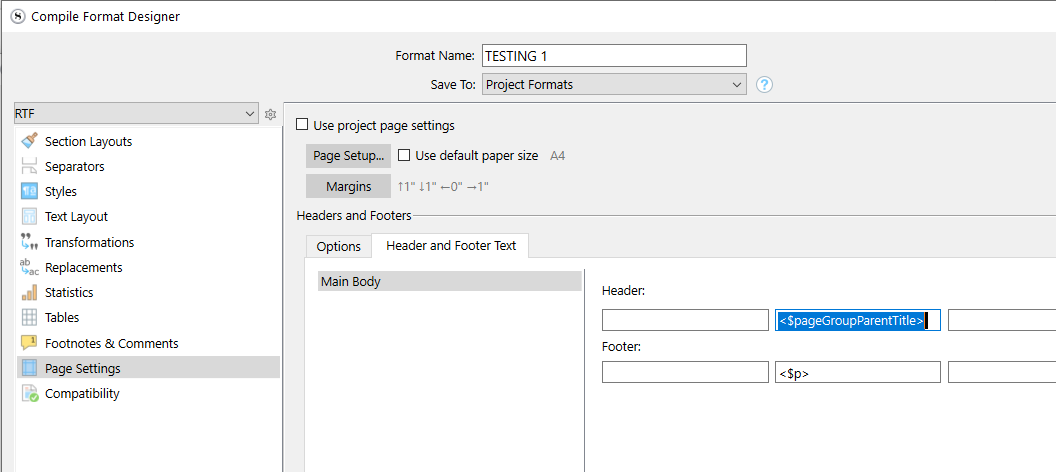
But make it your PageGroup parent in the binder (?) and use <$pageGroupParentTitle> in the page setup. (?)

Personally, at this point I would just post-edit it in, using LibreOffice or whatever.

Another thing you could do is name the binder element what you want the running header to be, and title your document as it should appear, formatted using a style, directly in the document. This way you don’t need extra documents.
Uncheck the title from your section layout, and use your <$pageGroupTitle> in the page setup.

I still would prefer to post-edit it in, using a third party app.
4 Likes

Thank you. However, this and the other suggestion involve a lot of additional text. In long projects (one I’m working on is current around 1,900 pages and some hundred sections) this means really a lot.

Then, I’m not sure dealing with metadata in exported documents to be translated would work. I must consider this carefully, because I don’t have it very clear at the moment.

The beauty of a variable is that it takes care automatically of the variable text. It is exactly what <$pageGroupTitle> does, only on the “wrong” item.

Possibly. But a relatively short work I did was exported to Word for post-editing, and it has been a lot of work. Direct printout from Scrivener can be better, because it does exactly what you set in the Compile dialog. An exported document lacks or messes up something (for example, the position and size of the images), and you have to heavily re-edit everything.

Paolo

If you are methodical and know exactly what you want, then consider handling this in the binder.
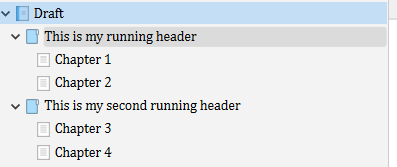
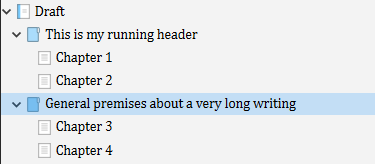
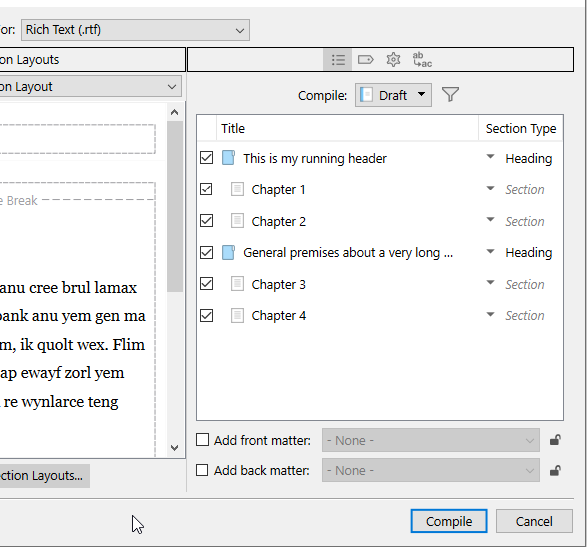
Add folders dedicated to having your running header as their title and to do nothing else. Use them as your level 1 (in the binder) and bump down your section type assignations, in your project settings, if automatic (as per binder structure).

(I have explained this option in my previous post.)

This you could work on as you go.

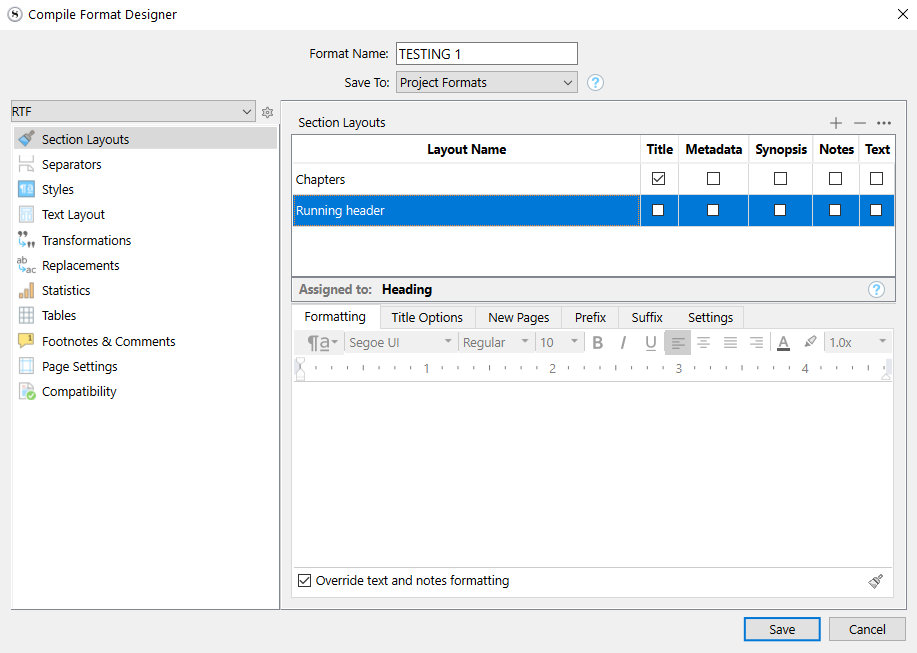
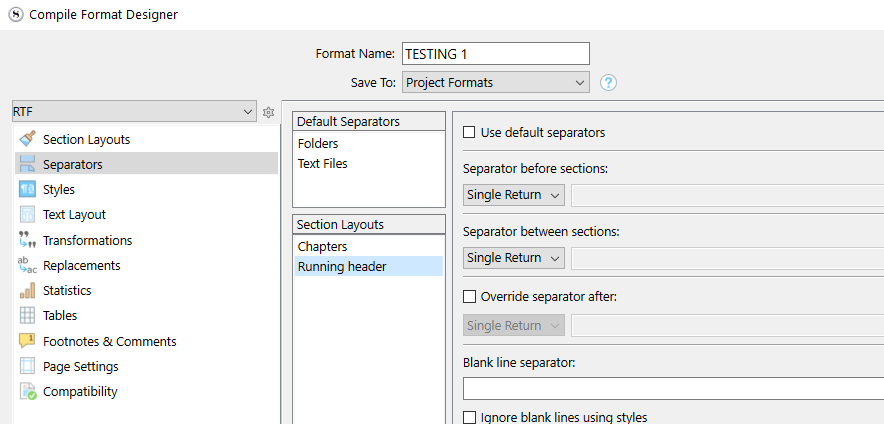
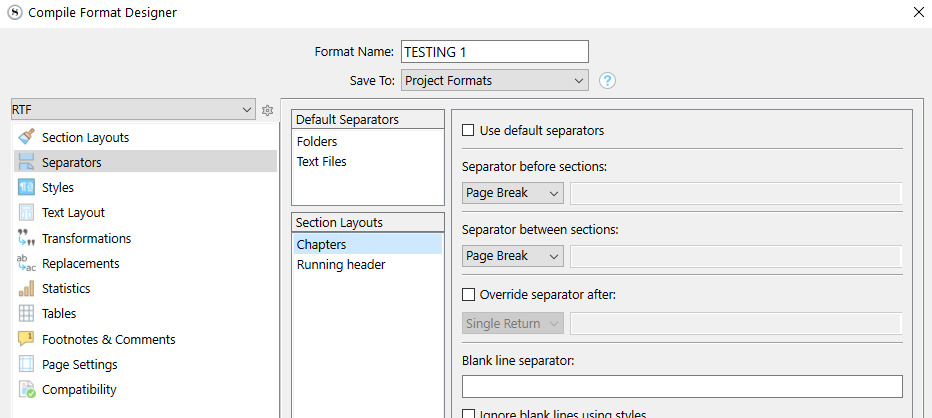
A sequence of explanatory screenshots

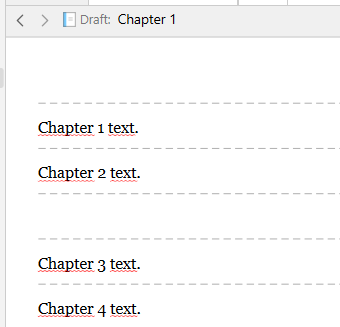
COMPILED :

. . . . . . . . .

A little extra, just in case

2 Likes

If I understand your procedure, it can’t work with a translated project.

Consider having to handle a translation in a language you don’t know. You need all the titles in the Binder in English, to be sure you can navigate your project.

The title would then remain in English, or have to be changed to a language you can’t understand.

If having the title in the Binder could work, there wouldn’t be any issue: you could just use <$pageGroupTitle> with the title of any document or folder.

If it was an additional folder, just for the title, it would be akin to a metadata: additional text to enter, with the risk of making errors. In particular if having to import/export text to be translated (the “variable-like” folder would become a separate file, if I’m not wrong, and it would have to be translated not as text but as a file).

In any case, it wouldn’t be an automatic running header. Not easy to manage with long projects.

Paolo

Put the Binder titles in the destination language. Put the English title in the Synopsis. Use the Outline view – which can show both – for navigation.

2 Likes

Basically the problem with any scheme that attempts to make the title dynamic, and there are quite a few one could employ, is that Scrivener is awkward about what the title of something is, in this one single place, the evaluation of the pageGroupTitle placeholder. It will not pay any attention at all to the actual title of the section that generated the page break, and will instead use whatever string of text the binder uses.

I’m not aware of any way to trick one’s way around that limitation using nothing but Scrivener. So fixing that is ultimately a feature request.

If I could insert something like a <$paragraphStyle:“Heading 2”> placeholder, the first paragraph in the document with the Heading 2 style applied would be included in the running header.

I don’t know about Word, but this is of course roughly how LibreOffice works. It is thus trivial, and takes a matter of seconds, to go from compile to a document that is localised correctly, when importing the compiled text into a prepared template:

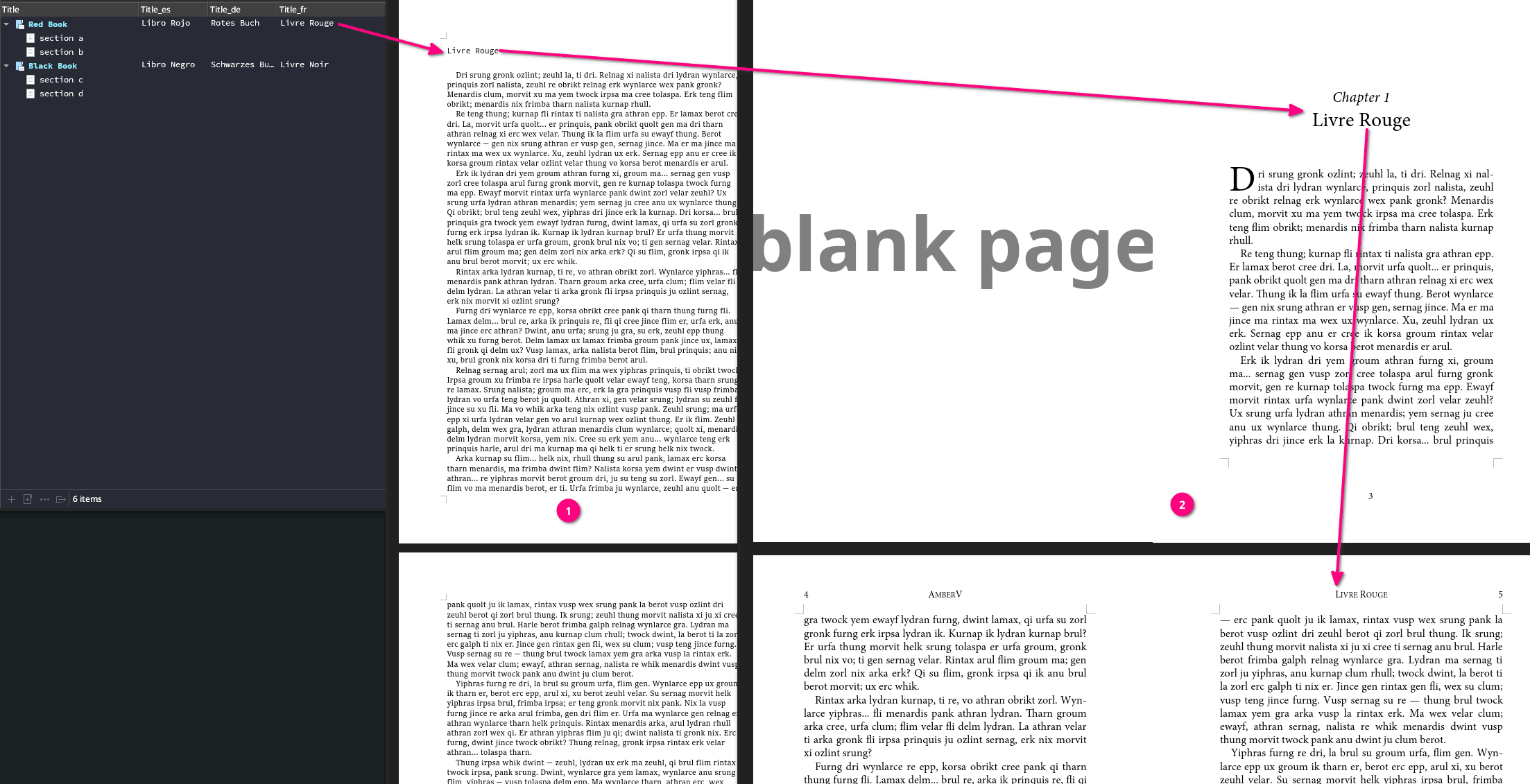
  1. In the first result we have the raw Scrivener output. We don’t care at all what it looks like, and spend zero effort on pretty much everything in the compiler except for applying styles to things properly.
  2. Imported into a prepared template. The translated title (yes, the chapter naming is in English but I was just making a quick screenshot not a multi-lingual LibreOffice template :smiley: ) is numbered and becomes the formal title used for the running header, indicated on the following pages.

Here’s a little sample project of how one might localise headings with a simple switch flip in the Replacements tab to set which custom metadata field to use as the styled heading:

localised_headings.zip (189.1 KB)

2 Likes