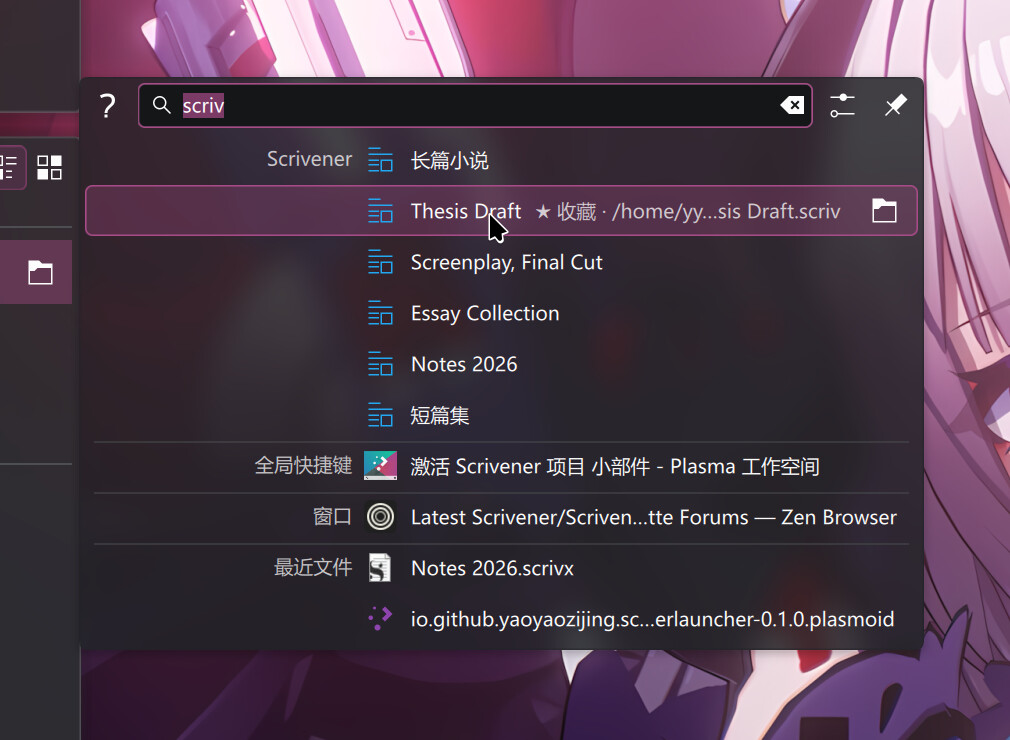
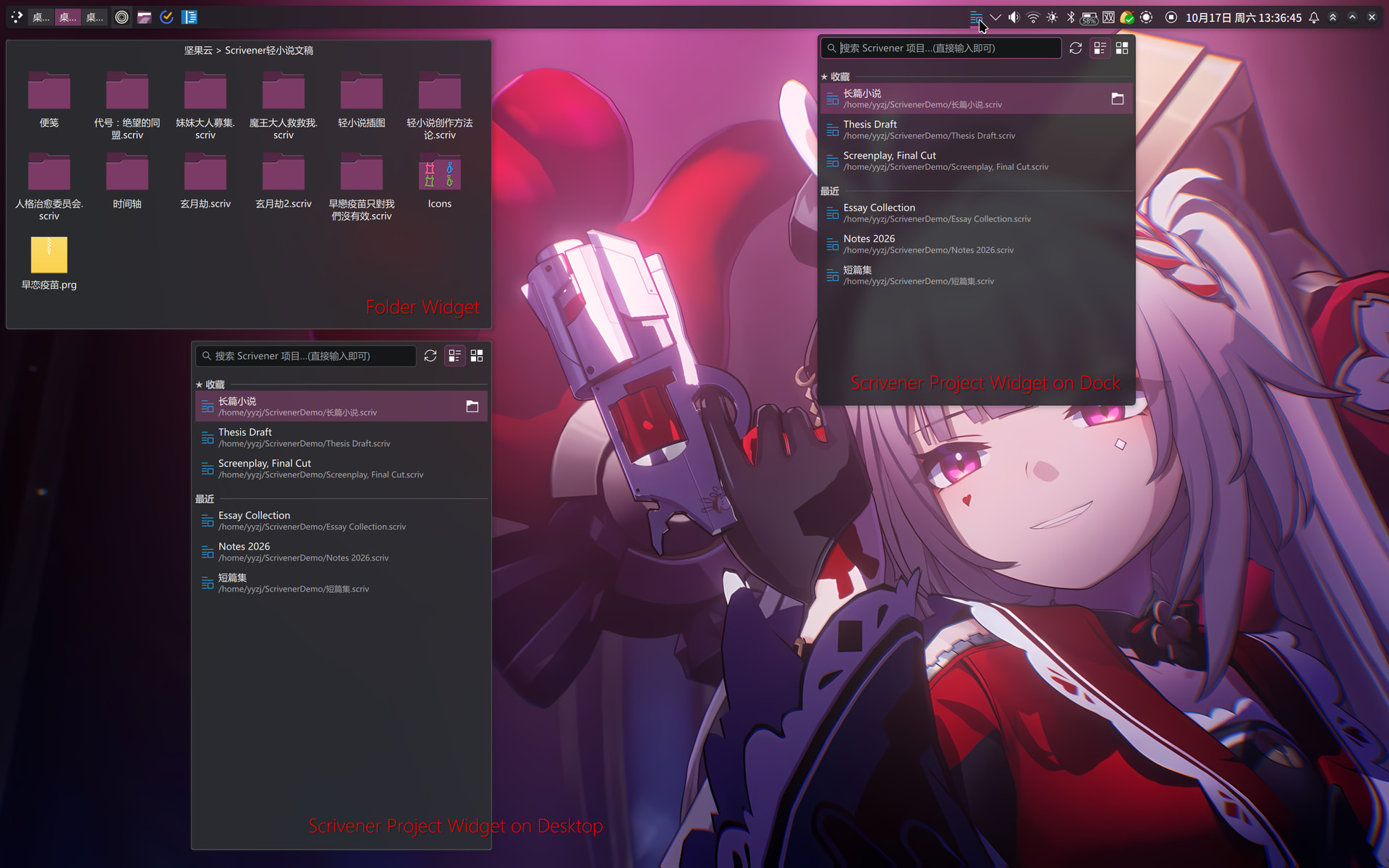
The Plasma integration for Scrivener is ready.
It consists of two components: a Plasma search plugin and a widget.
Press Alt+Space to open KRunner, then type the first few letters of a project name to find matching Scrivener projects, or type “scrivener” to display all projects.
You can place the widget on your desktop or in a panel, and configure a keyboard shortcut to open it. The widget displays all recent and favorite projects, and also supports searching.
I haven’t uploaded them to KDE Store yet, as I’m still working on a few more widgets and a Dolphin Plugin. I’m planning to upload everything together once they’re all finished.
Okay, I’ll wait for your notice that they are available. Looking forward to it! I find Scrivener’s “recent” menu loses entries too fast, and I don’t like enabling full file search as that generates too much chaff for my taste.