There are several ways to export DOCX from Scrivener. Scrivener has native compile with three converter options in Settings (the legacy Java converter and the better native one @KB wrote).
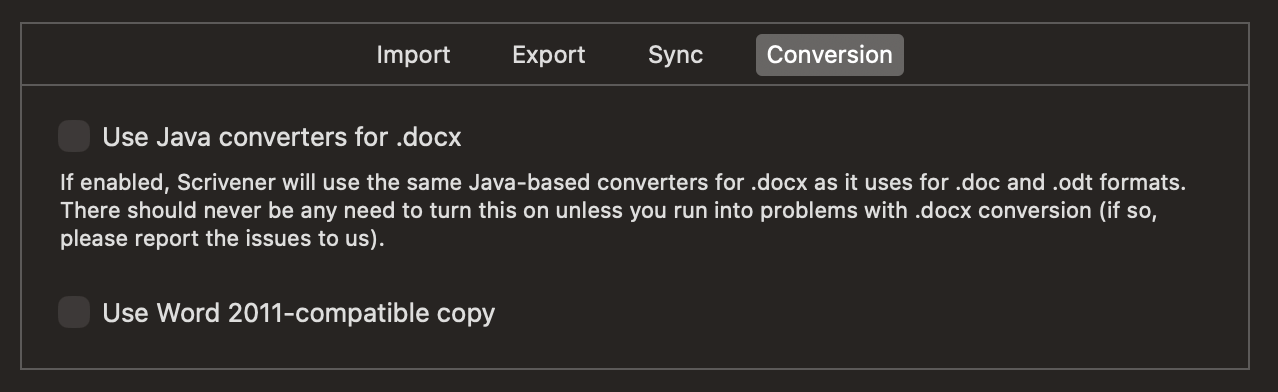
and there is also a MMD > ODT (that can be converted to DOCX, as I don’t think InDesign supports ODT natively?) and a Pandoc > DOCX (that produces very clean and styled DOCX). I use Scrivener > Pandoc compile and post-processing for DOCX that are very well structured and styled, though I don’t own InDesign, and can’t test myself.
It is hard from your description to know what exact settings you are using; Scrivener settings and the compiler options. The best thing would be for you to make a sample Scrivener project that reproduces the error your publisher faces, then we can have a look at compile output options. DOCX is really just zipped up XML, the problem space is pretty trivial to solve IMO.
I should point out, that Pandoc can export to ICML and thus Scrivener > ICML is another potential route. Adobe has extremely poor standards support and DOCX is not the best standards-compliant format either, this is a problem InDesign has wrought (leave it to the end user to scrabble around a problem space that could easily be solved by a corporation)…