Quick Ref panel opens with the space bar. Too quick by far!
If my fingers rest on, or hit the space bar even lightly, the file pops open and it adds spaces into the text. If I don’t realize those spaces are there, I wind up with a surprise in the text later and have to edit them out – or I might miss them entirely.
Is it possible to make Quick Ref open only if I click on the icon in the tool bar?
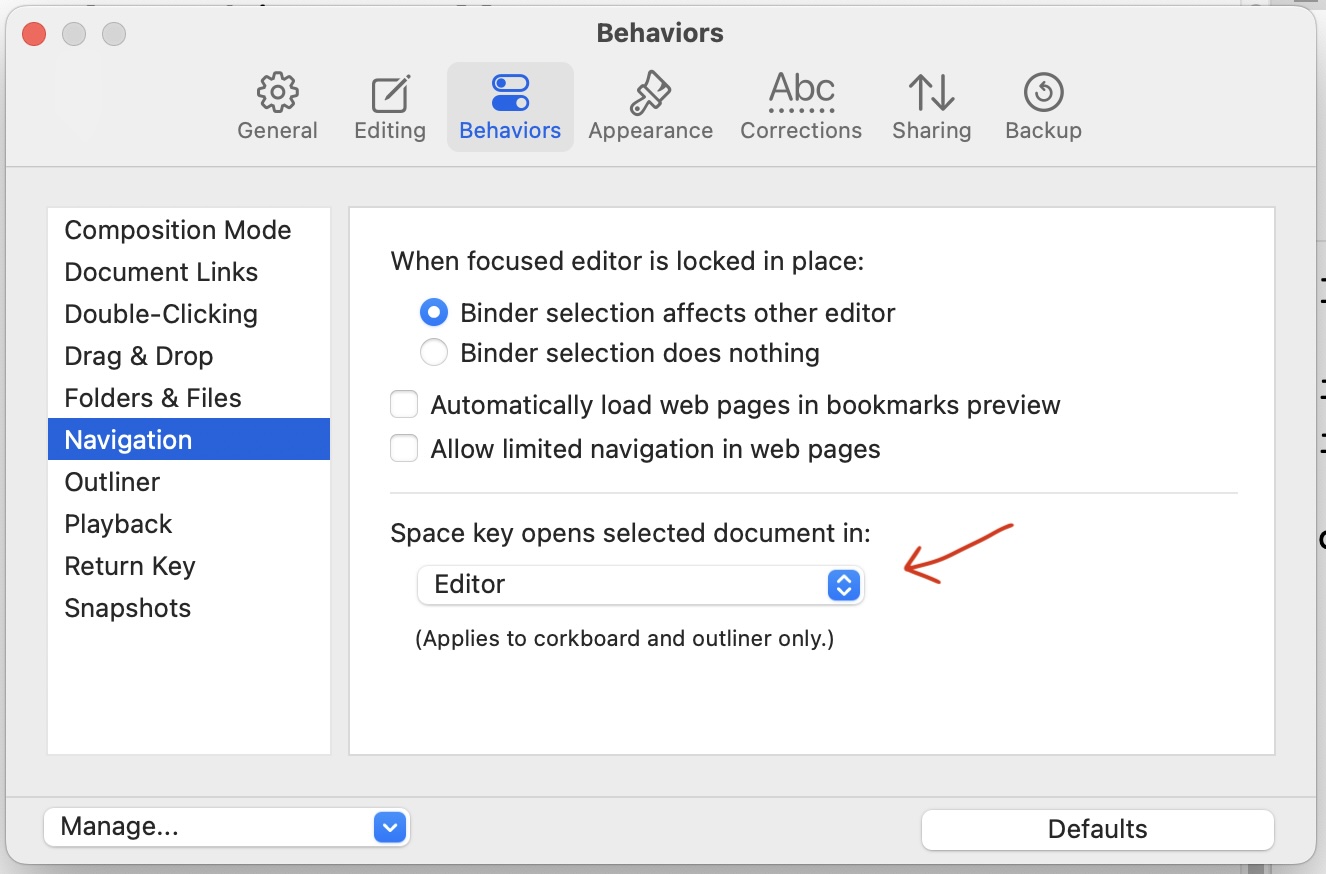
There is a setting which partially controls this – when focus is on a corkboard or outline view. You can choose between opening a Quick Reference window or opening in Editor view (see below), but you can’t shut the function off.
But you can’t control this function at all as it applies to hitting space bar when the Binder has focus (and you are not in title-editing mode). In that case you are going to get a quick reference panel no matter what.
(I have to say, in my years of using Scrivener, I can’t recall ever noticing this space-bar effect.)
There are probably people who love this quick functionality. It won’t be something I will use.
If I am correct that you can’t shut this functionality off somehow, perhaps you should post this on the Wish List.