As a designer and writer I am quite perturb at the unprofessional and sub standard state Scrivener produces it’s finished product. If I knew this before buying I would not have. But here I am… Does anyone have some good Recommendations for Professional Formatting apps instead of Scrivener please?
You looking for professional-class typesetting software? Yes, Scrivener is by design a writing app, not a typesetting app.
If you are looking for a professional typesetting app instead of Scrivener, you have surely misunderstood what software Scrivener is.
The gold standard in typesetting in the publishing industry continues to be Adobe inDesign. But no one would want to write their novel in inDesign!
I know you are all hacked off and everything, but Scrivener for writing and InDesign for typesetting compiled output work very nicely together.
IMHO, if you want a writing app (esp for longform writing), there is not a better place to be than Scrivener. If you want a typesetting app, it doesn’t get better than inDesign.
9 Likes
As a designer, you probably already have a preferred typesetting application. Once you’re done writing, use the Compile command to get your work out of Scrivener and into that application.
The whole point of Scrivener is that it is for writers, not designers. (Even if those two are in some cases the same person.)
6 Likes
On Mac, if you’re going to output a book, Vellum is the most popular layout app. I think the Windows equivalent is called Atticus.
Also, if you don’t already subscribe to Adobe, Affinity offers its layout app for free, provided you don’t need AI features.
Perhaps if you took advantage of the generous 30-days-of-use free trial option, and used that to explore what Scrivener can and can’t do, what it is ideally used for and what is best left to other software
it, you’d be less
.
Blaming the software for not living up to your uninformed and ill-considered assumptions of its capabilities because you went and purchased it without a test drive…?
2 Likes
I share some tips in a thread on Reddit, in response to someone with a similar confusion over the design intent of the software.
As a disclaimer, while I do have a background in design, it has been many years since I have been in the trade (you’ll note I date myself in the first paragraph). I do not think my tool recommendations are too out of date however, as such enormous complicated software tends not to fluctuate from one year to the next (even with the post itself being seven years old—I think the main addenda is that Affinity Publisher has since then gone from just-released to a mature and affordable option). I’ve also written on how LibreOffice can be used as a kind of budget DTP.
You will also find many other discussion about integration and workflow pipelines around here, if you do a little searching. This is hardly the first time anyone has asked this question.
3 Likes
I use Scrivener to help organize the process of research-based longform writing. When I have my draft, I export to the intended target.
Folks on this forum would know me from exporting a Quarto project for scientific and technical writing.
But I also export into Word many a time.
Or I bring the text into Affinity Publisher for pica-perfect layout, typography, and design. Highly recommend Affinity Publisher. Brings me back to my days editing the newspaper in Aldus Pagemaker. Loved it.
2 Likes
Does this include the new ‘free’ version?
I am using the paid v2. No sense for me to move over, but if someone is just starting out, I say give the new Canva app a try.
1 Like
Others have made suggestions for programs designed to be more fully featured typesetting and layout options if that’s what you need…
…but I do want to push back at the idea that Scriv produces “unprofessional” outputs.
Sure, if you’re doing online magazine layouts, InDesign is a great option, but if you’re doing regular novel outputs you may actually find a lot of those little flourishes you’re planning to put in your epub actually make you look like vanity self-publishing.
The equivalent in printed paperbacks are the “fancy” font choices that are actually harder to read and the shockingly white paper pages that stand out hideously against the unbleached stock that actual publishers use.
All those “fancy” adornments in the text tend to be reserved for the expensive cloth bound hardcover collector versions of classics. On mass market ebooks… they’re awkward and intrusive. Scrivener will very comfortably produce an epub file that will look at home on your kindle next to anything on the actual professionally published shelves.
The epub and pdf linked in the first post on the thread linked here, for example, were produced entirely on Scrivener in about 2 minutes while highly sleep deprived: The Lippincott Dinner [aka - Villa Diodati 2]
So sure, buy your expensive magazine layout programs and tinker to your heart’s content, but you may not be being as “professional” as you think you are.
3 Likes
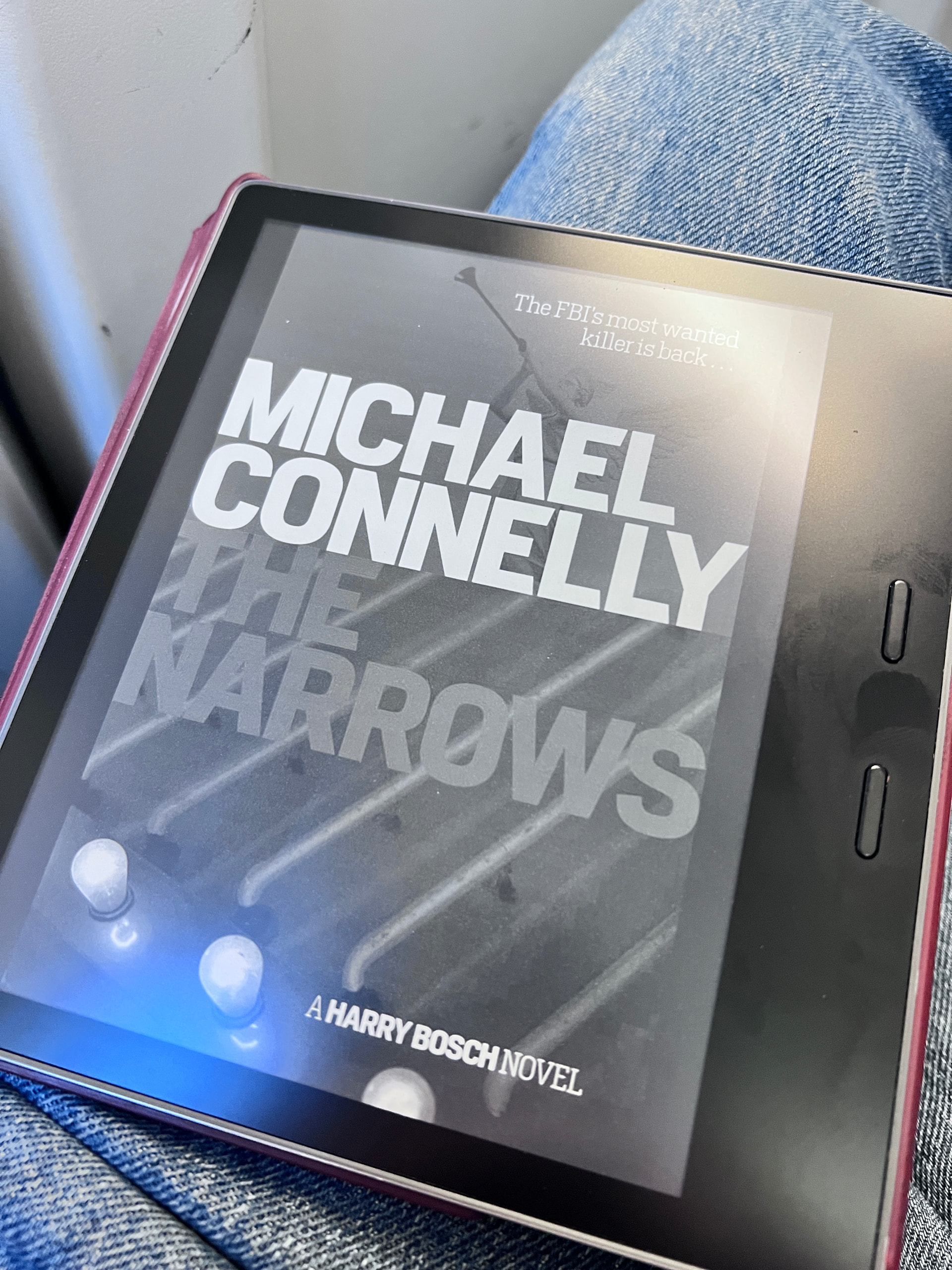
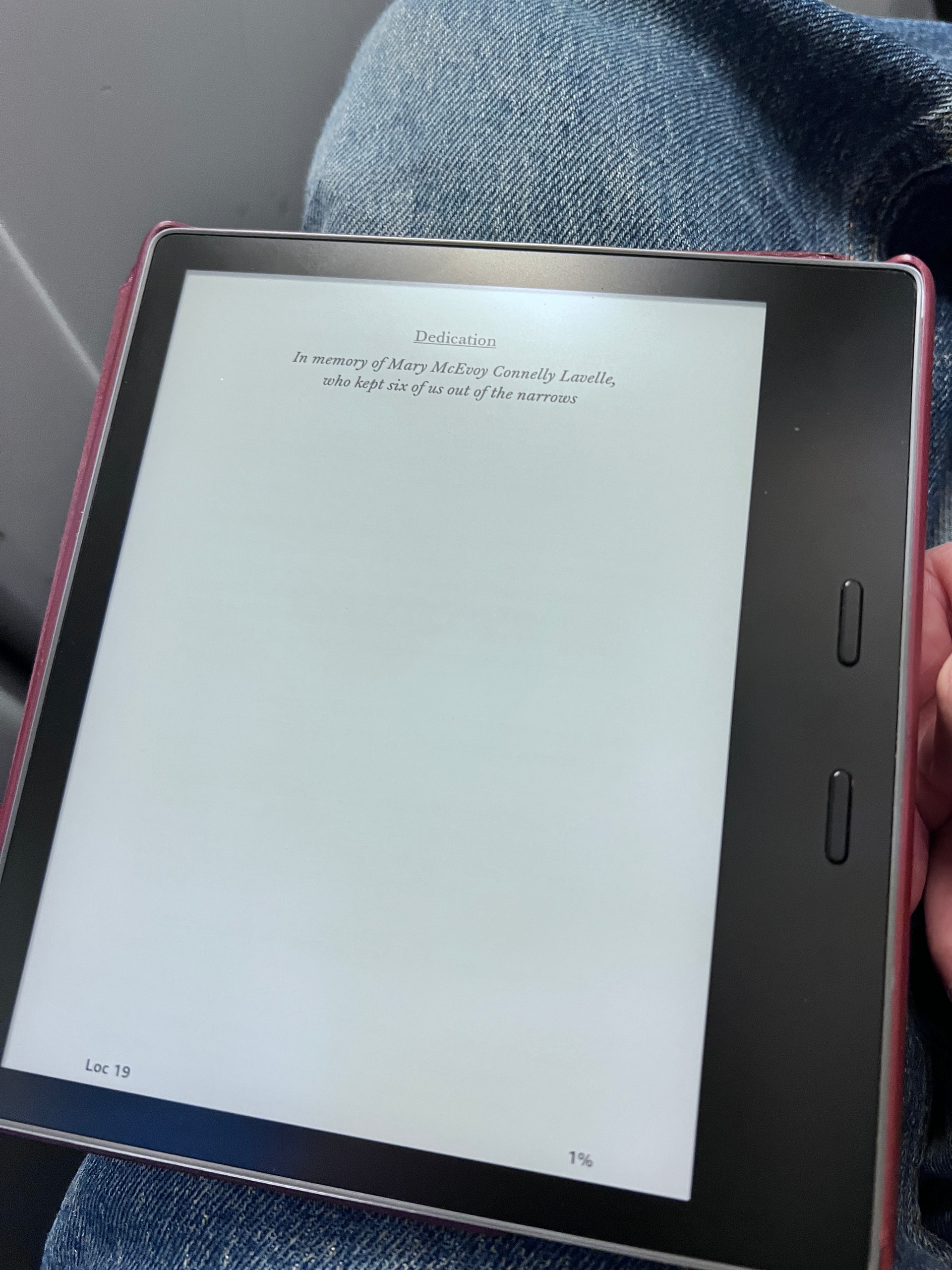
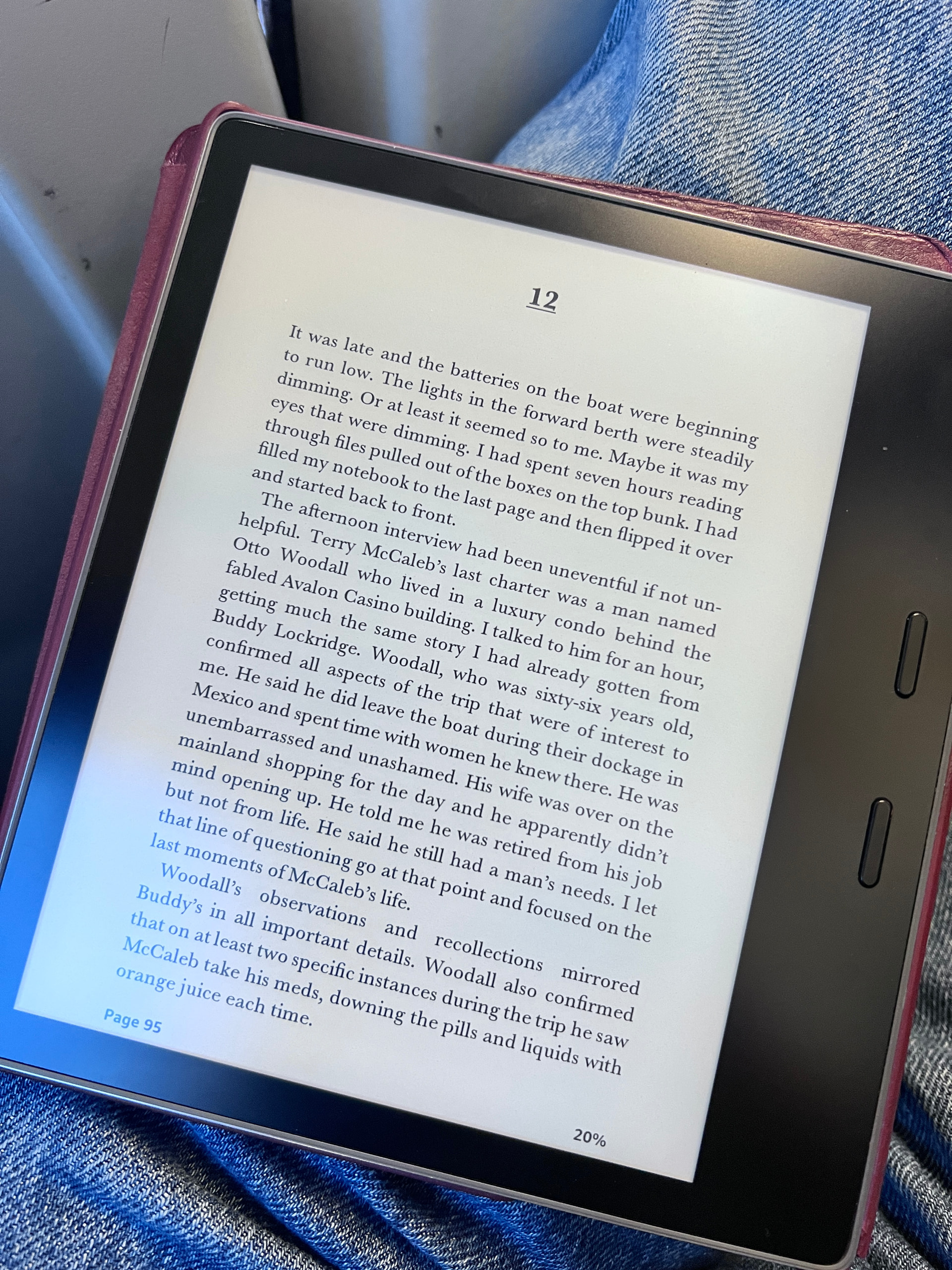
The Michael Connelly I’m currently reading:
The Scrivener produced book I linked earlier:
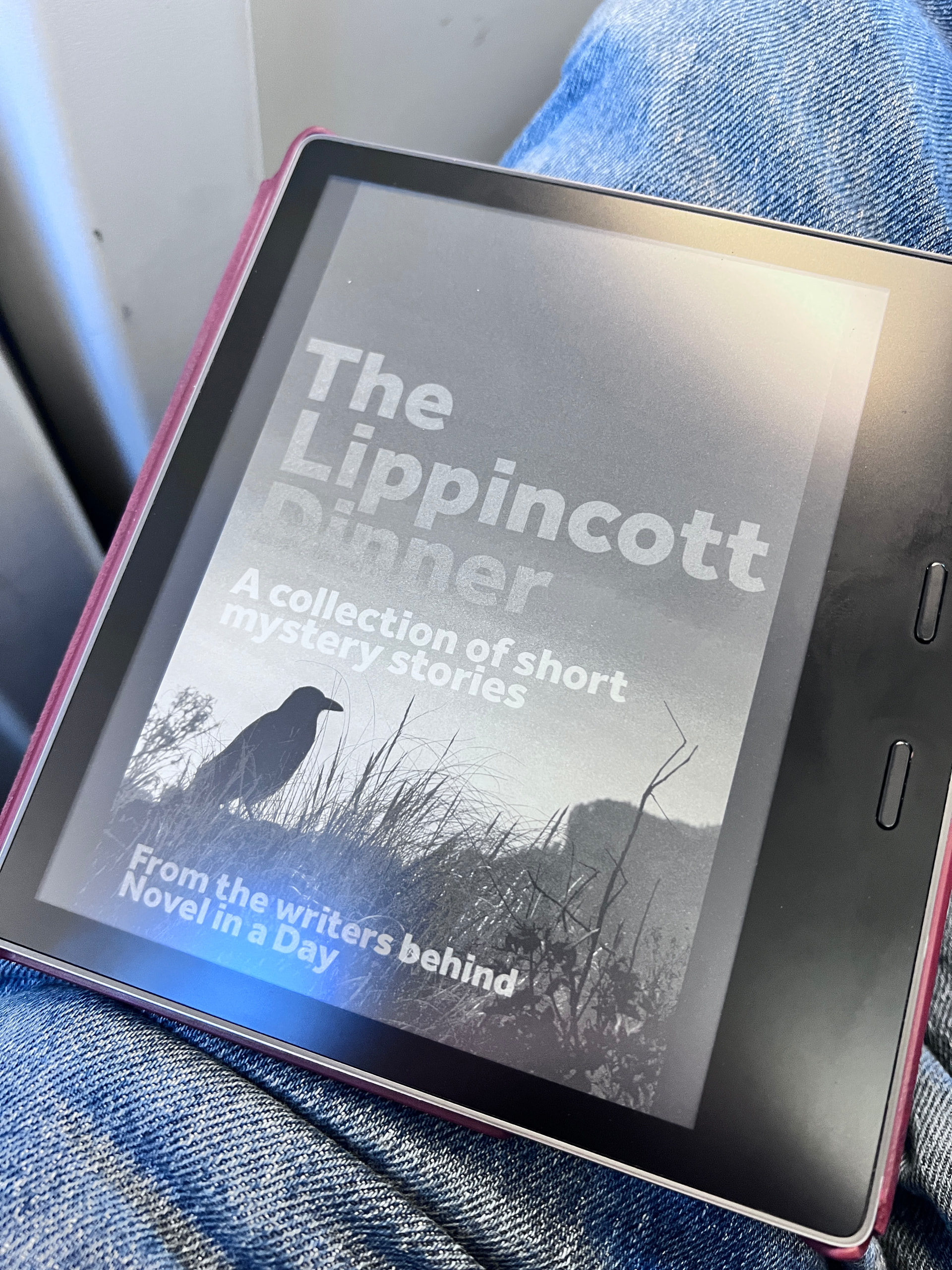
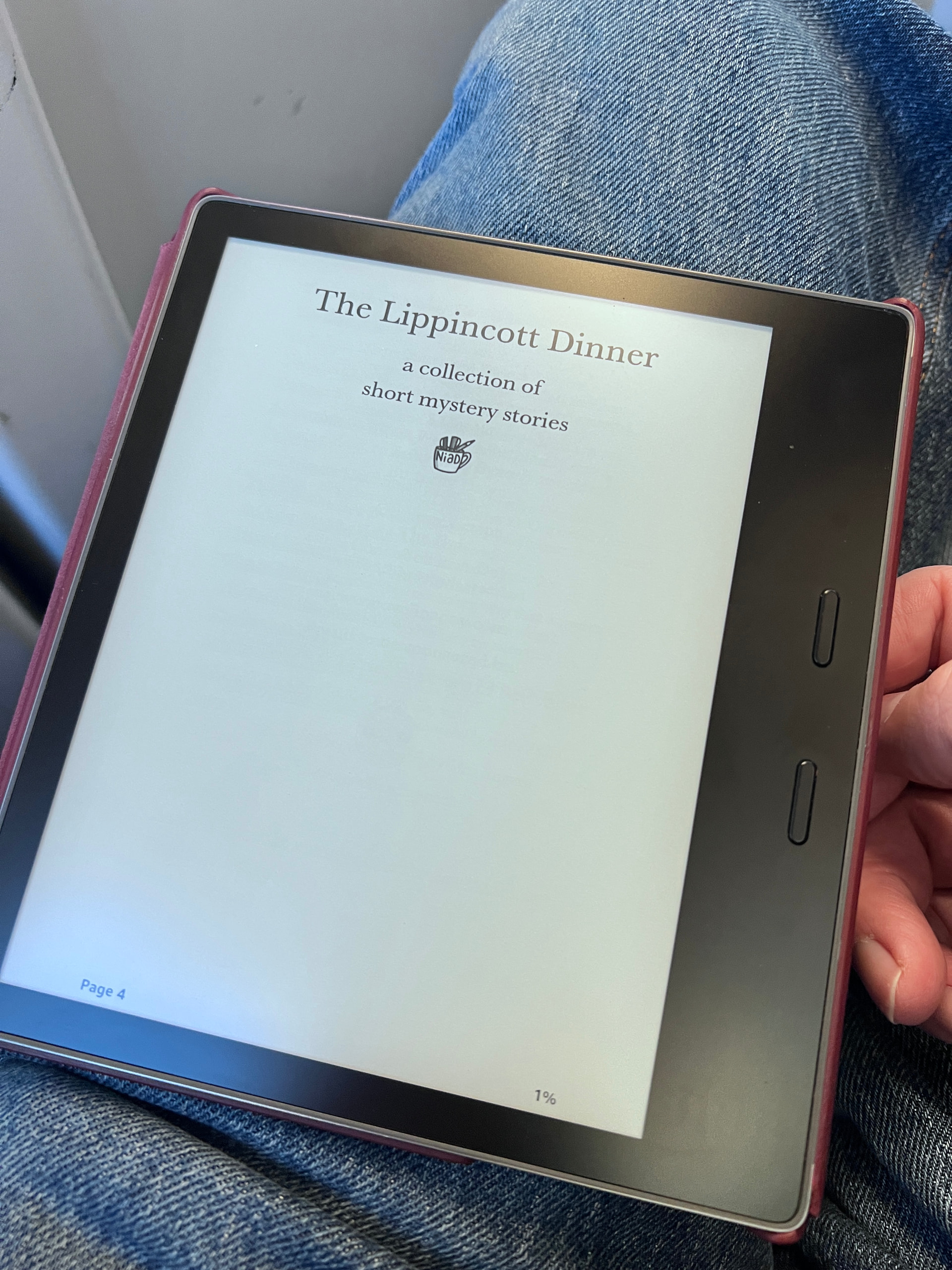
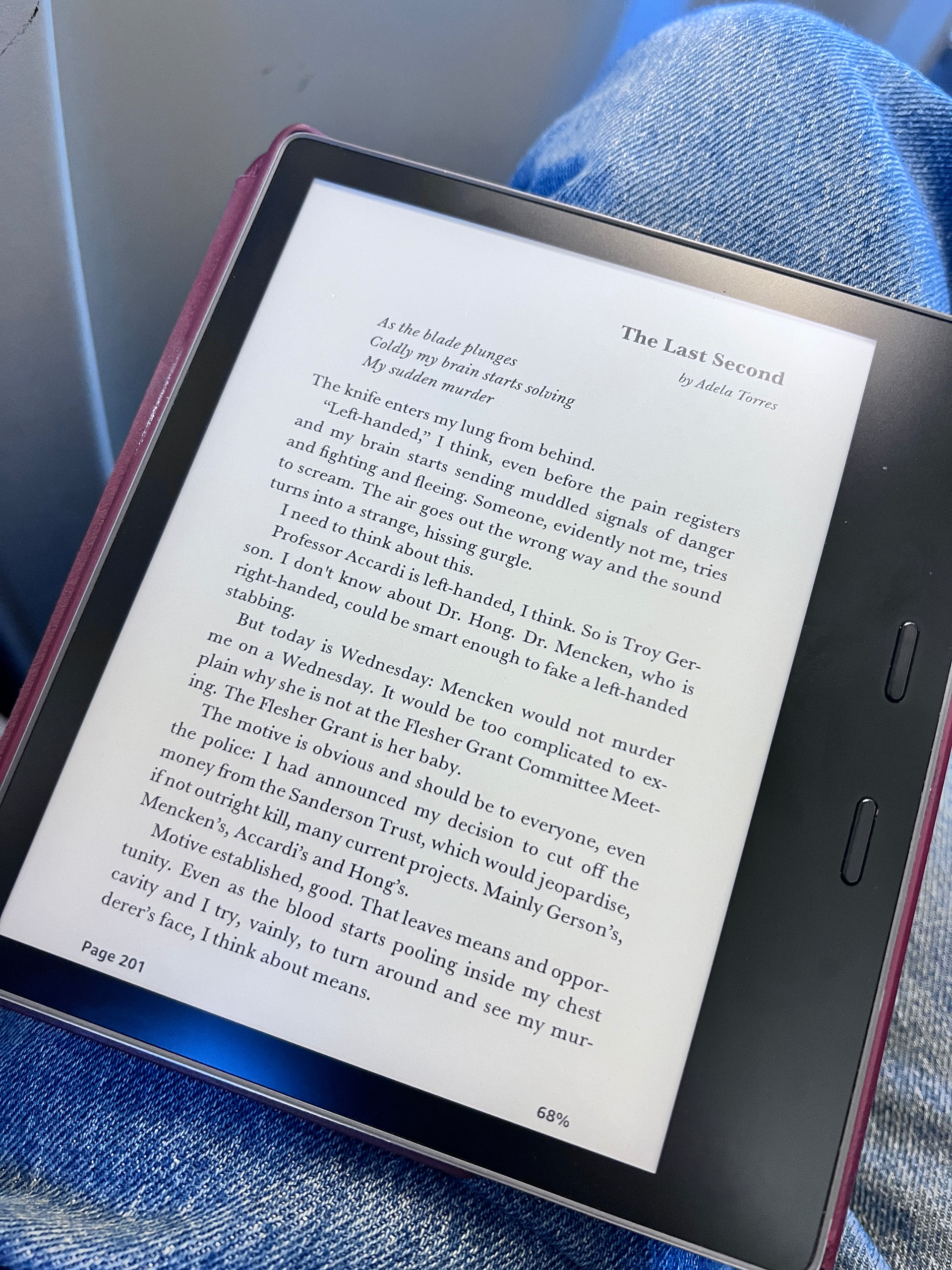
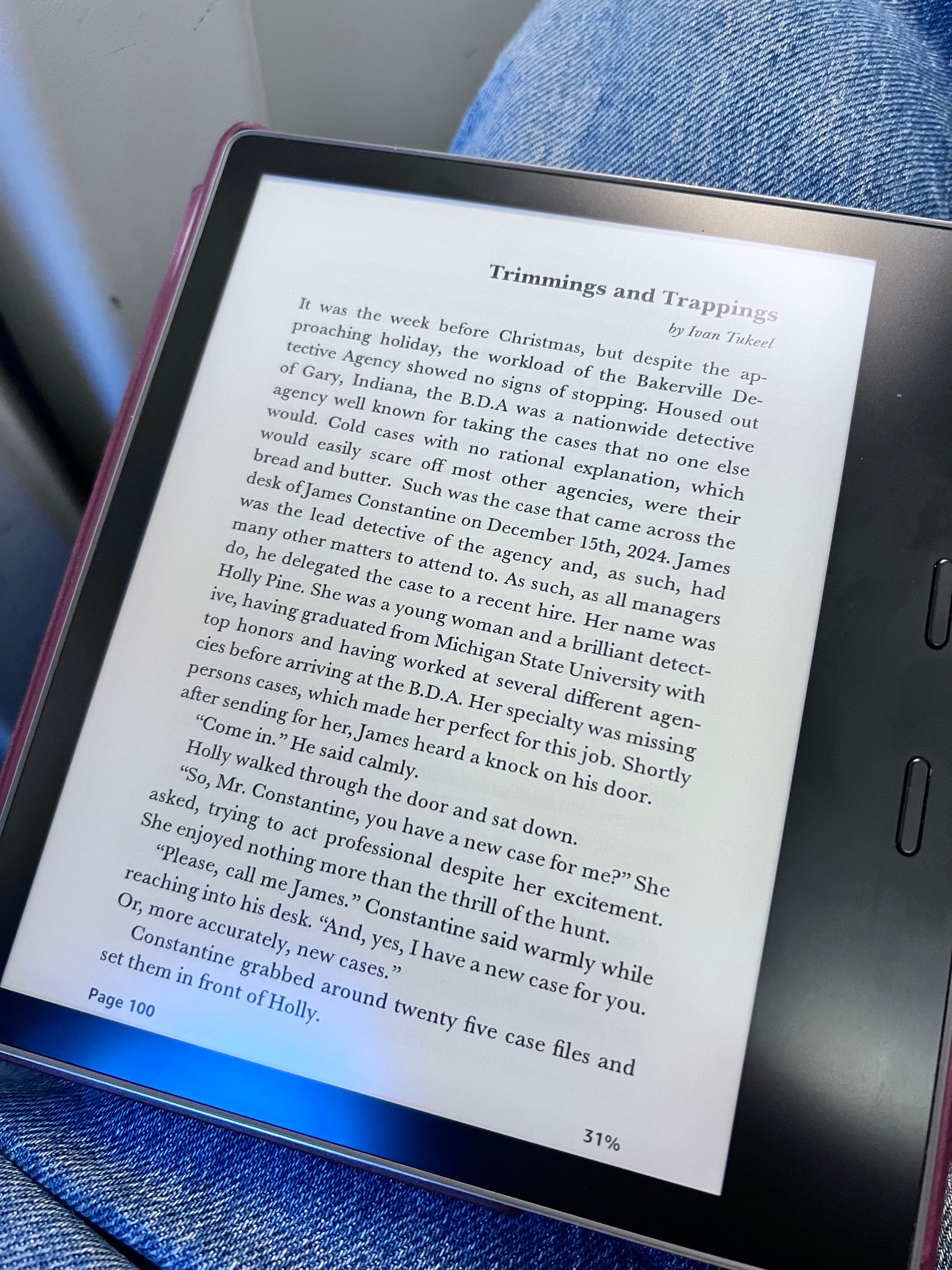
Unprofessional and substandard? pffffffft!
5 Likes
It was my understanding, based on the tone and content of the OP, that they were talking about book design for print, rather than ebooks, which are only lightly designed, by and large.
They aren’t at all clear about this, which is as bit puzzling, considering they state being a designer (evidently unaware of any software made for designers). I suppose I leap to the conclusion of it being a critique on print output, because there we can quite easily say there is a large gap between Scrivener and DTP software, whereas with ePub output it would take quite a bit of stooping over the loupe to run into issues large enough to declare “sub standard states” with such vitriol and excessive capitalisation.
Unprofessional and substandard? pffffffft!
Let’s spend some time on ebooks though. To be fair, 95% of what you’re showing off there is your ebook reader software. Behind what you see, what a program like Scrivener is responsible for, ideally will look a little bit like this:
<h1>12</h1>
<p class="epigraph">Blah blah, she exclaimed!</p>
<p>The first paragraph.</p>
<p>The second paragraph.</p>
<p>The third paragraph.</p>
Then you’ve got some stuff called “CSS” stored some place else, that suggests to the ebook reader what those primitive declarations of function should look like, with simple statements such as:
h1 { font-size: 1.5em; font-weight: bold; text-align: center; }
p.epigraph { margin-left: 3em; font-style: italic; }
p.epigraph + p, h1 + p { text-indent: 0; }
p { text-indent: 1.5em; padding: 0; margin: 0; }
I simplify, of course in the details of it all, but the point is suitably made I feel. The above, in your ebook reader, would look a bit like a combination of what your book looks like and the Connelly—and I did it with nothing but the rectangular text field in the Discourse composition slide-away in a web browser.
You barely even need software to make an ebook look nice, because again, most of what is making the ebook look like anything at all is the ebook reader—not terribly unlike how the Markdown I am typing into this field will be made pretty by the forum “reader” itself.
Of course there is a lot to say outside of the raw necessities, regarding how well the software helps you create the above if you aren’t like me and can just type it all out on a whim—and whether the software lets you go out of the box it provides for those that know nothing, so that people like me can do the above without hacks or time-wasting repetitive post-production editing in dedicated editors such as Sigil.
What is going to work best for an individual will have much more to do with their ambitions and aptitudes, than the output quality, is what I’m getting at. That is a factor, to be clear, but again it’s 5% of the job, you can make a mess of that and be okay if the ebook reader is the main driver.
The nice thing about Scrivener is that you can do all of the above, by and large. It can be cookie-cutter if you want to learn nothing beyond the Assign Section Layouts button, and download a design (or just use our example “Ebook” if you’re feeling super vanilla). Or you can get in there and mess with the Styles pane, and Section Layouts, and so on. Or you can put most of that aside, switch the CSS pane over to custom-only, and write your own design from scratch.
In short, Scrivener is in my opinion an ideal ePub generator because of all of the stuff around what it takes to make an ePub. Making the ePub itself, as demonstrated above, isn’t really worth spending much time thinking about. You don’t need specialist software for that—but you probably do want something that can make it easier than firing up a new book project in Sigil.
Okay, so that’s how ebooks work. None of that has anything to do with print. I would start with this post, and in particular examine the ABC comparison image I provide somewhere in the middle of all of that. Of note this post does also go over some of the vast differences between ebooks and print, but I think that if you click on anyone’s avatar on the forum here and they are on Windows, and asking about print quality, you need to bear in mind those ABC samples before claiming Scrivener can be used just fine for making print books.
As I have said many times before, the stock macOS text engine is much better than anything we have to work with on Windows, but I don’t think any designer worth their salt would think that any text engine optimised toward real-time formatting rendering and typing speed is going to be able to compete with an engine that is optimised toward overall multi-page layout optimisation, let alone multi-line, neither of which are conducive to an environment within which you can write creatively, at full speed.
You are right to say that one should not go wild with the glyphs and sidebars, and that yes, that such can make one look amateurish, I’m not disagreeing with any of that. Good book design is like crafting a good buffalo mozzarella. Book design is often a thankless job in fact, because a job well done is a book that vanishes nearly entirely in the reader’s mind, perhaps only to surface briefly now and then at the pleasure of having finished a chapter and being presented with the next.
It is in all of the little tiny details most people are never going to see, that set apart a good book from something that clearly hasn’t even been looked at, page to page. It’s the grit in the poorly made cheese you notice. It’s the fifth awkward hyphen in a row that yanks your eye to the edge of the page and pulls you out of the narrative. It’s the river of white that flows down the middle of the page between poorly justified words, that our monkey brains suddenly become fascinated with, alert for venomous insects in the water.
Tiny details, I might add, that almost universally all ebook readers are pretty bad at (how many can properly hyphenate, and that especially without that think full justification is a good layout decision, spreading words apart across the page like a child learning how to fingerpaint). So take from that what you will. Ebooks readers are the MP3s of the literary world, and maybe there is something to be argued there in that.[1] Perhaps everyone has become so accustomed to the gritty cheese—the pops and snarls and watery background noise of compressed audio, streamed over a cellular network, through ridiculous battery powered “headphones” the size of ear plugs—that the appreciation of a finely tuned and sound engineered CD or vinyl isn’t even but dimly remembered. If you can’t remember the last time you cracked open a hardcover, where each page might well have been examined in a design program expressly to achieve the state of fresh mozzarella, to please your eye into forgetting it exists, then why not? Why not just fire food scraps down the drain and hope for the best? Why not just upload straight out of the Qt (or to a lesser degree, macOS) PDF generator to some PoD?
Or not, I don’t know. I like to think there are some things we shouldn’t go cheap on, and to me it seems that decorating our words with the same care we’d put into writing them, out of respect for the reader, is the least we can do. And if that is not one’s thing, if one considers Scrivener’s compiler “complicated” for example, then hire someone that cares enough to have made a career of it—at least where it comes to print. Goodness knows they are a part of all this too, just as the editors and cover artists are, and a lot of our friends in these fields not doing so well these days thanks to the line of thinking that push-button software and crappy AI generated cover art stolen from all of the actual artists is good enough.
But again, yes, with ebooks, the best we can all do is <p>Peace was never a dog you could train gentle, thought Mayor Bird.</p>, so use whatever you want. 
Though to be fair, the dime novel got there first. ↩︎
6 Likes
I have 50+ e-books up on various sites. I also have 15+ p-books up on Amazon and Ingram Spark, with more coming. Without the Affinity line of products, I would have no print books. Thanks to Elaine Giles and her lengthy Affinity Publisher video from years ago, I am actively producing print book PDFs.
I can say with some confidence that my print book interiors rival that of the Big 5. All I had to do was crack open up several of the Big 5’s output, copy the formatting, and voilà - Affinity Publisher for the interior and Photo for the covers did me just fine.
I will add that all of my ebook and print book covers and interiors are branded - as they should be. Without Affinity Publisher, and now the new Affinity v3’s Layout, I’d be lost in the wilderness.
Affinity Publisher was a bear to learn, but Elaine Giles and her video eventually broke through the fog. She has even more Publisher/Layout videos available now.
2 Likes
Yup. That’s exactly my point.
Some interesting things for me to think about here. You seem to me to be suggesting that the software used to CREATE the PDF is important. I can see why that might be the case if you care about exactly how text kerning etc is adjusted when text is justified (more on that in a second), but I’ve always considered the software used to READ the PDF far more important for render quality. PDFs viewed on Adobe Acrobat are lovely. The same PDFs viewed on Preview are a bit meh. But that’s all PDFs, not just Scrivener produced ones. It’s all just text, with formatting info. The reading software does the work.
That may possibly be because it’s one of those things that only book designers care about. Designers are a strange breed. My theory is that people who chose graphic design as a profession actually have measurably skewed tastes versus the rest of humanity. This is the only explanation for why every book on graphic design ever published has a hideous, poorly designed cover.
Hmmm. Maybe you’re not enjoying the content of the book as much as you’d like if something this insignificant is able to pull you out of the narrative. I strongly suspect you read much more “challenging” books than me. I do tend a little less Gormenghast and a little more Grisham. 

But anyway… I happen to think that Scrivener does a pretty good job of PDF and ePUB outputs.
Scrivener outputs:
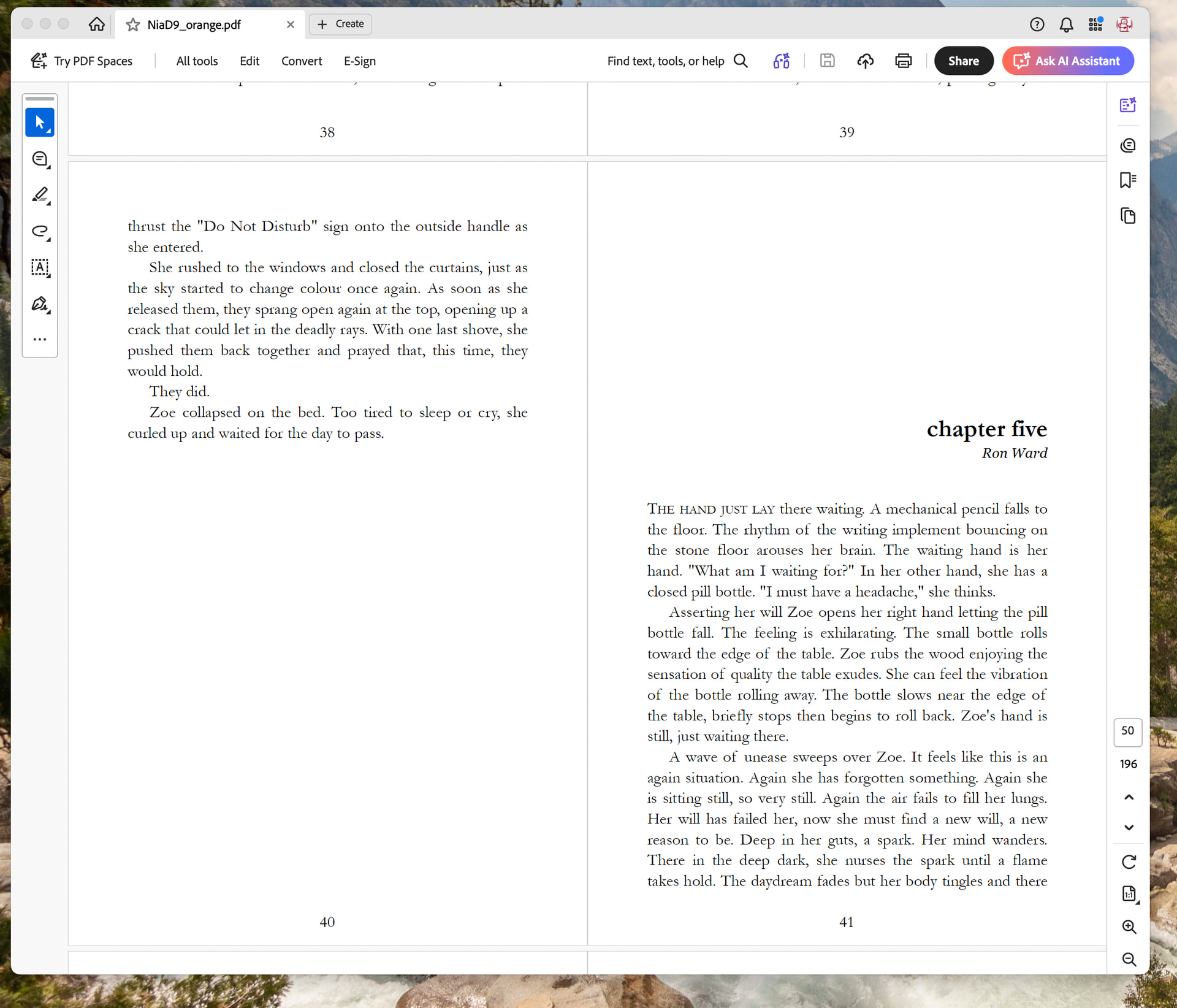
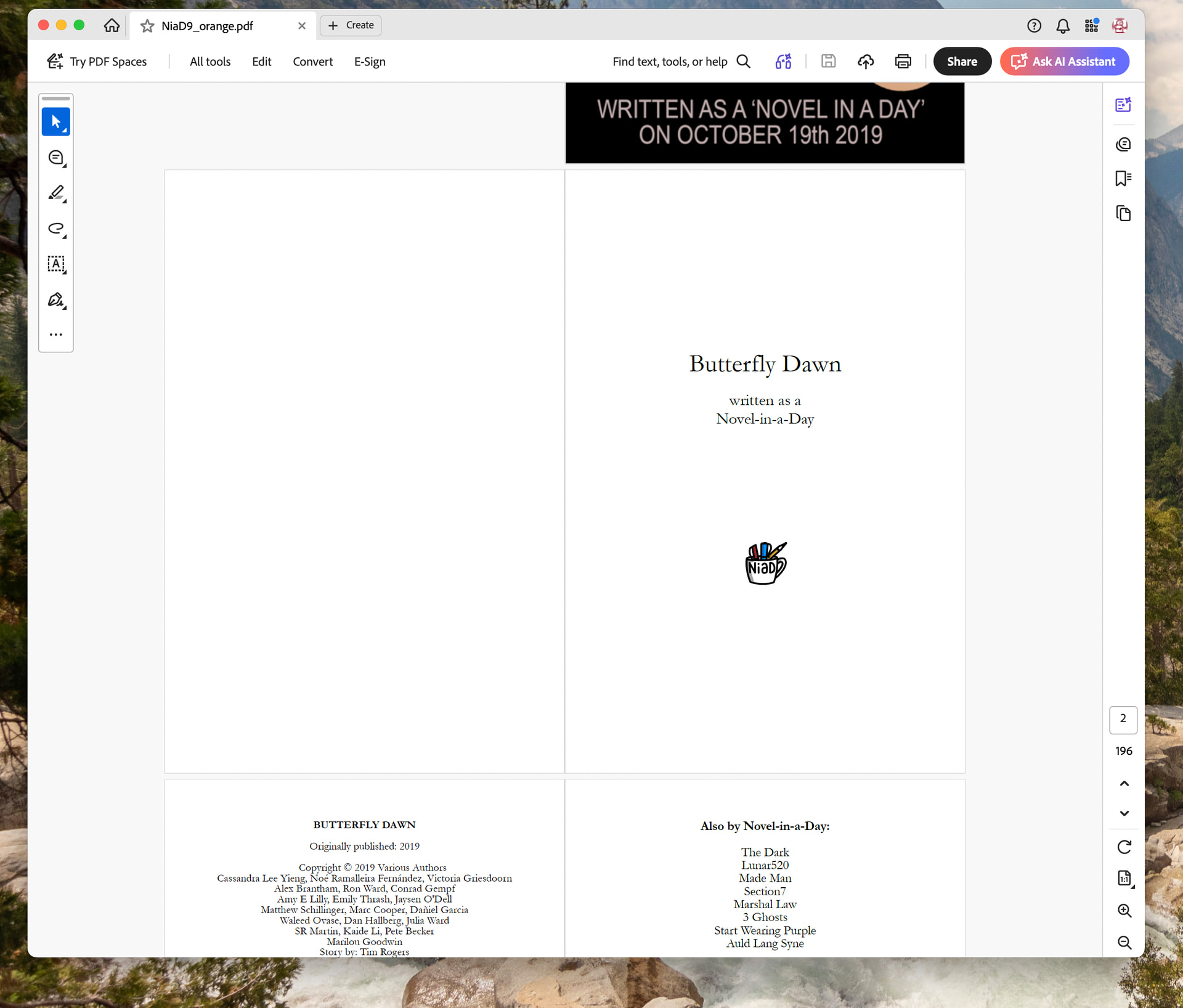
Random professional print book from a nearby shelf for comparison:
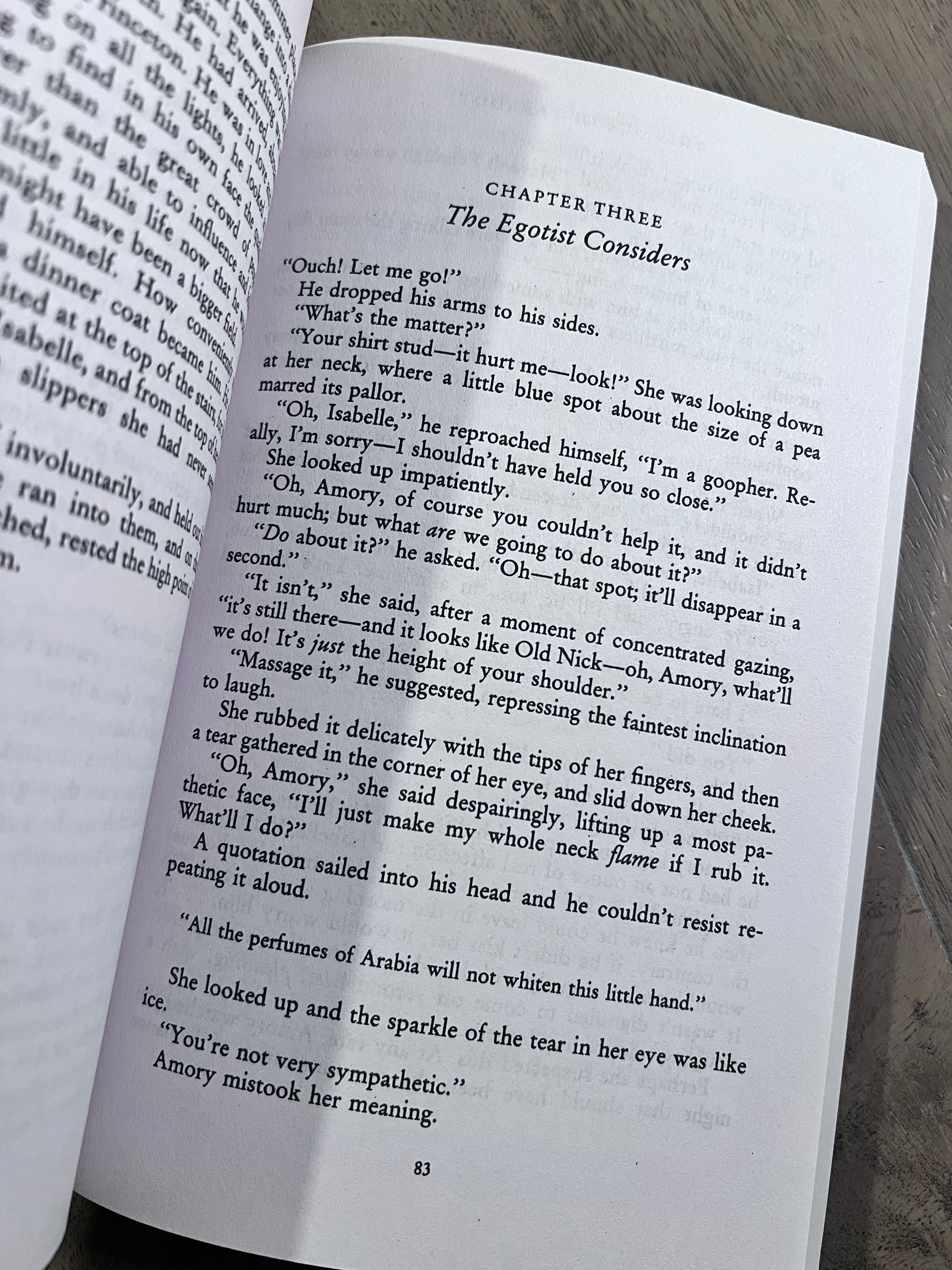
Guess which one of these books was done by someone self-publishing and trying to be fancy:
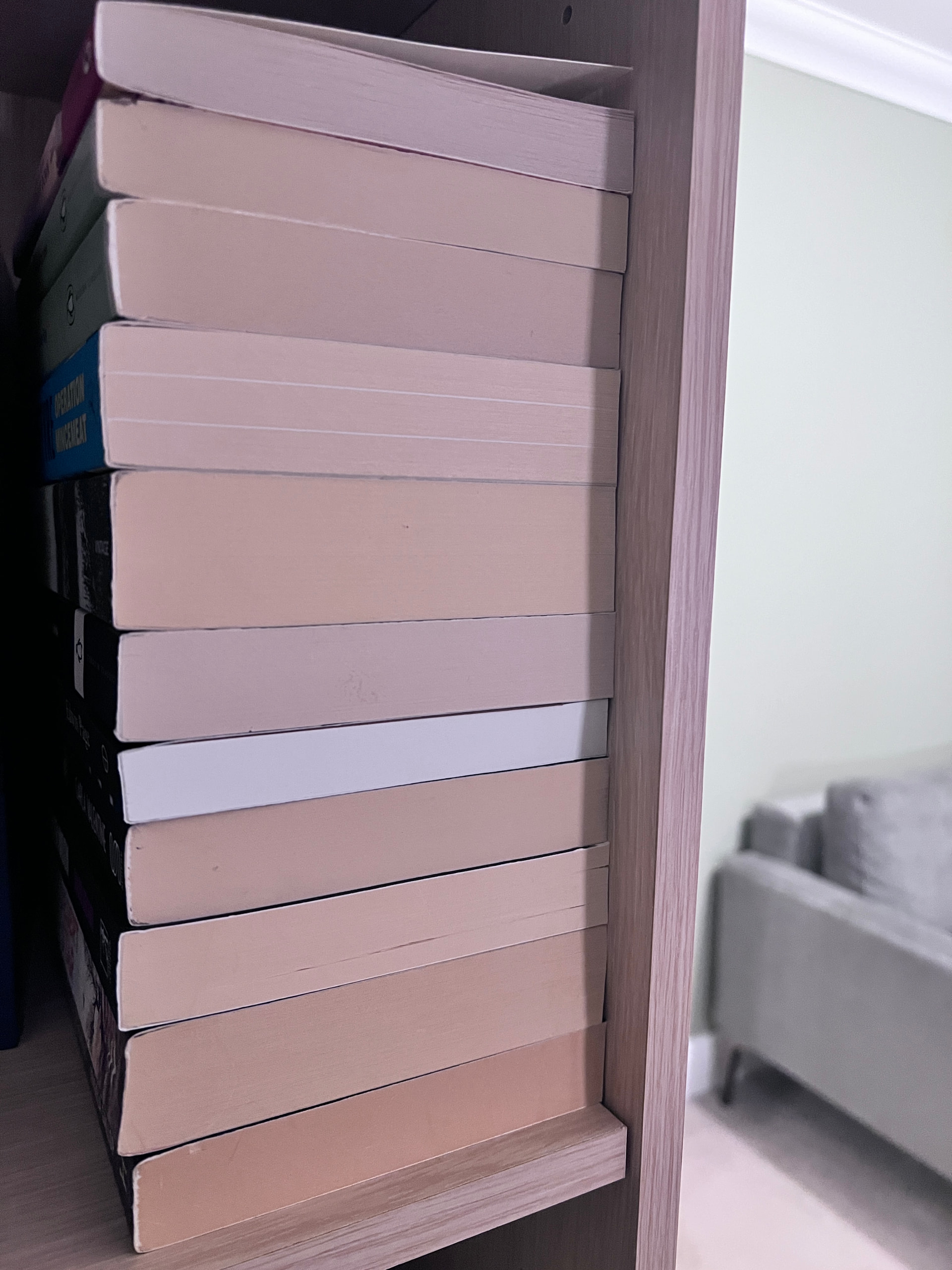
2 Likes
It might also be because book design is invisible if it’s done well.
4 Likes