I have a very large project file: ~20,000 documents. Most of these are 19th century newspaper articles harvested from various databases. In some cases I had access to the OCR text, and in many others I grabbed a screenshot and dropped that into a scrivening. Many of these I have flagged as “NOT TRANSCRIBED” and are easy enough to find. But how may I find all in-line images with regex, so I can run everything through an OCR engine (& greatly reduce the weight of my program!)? Thanks in advance for any help!
Regular expressions are a way of finding text patterns, not formatting. There isn’t anything would find all images at once, like a project search would do, generating a list in the sidebar for you. But if you go into the Edit ▸ Find ▸ Find by Formatting... tool, you will see an image finder tool in there. With that set to look in all documents, it will go through the whole project, finding each one by one.
3 Likes
Wow it worked and I never paid attention to that before, I have multiple learning projects on software where include screen shots and works beautifully when selecting a large group of documents in a folder.
However, interesting Find by Formatting does not in Windows find tables. This function does not seem to work for a blank table or one with data.
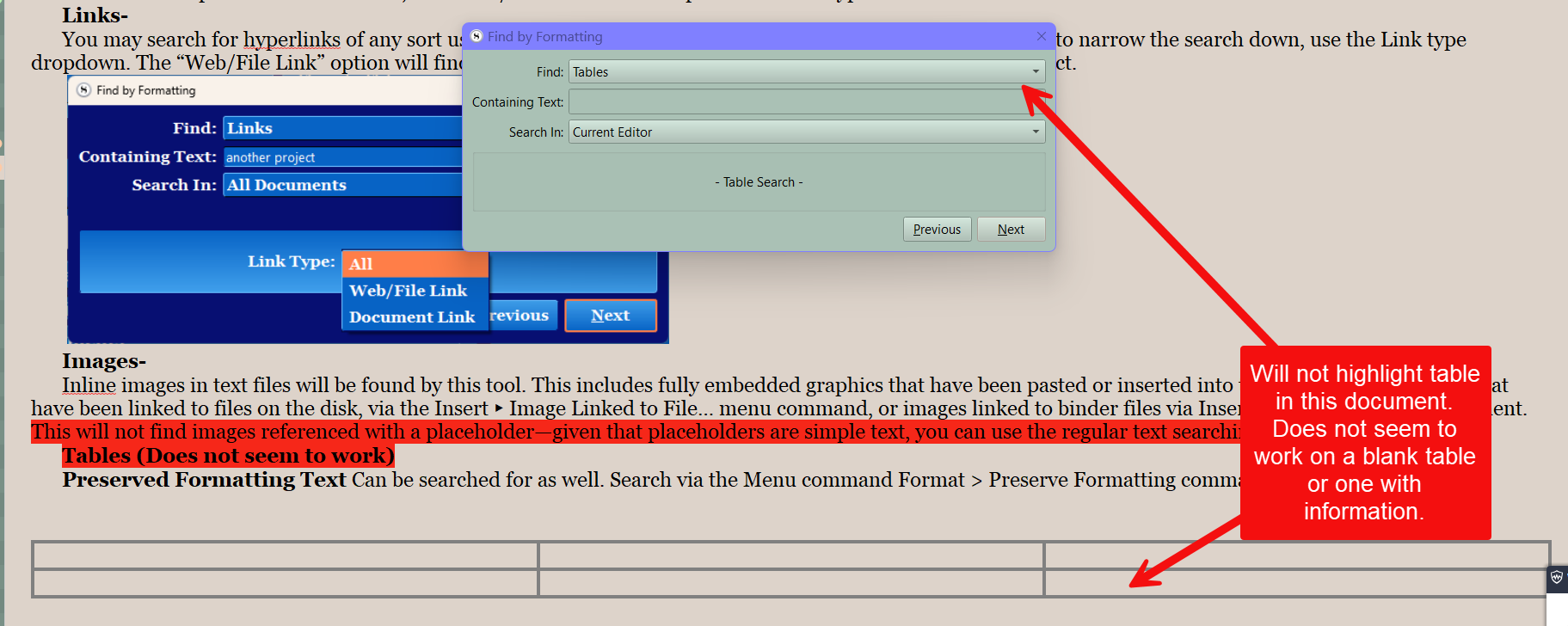
2 Likes
That’s a known bug. That entry should never have been added to the menu.
1 Like
Thank you so much! Never noticed that before. A tad tedious, yes, but it’ll do!
d