I posted this is “Tips” but then realized it was more suited for here. I have discovered the joy of Layouts!
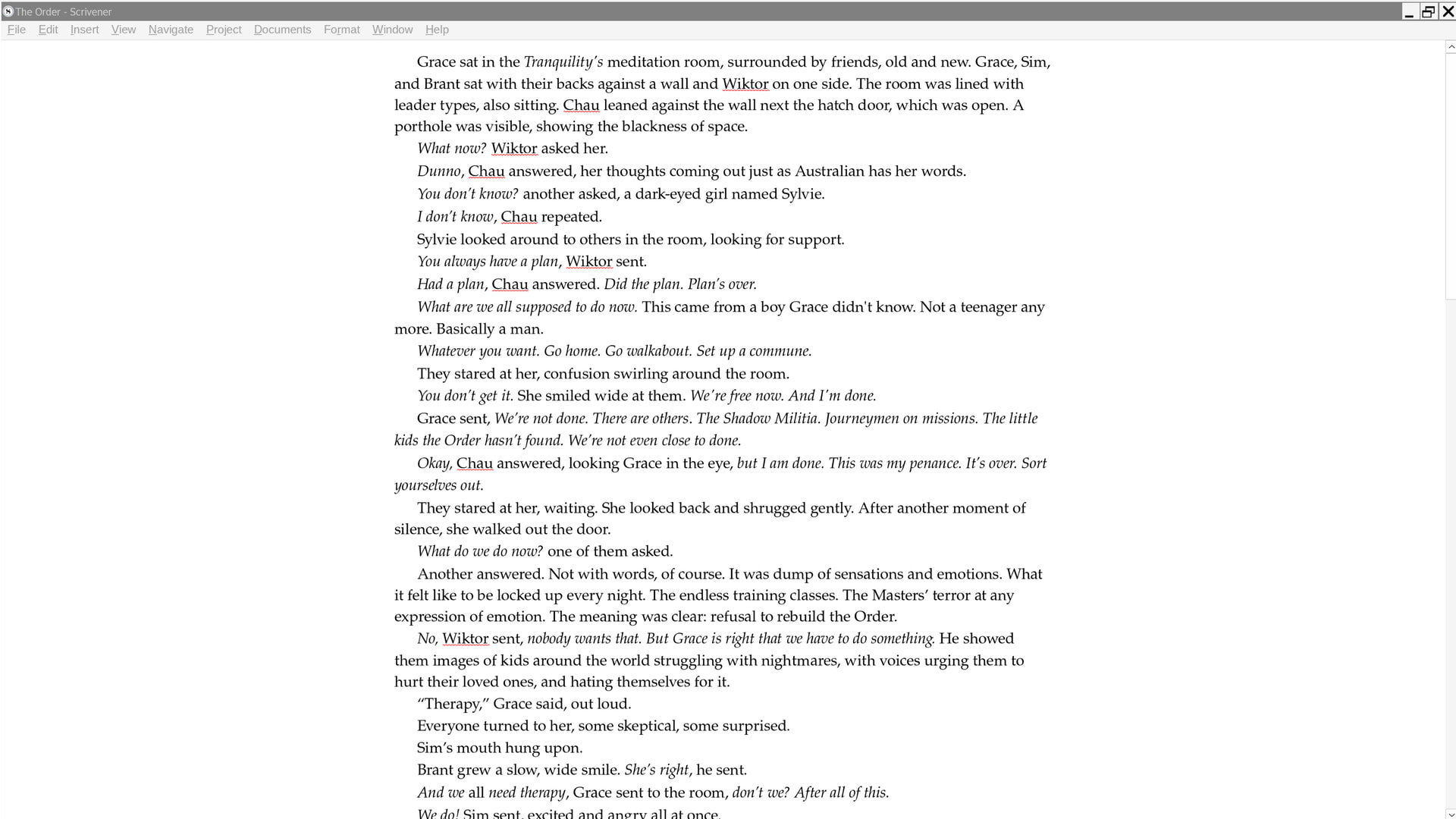
The built-in CompositionMode does not work properly under Linux, in my experience, so I turned everything off but the Menu Bar, and I turned on Typewriter mode, and then saved it as a Layout called “Focus,” and ended up with this (below). You can activate the Binder or Inspector with a key combo if you need them.
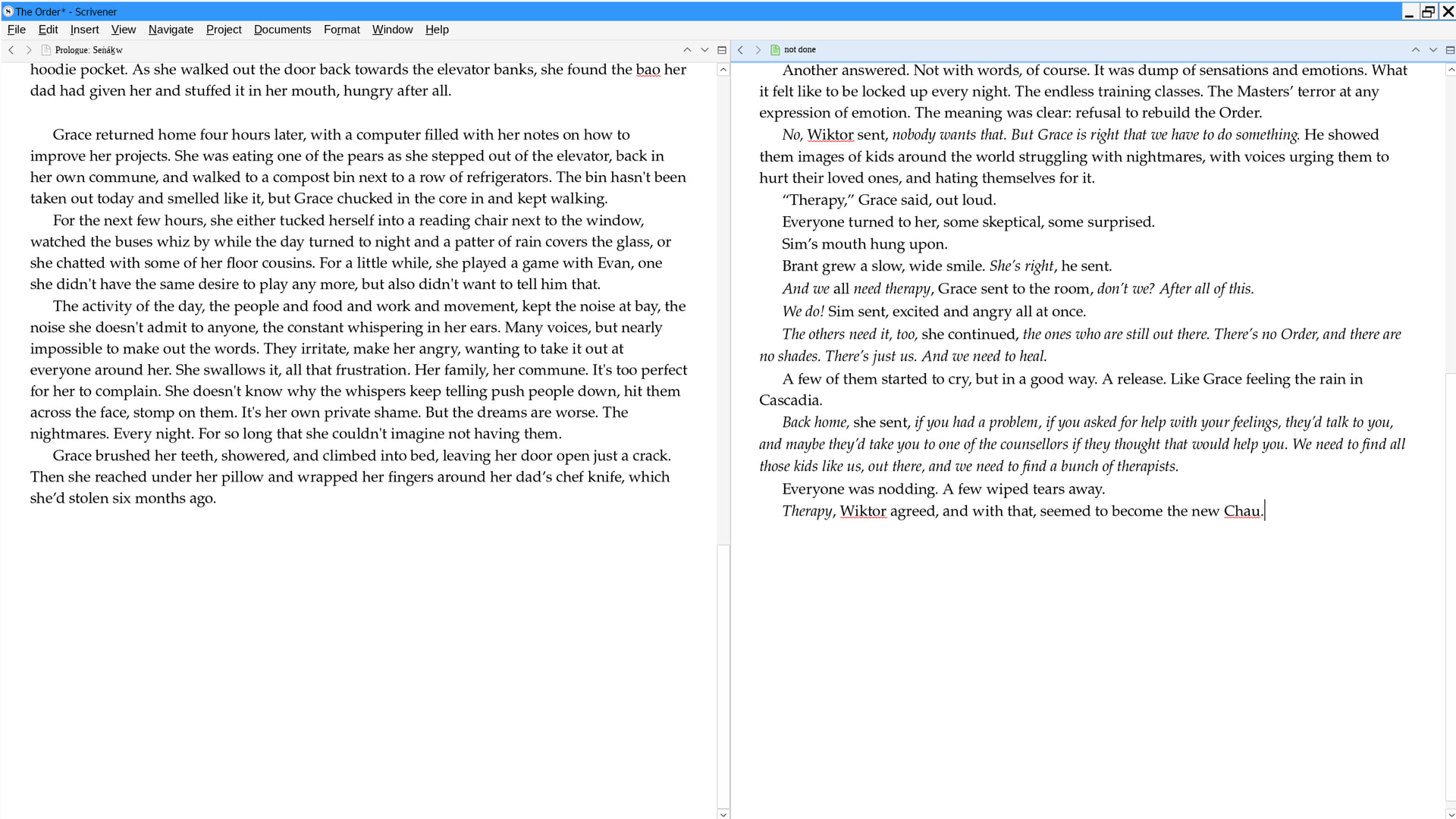
You can also do this with dual texts, super useful for all kinds of circumstances (eg, checking for continuity, working with a previous version of a section, etc.). In this Layout, I turned Headers back on because they’re useful for navigating multiple sections open.
Yeah, I don’t know what “rebuild the WINE” means, so I’d need to set some time aside to make sure I do this right and don’t mess up my entire installation. I’m not saying that’s impossible! The only way to learn to is to try, but it’s a project for a another day.