First time ever seeing this for me
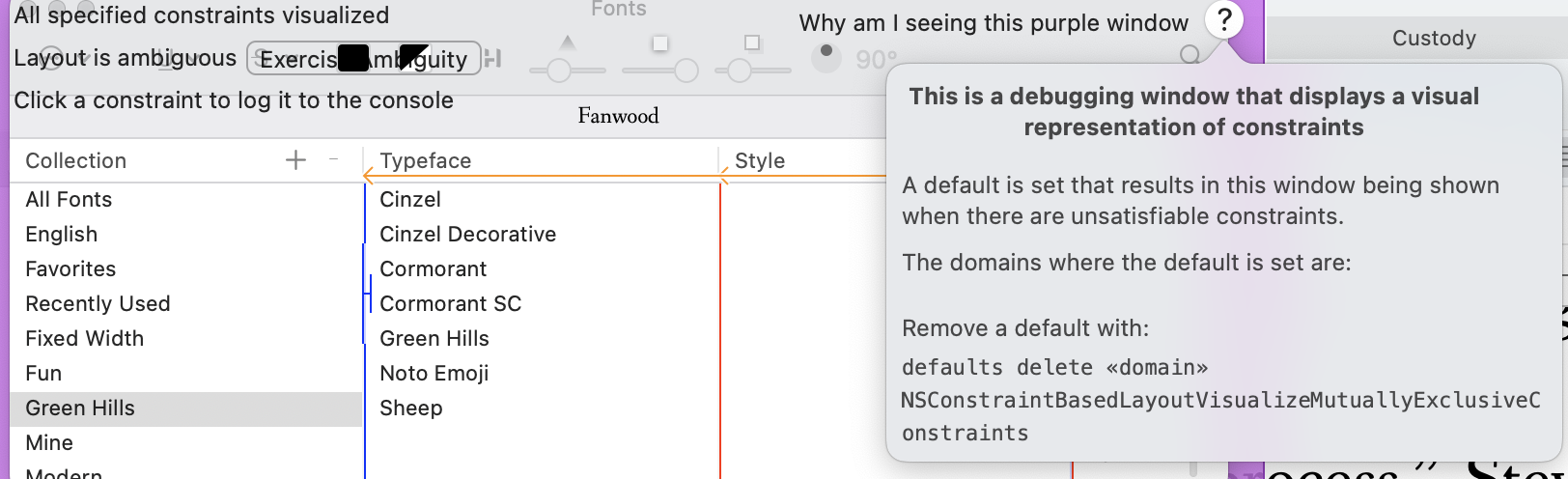
Mac M1 Pro
Ventura 13.4 (22F66)
Scrivener 3.3.1 (15584)
Update to build 15588.
Hello, I had the same issue with the screen and stuff but I just do not know how to update to the Build 15588, since I got the app from Apple’s App Store. Right now my Scrivener is 3.3.1 (15584)
Thanks a lot in advance for any help.
Download and install the latest version here: Download Scrivener | Literature & Latte
Hey, thank you for the swift reply!. It was THAT easy and seems to have worked fine.
Is build 15588 also coming to the App Store or more of a temporary release?
This is the permanent release. Apple Store uses a different build – the licensing code is different, plus a few other things – but as far as I know does not have this issue.
Edit: Ah, missed that this user had the Apple Store version. But in any case yes, the current version at both venues should be fine.
Any idea what could have caused the issue then? Maybe the user was also not on the latest App Store-version?  Just trying to understand what’s going on.
Build 15584 is known to have the issue. There’s no deep mystery involved.
Well, from what the OP wrote, it appears build 15584 was the latest update offered via the Store. But it should be whatever current fixed version.
I had this very issue for months, now, AmberV.
I just decided it was enough and came here: it worked like a charm, many thanks!
Welp, I updated to the new version and just blew away all my compile settings… swearing commencing. Before I take another step, is there a location/file some way of getting them back before I have to do a timevault to my latest backup… sometime last week before I did 3 days worth of compiler editing?