What could cause this?
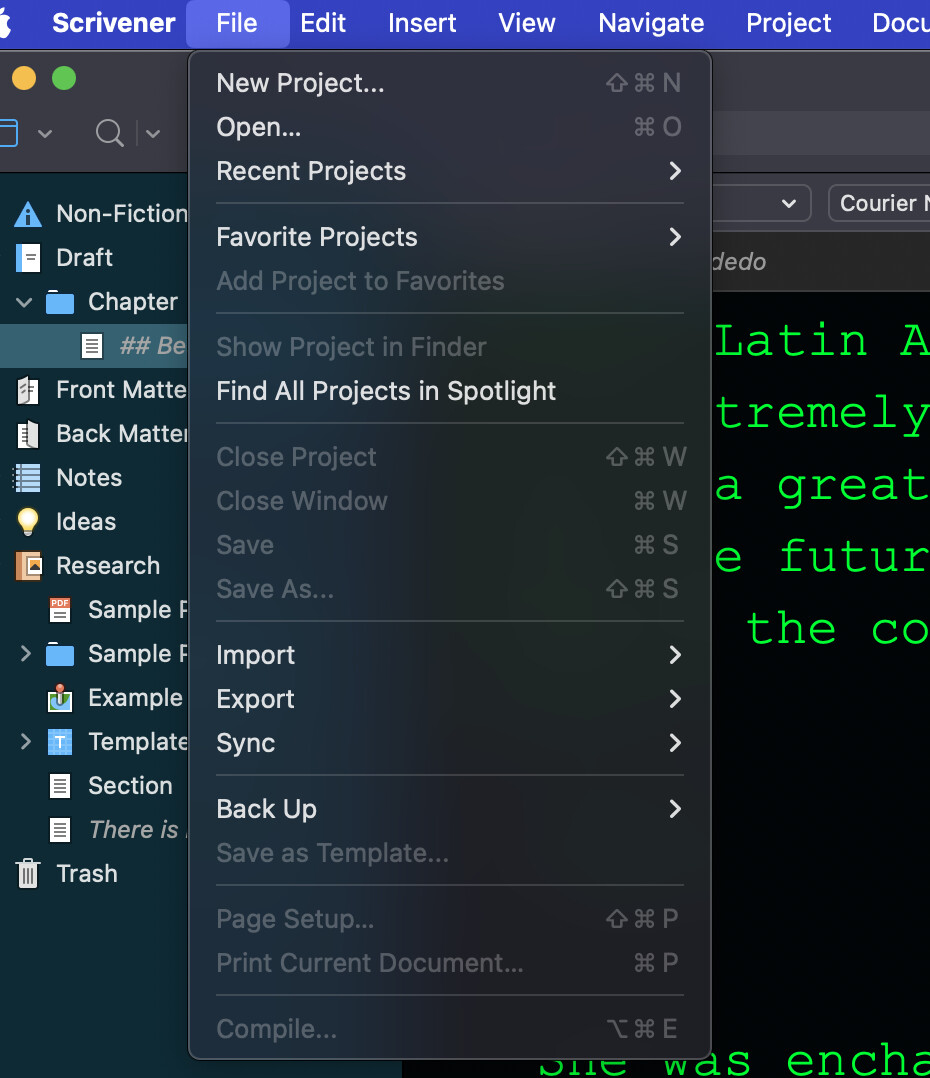
Previously had been trying to cut and paste text.
After a session, trying to Save but can’t. Why is “Save” greyed out?
Not a fix, but: minimized window. Waited. Listened to music. Came back to Scrivener.
What I was doing immediately before: was trying to move text via Cmd-X. Upon paste the previous buffer was entered.Processing: Screenshot 2026-04-13 at 14.09.00.png…
I see no one else has offered a suggestion so I’ll take a stab at it.
First thing to check: Has the project has been flagged as READ-ONLY in some fashion? In Finder navigate to where your project file is, cmd-click (right click) on it and select Get Info. In the General category at the bottom of the section look to see if the “Locked” checkbox is checked. If it is, that’s the issue and clearing the checkbox should fix you up.
Past that, you might try creating a new project and attempting to import the problem project.
If its a deeper issue then we are running into things that are not a Scrivener issue but an OS issue.