Hi, OolonColoophid,
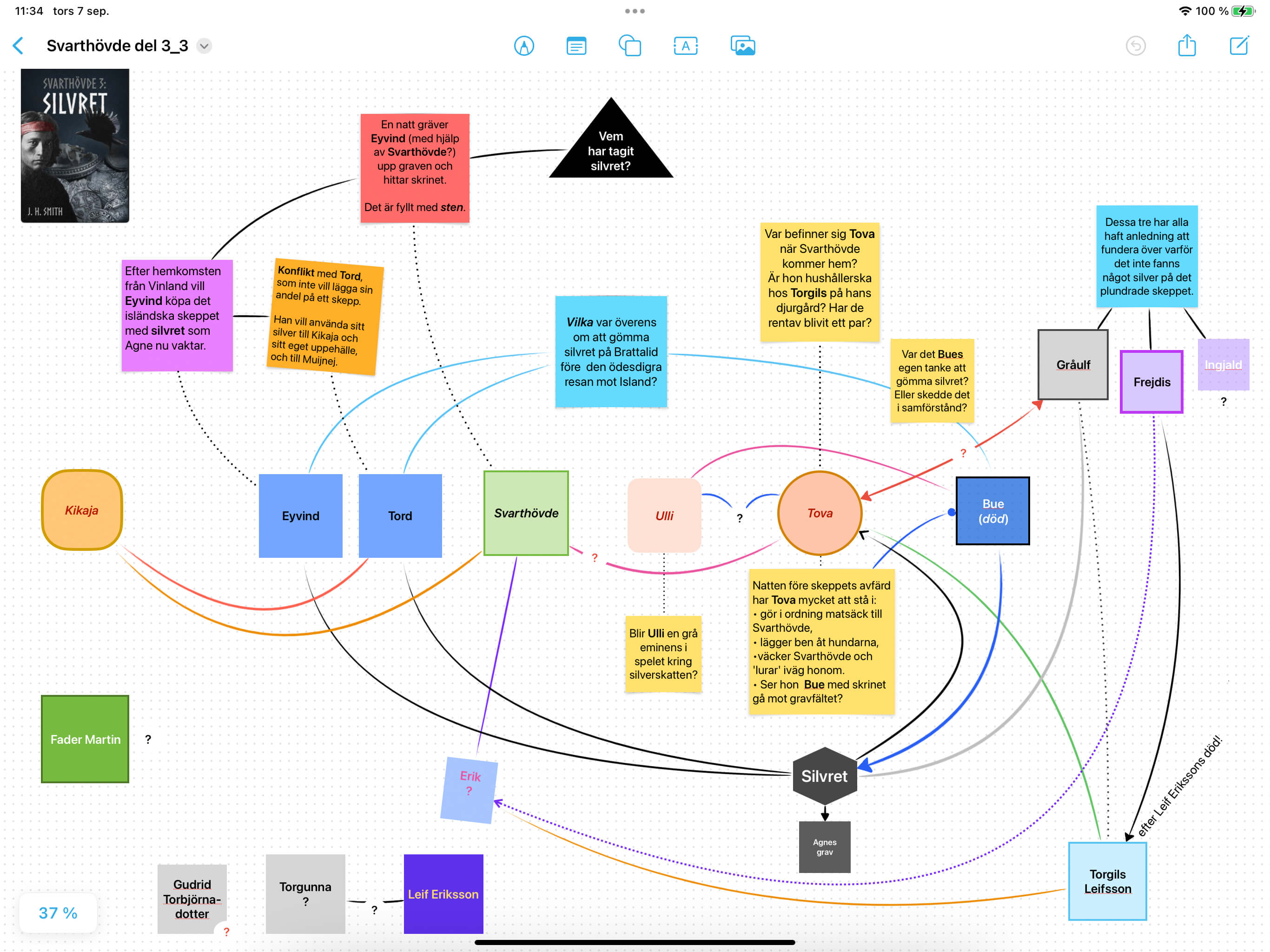
Nice to hear from the code wizard! Posting under my old nom de guerre, I’d like to show a glimpse of how I managed to do some useful brainstorming in the absence of Scapple, when I only had the iPad Pro available.
As I mentioned, I do like the visual tools of Freeform, which I find inspiring when, for instance, sketching relationships between characters.
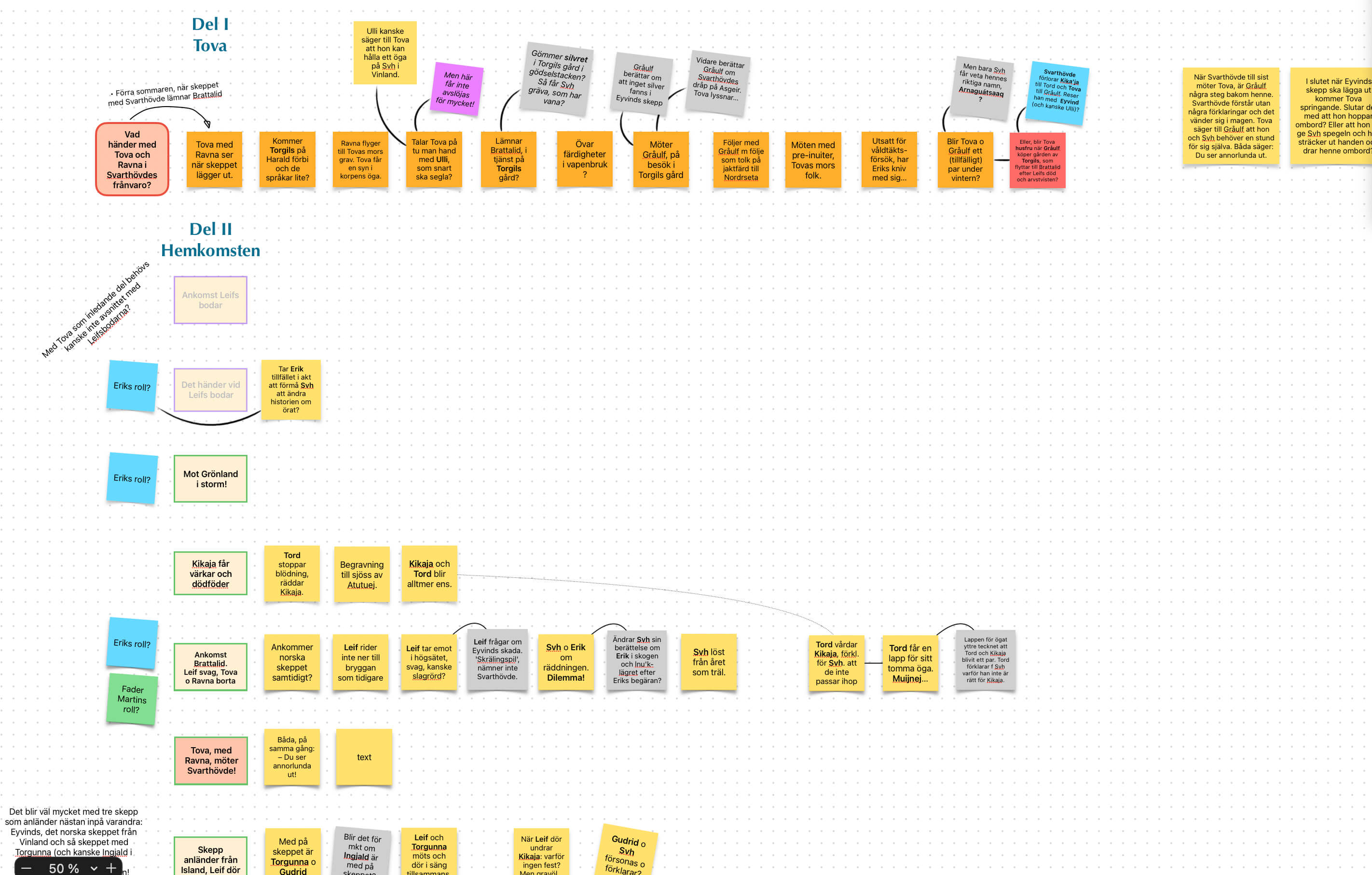
On the other hand, I find the Freeform iOS text handling generally convoluted and awkward. The second screenshot shows how I tried to use FF as a Scapple understudy – a slow and generally unsatisfying exercise.
A Scapple with Freeform-like graphics tools would be an ace!
Thanks, Spitfire31 - these look great. Right now the priority to is make the iOS Scapple a fully fledged cousin of the Mac version, but we agree Freeform has some versatile graphics tools!
Hello, I am not that active in the forum, but I think I was one of the first Scapple users and one of the first to ask for an iOS version. It seems it’s in the pipe. Congratulations!
I just hope it doesn’t need super new flashy iPads. Writers may be geeky, but they look cooler if they are not
Thank you so much, I’m obsessed with being proficient using the most effective apps, and NOTHING beats Scapple for Mac! I’ve tried almost ALL apps on the iOS App Store, since 2015, when I first started looking for some mixed free-form brainstorming/note-taking/flowchart application.
I’m also obsessed with UX, and having worked here in Italy for the most popular price comparison site for 8 years, I studied a lot of it. Often developers do incredible applications, but they don’t get the fact that the apps that win are the ones that empower the end user through a smart application of Nielsen usability guidelines, making HIM feel efficient in the job!
So, can’t wait to have my absolutely favorite app on my iPad, too!
If you need a beta tester, just drop me a note!
Ciao!!
PS I also have a small youtube, could review it as soon as it goes online!
Ciao iovideomaker! Thanks very much much for your kind words about Scapple - we’re really keen to make apps that work for the basics as well as the more advanced cases without making the UI overly complex. We’re still working on iOS Scapple but there’ll be a call for beta testers at some point, I believe - watch this space!
I realise that I’m posting a response to this 14 months too late – sorry about that, but I’ve only just read this thread…
But in case you haven’t figured it out yet (or if other people have the same problem)… the ability to reopen documents is actually a Mac-wide setting, so doesn’t always need a program to configure this individually. That’s why some people say it works already, others that it doesn’t…
(Scrivener does have its own setting for this, but I suspect that’s because Scrivener Projects can be huge, so it’s worth being able to treat them separately).
The setting for Scapple and other programs is at System Settings > Desktop & Dock > Close windows when quitting an application. If you slide this to Off, then your open Scapple documents will reopen along with the program.
I can’t remember where it is on earlier versions of macOS, but it’s been a part of the OS for a long time, so it will be in System Preferences somewhere…