I’ve been searching for a lightweight notetaking app that organizes things as a hierarchy of RTF files. After trying a thousand different things (which usually adhere to the new dogma of markdown), I keep coming back to Scrivener as the answer to my problem.
But I want to keep using Scrivener for my major writing projects, not lightweight notetaking.
I wish I could run a second copy of Scrivener under a different name, just to keep the two contexts separate.
Or, would you consider creating a lightweight reduced version of Scrivener (maybe called Scribe or something) that would be this RTF-based notetaking app for Mac and iOS? We would not need all the bells and whistles. No exporting to ebook. Just help us jot down our thoughts quickly, capture URLs, images, pdfs, screenshots, lists, tabular data, etc. I want to store my life’s important tidbits somewhere and I would like there to be straight file-based searchable RTF access to it.
I don’t want just text. I don’t want markdown. I want to use all the fonts I have. RTF lets me. You built Scrivener on RTF. This is the answer.
CakeText would be a nice name for it. We add layers and layers of our PKM and life tidbits to it, like a cake.
Very interesting.
“I’d long been toying with the idea of an alternative, more minimal take on Scrivener.
…
So this isn’t Scrivener; it contains only a fraction of Scrivener’s features, and that fraction often works differently. It’s a scalpel to Scrivener’s Swiss army knife. And because it uses a different text system (and thus a different file format) and steers its own course, this isn’t a “Scrivener Lite”, either. It is its own thing. (Its own thing with iCloud sync.)”
If @KB is able to make this local-first and RTF based with optional iCloud sync, this would fit the bill.
Otherwise, it reminds me of Ulysses, which isn’t to say it shouldn’t be explored.
Looking for a light editor? Use the Scrivener Scratchpad. You can save your notes as individual files to iCloud directly. I save mine to a folder on Dropbox that the Scratchpad feature references (accesses) by default.
I don’t suppose the Scratchpad is available on the iOS version, and if that is the case, you can use some other iOS editor to handle the files that save as RTF documents, and they’ll be right there in Scrivener on you Mac when you need them. Someone else can chip in on what the Mac shortcut to the Scratchpad is.
Perhaps give something like this template a try. Its purpose is to minimise Scrivener’s project window down to only what is necessary to take notes quickly, and without ado. You can keep this open alongside other projects, or all on its own if you’re doing other things. I realise it’s not a different name in the toolbar, but the “interface” between this project and a more typical one is so different I feel it would be easy to ignore that.
It wouldn’t be saying anything too revealing about the new program, as it is talks about it in the blog post linked to above, but it is not RTF-based.
Most tools of this nature, these days, are not going to be RTF-based. It’s just too difficult to work with; you need to have a really good reason for investing huge amounts of time into the text editor (and working around the myriad labyrinthine bugs in the ageing frameworks that use it). Simple fact: it’s a 40 year old format that was discontinued almost 20 years ago. Even Microsoft Office doesn’t support it on iOS, and that suite is the whole reason that format was invented.
I think a simple way of putting it is that it’s not going anywhere any time soon, but there is no future in it either. It would take a rare developer to start a brand new development effort in 20256, with bright-eyed enthusiasm about using RTF as its core data format.
Funnily enough, if RTF is your constraint, I think Scrivener may be one of the better tools for the job these days (at least on the Mac or Linux, I know very little about Windows software in this genre)! While this was never its original intent, it is no slouch at being a core note-taking tool. Of course a lot of where that post links to goes way beyond light-weight, but that’s why I suggested just checking out the “scratch pad” template. That can be the beginning and the end of the journey, if that’s all you want.
Thanks for all this detailed information. That template seems interesting. I agree that Scrivener may be the best tool for the job right now.
With regard to RTF: what I’m really looking for is a WYSIWIG editor with the ability to use your own fonts and save it to a file accordingly. RTF has historically supported that. So my preference is not necessarily for RTF per se (which I agree is a dated format), but for a WYSIWIG format, whatever the new contender is in that space.
Markdown, which the industry loves using, is a non-starter. I simply do not want to look at markup on raw text. It is uninspiring.
I look forward to trying out the new mystery app that you all are working on. Hopefully it is WYSIWIG and local-first.
Lots of word processors out there, of course. Word, LibreOffice, etc. And I know many writers and authors use these extensively. But I have not come across one that has the organizational ability of Scrivener. Let me know if you have.
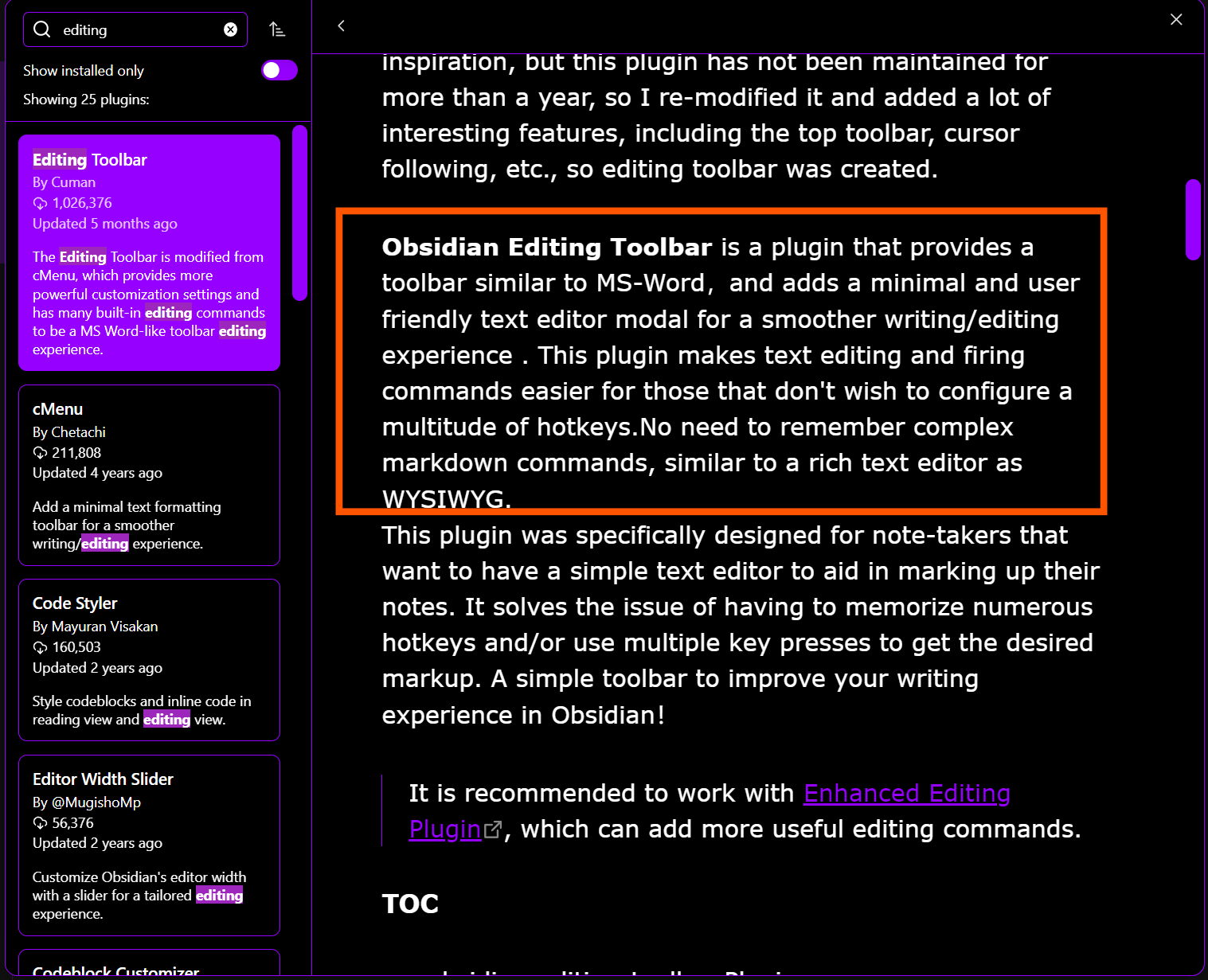
When you say WYSIWYG, you’d have to use something like a layout program, at least for true WYSIWYG. However, if you mean you want to change fonts within a document, while not having to look at raw markdown or such, you should be able to achieve this in Obsidian.
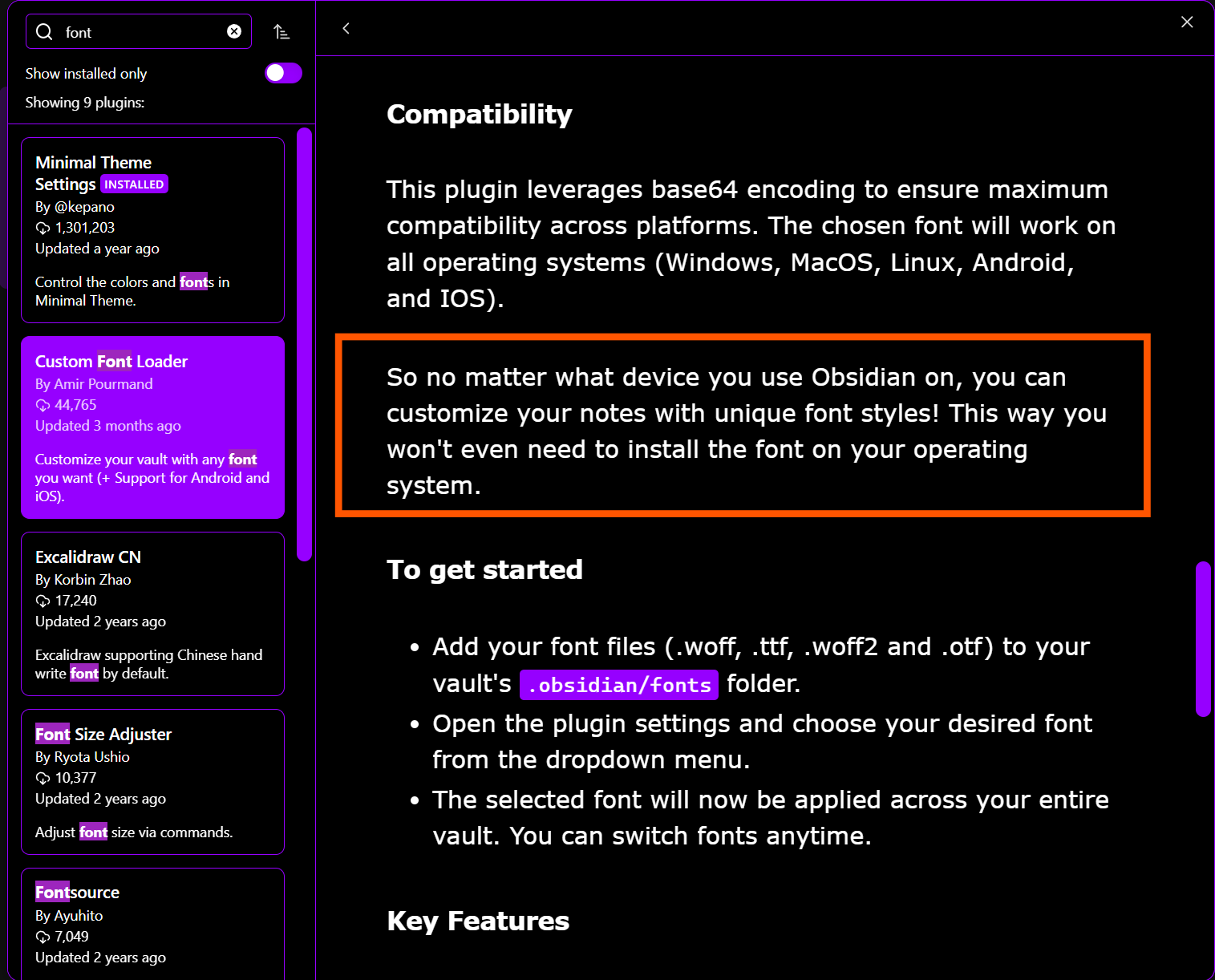
Though I haven’t tried it, this Obsidian plugin, Custom Font Loader, looks promising for choosing fonts within a given document:
I’ve never had the need to manage PDFs in Scrivener, so I can’t offer anything helpful there. I will say, though, that Obsidian manages them quite well; I have one vault regarding an insurance claim, which consists of dozens of PDFs. Sorry I can’t be more helpful on this aspect.

 , may I ask whether Obsidian manages PDF documents in the same way as Scrivener?