When you say WYSIWYG, you’d have to use something like a layout program, at least for true WYSIWYG. However, if you mean you want to change fonts within a document, while not having to look at raw markdown or such, you should be able to achieve this in Obsidian.
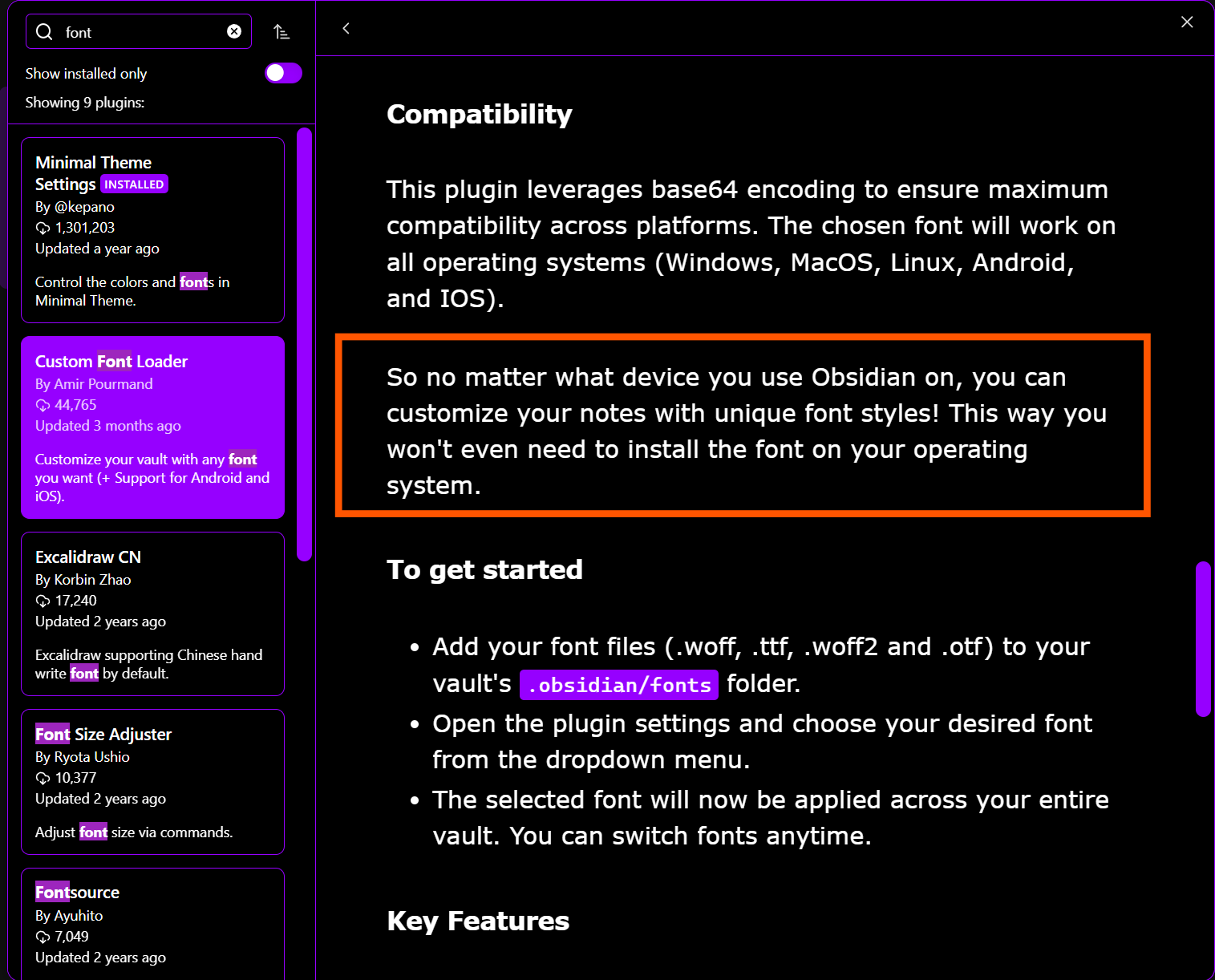
Though I haven’t tried it, this Obsidian plugin, Custom Font Loader, looks promising for choosing fonts within a given document:
As for never having to look at raw text or markdown, Obsidian’s normal reading/writing view will keep that stuff out of view.
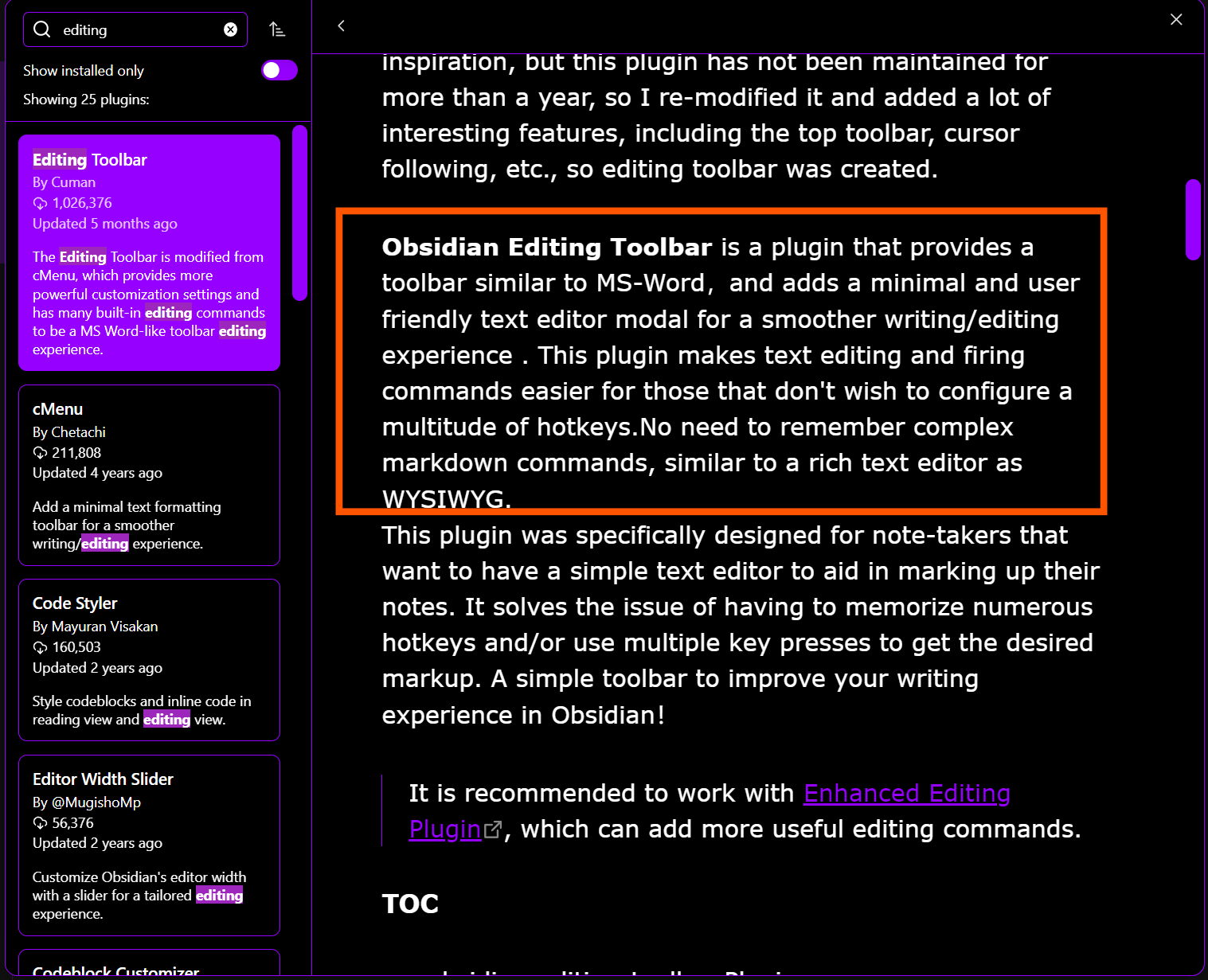
If you want, you can install an editing toolbar plugin:
Something to consider, anyway.