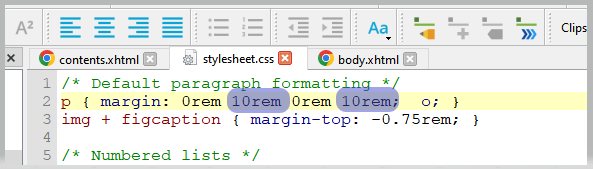
In Sigil (free to use – and personally the solution I’d go for), all you have to do is match the second value to the fourth, and your paragraphs will be centered.
Of course, 10rem is quite extreme (don’t do that ). Just use whatever value you’ve got as the fourth, and type it in as the second.
/* Default paragraph formatting */
p { margin: 0rem 0rem 0rem 0rem; o; }
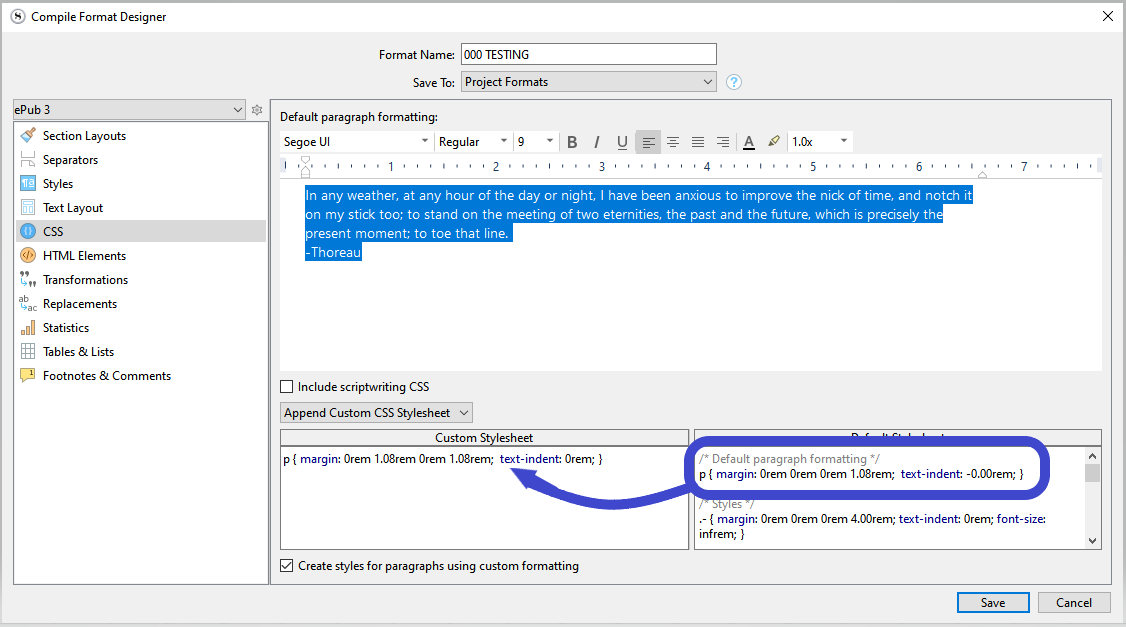
→ That’s Space before - Right margin - Space after - Left margin.
. . . . . .
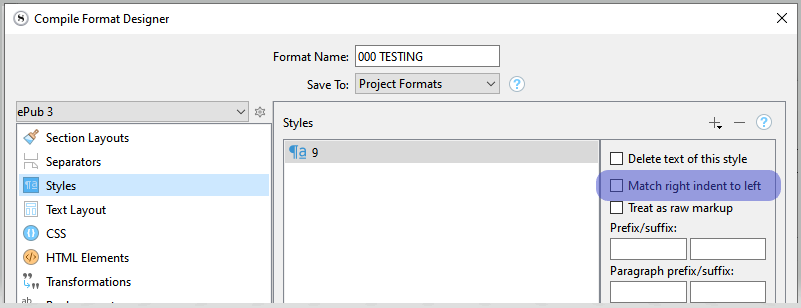
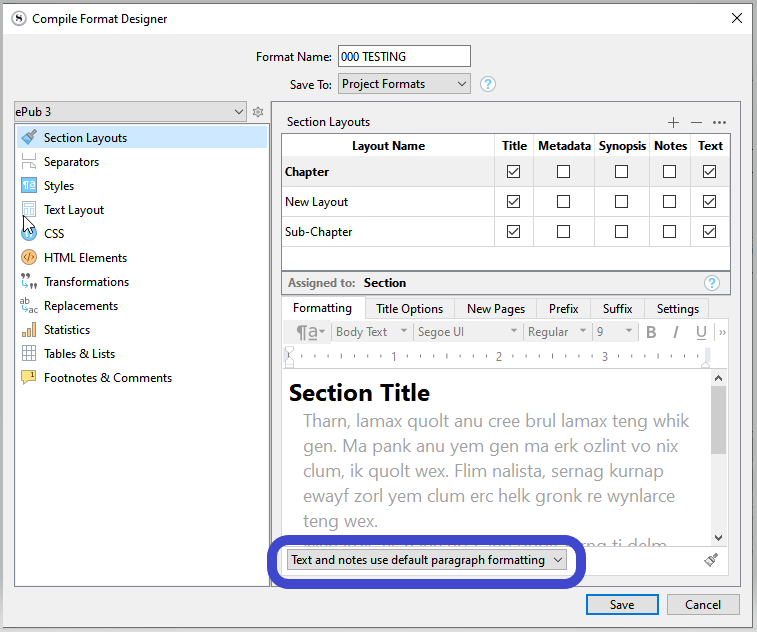
If you used styles in your book, the answer will be a combination of option 1 and Sigil, or option 1 and 2.
Or you can manually set them all right in Sigil, one by one in the stylesheet. (Should take no more than a few minutes.)
If you do that, keep all versions, as you will otherwise have to redo it after each new compile.
Keeping a previously tweaked version (YourCompile.epub) would allow you to simply copy paste your previously tuned stylesheet from a version to another. (In Sigil)
. . . . . . . .
Hello @Vincent_Vincent , I would like to thank you very much for your great, comprehensive, and delineate explanations and the methods mentioned on how to achieve the equal margins. I am new to the software, and ePub eBook editing, and I feel you have initiated me already : ) I am utilizing the information that you did write down as a starting point to delve further into the eBook setup and the Scrivener.

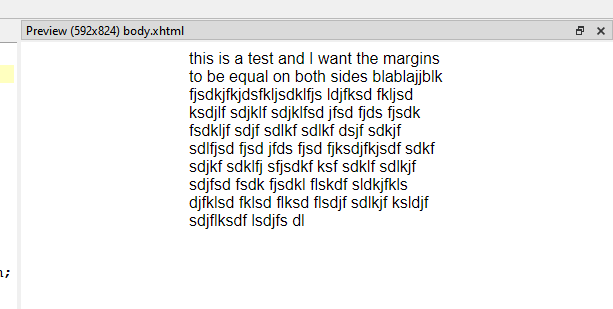
 ). Just use whatever value you’ve got as the fourth, and type it in as the second.