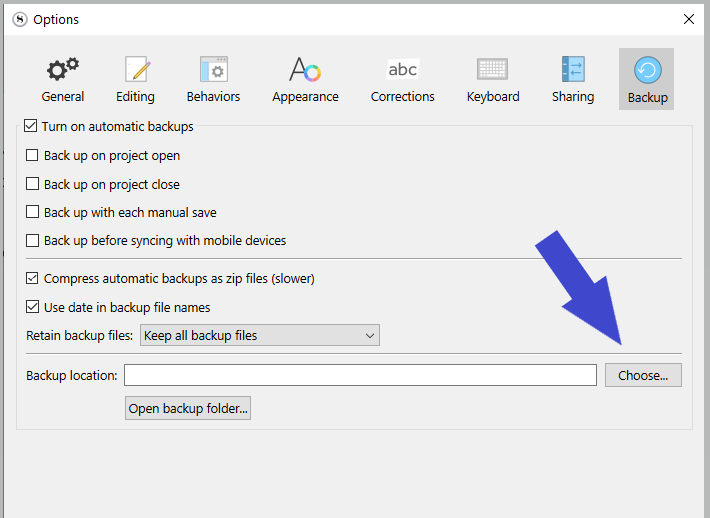
I was wondering why my Scrivener backups were taking forever to save. I looked into the Windows folders containing my project (which totals 4GB!) and found that they contain backups of my book, and backups of other project. Basically it is backing up multiple backups. There doesn’t appear to be a way to see those additional items from within Scrivener.
Can I just delete those spurious folder in Windows without damaging my current project?
I’m running Windows 11 and Scrivener 3.1.6.0
Thanks!
Brian