Cheers everyone,
Hope all your writing is going well and inspiration is carrying through all your great projects.
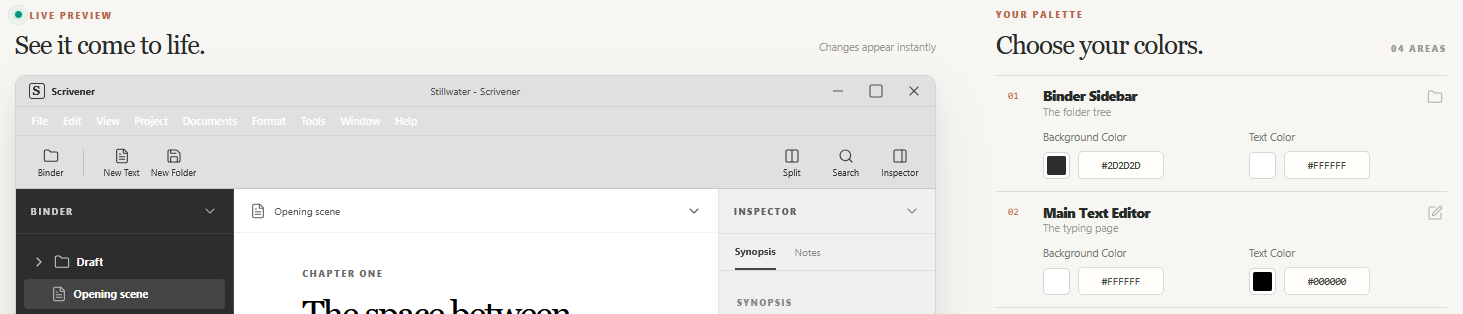
Here is my latest project, which I made to use freely, and in a browser, for writers and wanted to show you all first.
It’s for those who use Scrivener and find the customization limited and frustrating. I even built in a simple drag and drop feature that help with quickly getting the colour swatch you crave. Please enjoy… BTW my website page is still WIP.
1 Like
Link is broken, wanted to give you a heads up.
Cheers, yeah had a hiccup today trying to get my images uploaded and killed the site hahaha it’s up and running now… thanks for the heads up
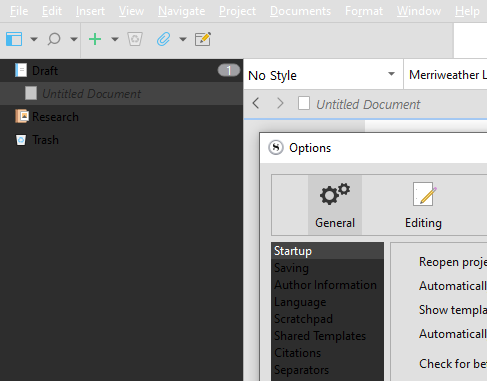
Downloaded theme without any alterations. Not really sure what’s causing this, but binder and option lists seem to be black font on dark background. Windows 10 running a system dark theme, but I’m not sure that’s the issue, because switching to a light theme didn’t change anything. Scrivener under default settings (did a settings reset to default just in case).
Also. I love the monochrome icons on your preview screenshot.  How did you do that?
Cheers, okay the Theme Maker lets you choose the colours . I needed something that i could control the setting because the harshness of the dark mode bugs my eyes and i like to have a balance between Dark mode and Light mode/// the screen shots were done in Photopea. Try the drag and drop it’s great. Plus i have my setting up to the right.
Also you have to scroll up and down to see the full set of sections. FYI
I get that the maker allows to change colours. Like I said, I went straight to download without altering anything. I expected something like this.
As for the icons, I now gather it’s just an illustration, not an actual screenshot.  Sorry! I just really loved the look of it, so I thought that maybe there was a way around the Windows 95 look in Scrivener.
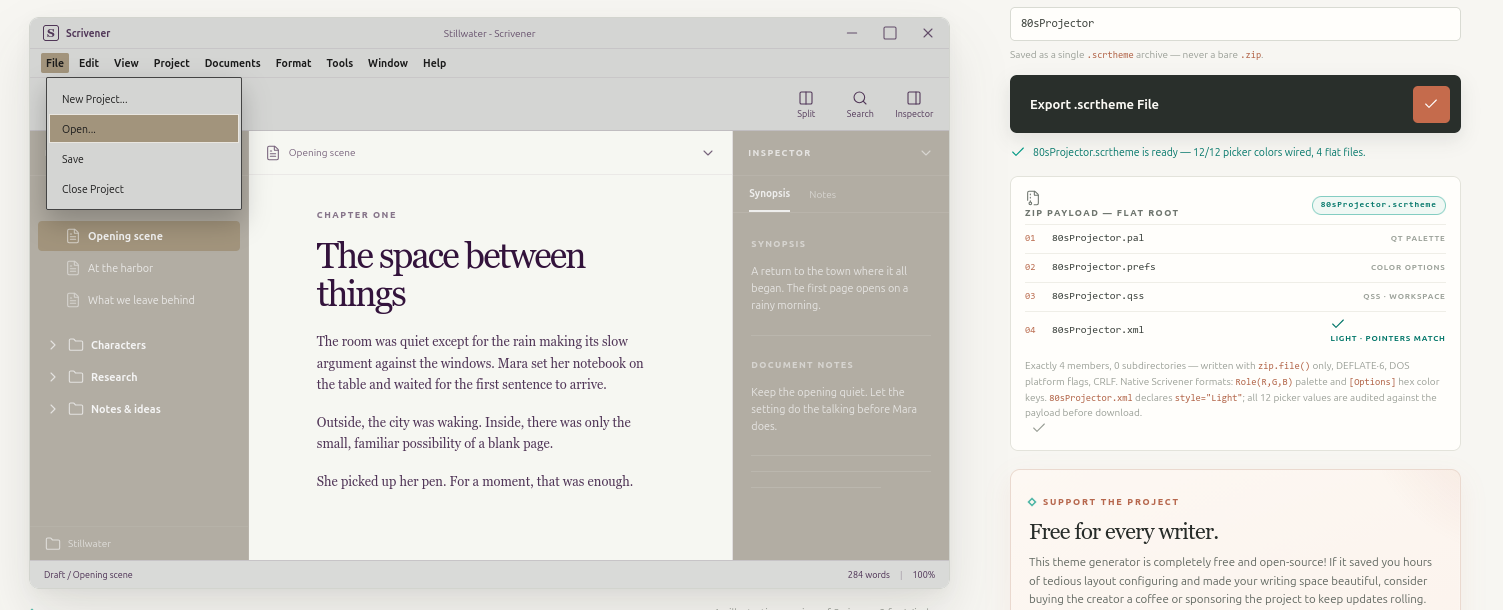
grab images from online, with colour you like and see what happens… like this, i’m calling it 80sProjector hahaha
1 Like
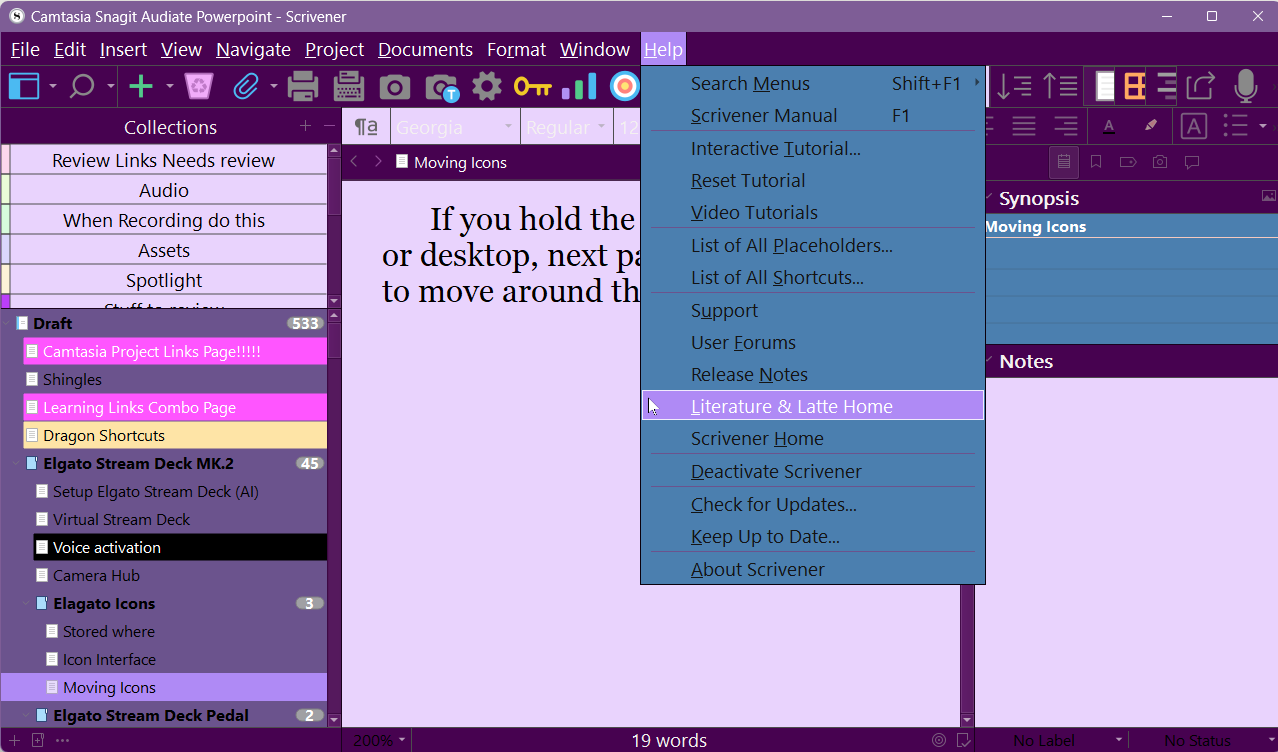
Fantastic tool and with the ability to preview the colors in real time. Kudos/thanks, fantastic. Below is my creation BluePrincedream.
with my color choices and values
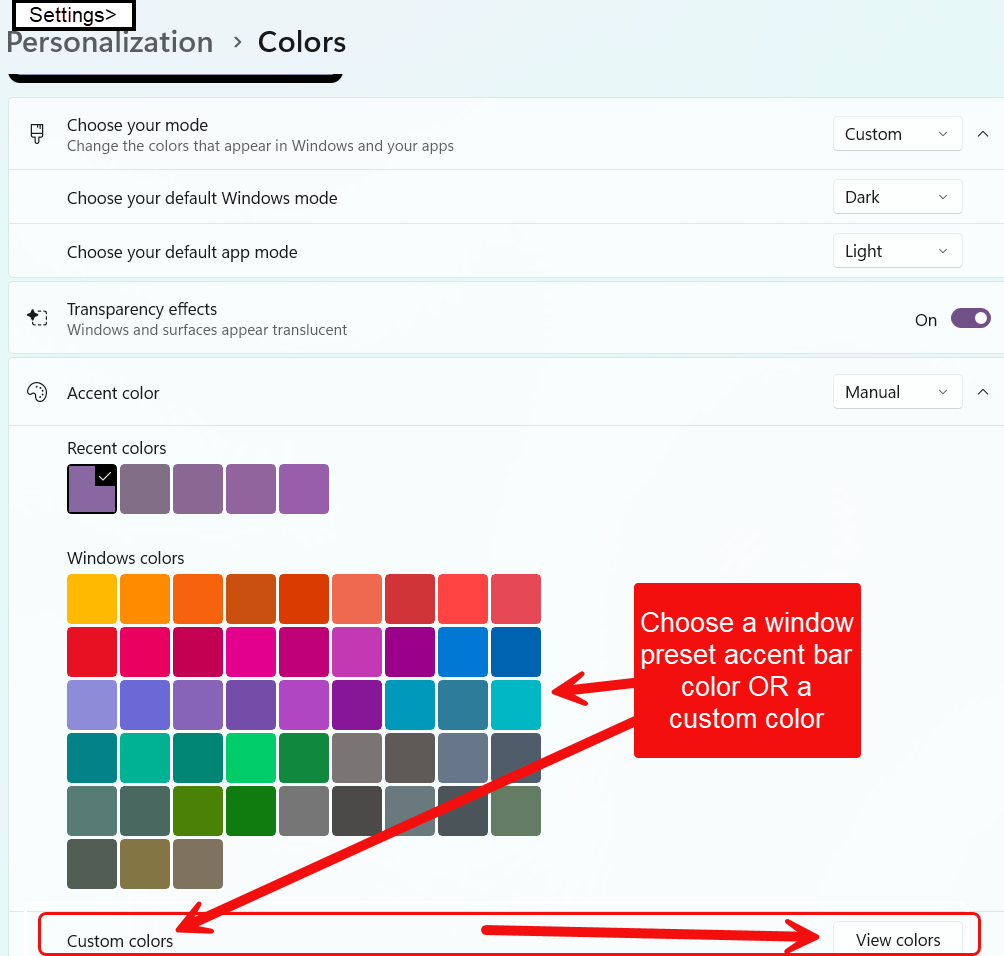
You can also adjust customize the windows taskbar color when inactive in the Settings area. see below.
3 Likes