My guess is that unless you have a HUGE Scrivener project, running Scrivener on the new 2026 Macbook Neo wouldn’t be a problem. Right?
…targeted at low-end users and students on March 4, 2026, at the price of $599, and is set to release on March 11, 2026. (Wikipedia)
I don’t think anyone will be able to answer your question without speculation, until March 12. But it’s worth considering that people had 100+ gigabyte projects back in 2010, and didn’t seem to have problems.
4 Likes
I have a base M1 MacBook Air with 8 Gigs of RAM, it still runs circles around my base (i5 10th gen) Intel iMac with 32 Gigs[1].
And the Neo’s A18 Pro is faster than the M1 (just +2.3% multi-core, but 23% single-core). Unrelated to that, the SSD performance will probably be worse. On paper.
No weird holes, cutouts, notches, islands and other annoying stuff in the screen. That’s good.
The only “facepalm moment” for me was the non-backlit keyboard. I get it, cutting corners and stuff. But come on. It feels like Apple is mocking us. For years users asked for a backlit (desktop) Magic Keyboard. And they go in the opposite direction on a Laptop.  Fuck you, Tim!
“normal usage”, haven’t tried gaming or excessive virtualization ↩︎
1 Like
It will be interesting to see! If it’s the same macOS Tahoe as every other Mac, I would imagine it would run fine. Only difference could be some kind of Apple Silicon emulation on the A18 Pro chip (maybe?), but since there is a Scrivener SKU for iPadOS that runs on those chips, maybe that’s already covered by L&L (?).
My M1 was like November Sierra’s. I agree. It shouldn’t be an issue, as I ran huge projects on it.
The Neo’s tempting, but my M4’s overkill and so no reason to buy 
1 Like
It’s literally the same architecture. If Apple wanted, it could run unmodified macOS on iPhones. (Would be a nightmare UI-wise, but in principle.)
I concur with @November_Sierra As I’m not a comprehensive genius about such things (there are odd gaps in my knowledge of this stuff) I did do an online search just to be sure and the A-series and M-series chips are both Apple Silicon ARM64 architecture and no emulation is needed. So, whatever runs on your Apple Silicon box can run on the Neo (YMMV on things like pro level video editing.)
(I’ll likely get the Neo in 2031 when my M2 MBP is due for replacement.)
2 Likes
“When comparing the MacBook Neo’s performance to existing Macs, the A18 Pro’s multi-core performance is on par with the M1 chip in the MacBook Air, but single-core performance is much higher than it was with the M1. It’s closer to the M3 or M4 chip.” Source: https://www.macrumors.com/2026/03/05/macbook-neo-first-benchmarks/
1 Like
The most serious compromise is the 8 GB of RAM, which is fairly puny for a modern device. Unfortunately, given today’s memory market, it’s a very understandable choice to hit this price point.
If it were me, I’d stall in anticipation of memory prices coming down and an upgraded version with more memory being released once they do.
(OTOH, memory prices coming down will probably mean the AI bubble has burst, with all kinds of other consequences.)
4 Likes
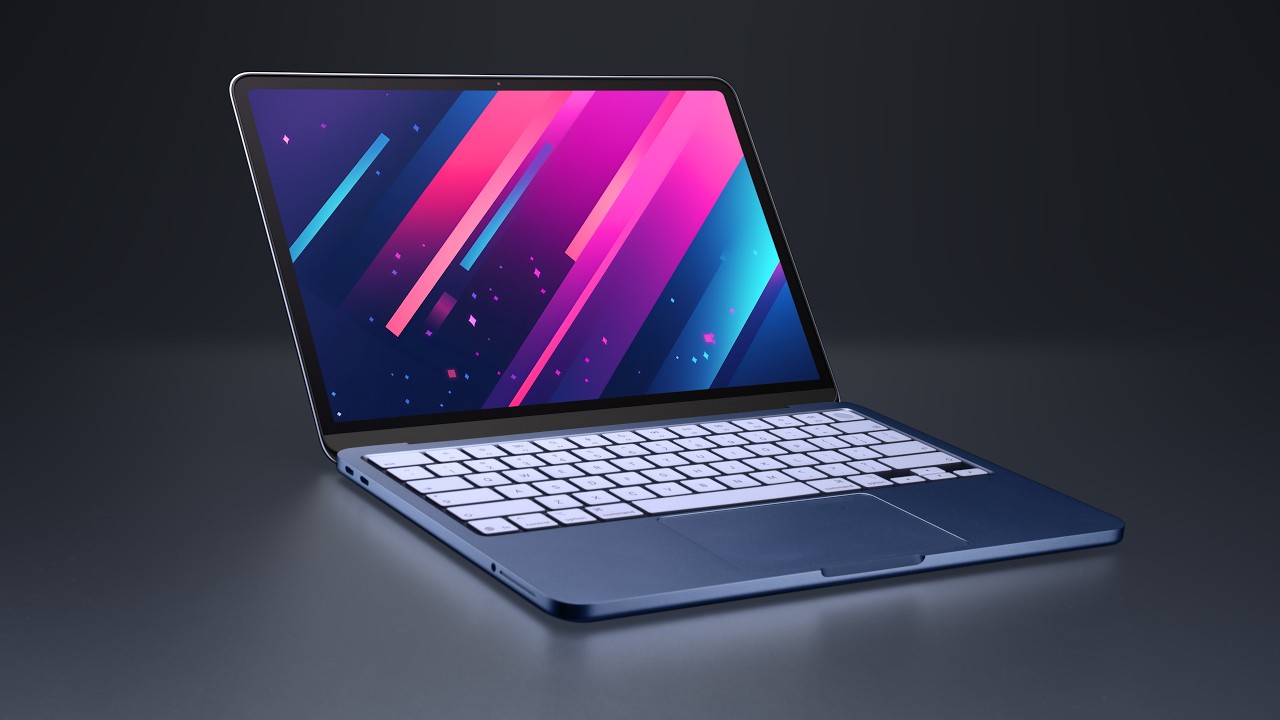
Short review (~11 min), also addressing the RAM configuration:
2 Likes
I’m seriously tempted by the Neo ever since my 2015 MBA bit the dust and I was forced to move to a Dell. Has anyone tried Scrivener on the Neo yet?
Scrivener only uses a few hundred Mb when running, even with a large project. If the Neo is to primarily be a writing machine, it’s almost ideal. Only thing I dislike is the lack of a backlit keyboard. So less “puny” and more, “why would you need more?”
(and for folks comparing it to a Windows machine, macOS requires half the memory of Windows before you run an app)
1 Like
One writer in my group just bought a Neo and is very positive about it: small enough and cheap enough for him to carry around on book events & the like and still be able to work. He noted the slightly slower loading of projects (I trust his word as a well-known & prolific novelist fwiw).
3 Likes
12 posts were split to a new topic: Crash when clicking on title area of project window