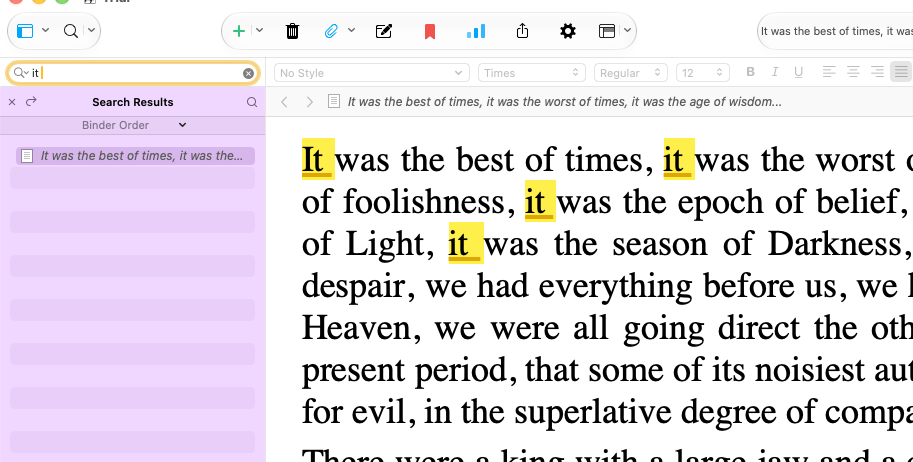
When I use Search (“Search Project”), I don’t see any option to jump to the next or previous match. So if I search for a word that appears many times on a page (e.g., “it”), I have to scroll through the entire document, which can be many pages long, and manually look at each highlighted instance. This is very inefficient (and takes a lot of time when the document has many pages and each one has a lot of text). Is there a shortcut or command I can press to just jump to the next / previous result?
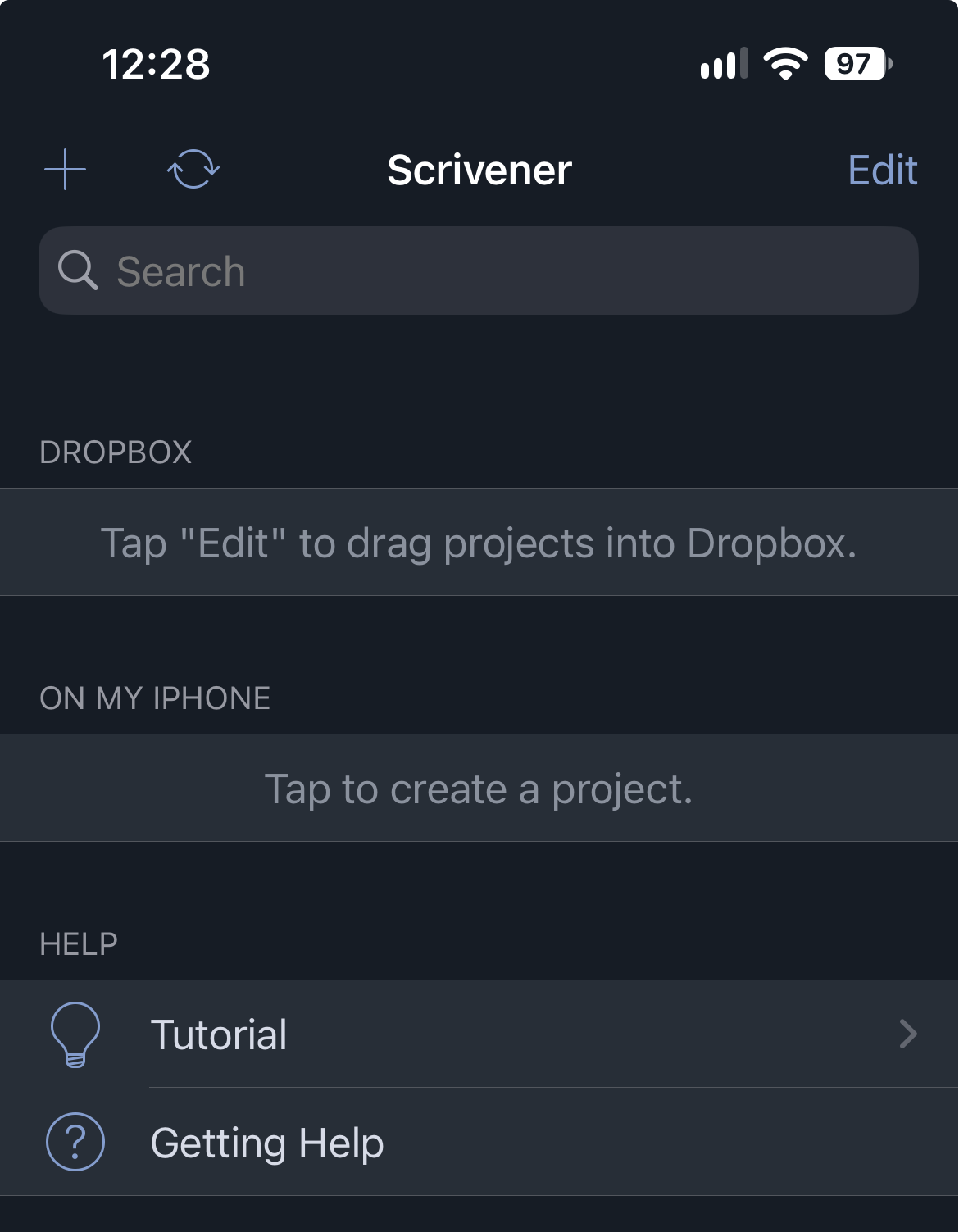
L&L states that there’s a way to sync via iCloud. I’ve saved my files to iCloud on my MacMini and have them downloaded from the cloud (“Keep Downloaded”). My problem is that I don’t see any way to point Scrivener on iPhone to my iCloud Drive. The only options available are “Dropbox” or the folder Scrivener creates on the iPhone itself (“On My Phone”). How do people sync using iCloud, then, if I can’t point to my files on iCloud from my iPhone?
On Mac, try Cmd-G for next, or Shift-Cmd-G for previous? I don’t know about iOS (I don’t actually use Scrivener on iOS).
iCloud doesn’t provide an API on iOS for direct sync’ing packaged products like Scrivener—only Dropbox provides one—so you have to go through the Files app, loading back and forth into Scrivener for iOS. There are threads that cover that.
Thanks for your reply xiamenese!
Cmd-G and Shift Cmd G only work if you are looking inside a document, not inside the project. I suppose the only option is to do that one document at a time, which is really a waste of time: You have to first look for the word on the “search in project” option, remember which of the documents (which could be 100s) have the word, then search for the word on each one of those documents using the “next” and “previous” option… Insane .
“So you have to go through the Files app, loading back and forth into Scrivener for iOS.” You mean I have to save on the Files app, then manually copy the file to iCloud drive? OK so then it means you cannot sync without using dropbox…

 .
