Hi everybody
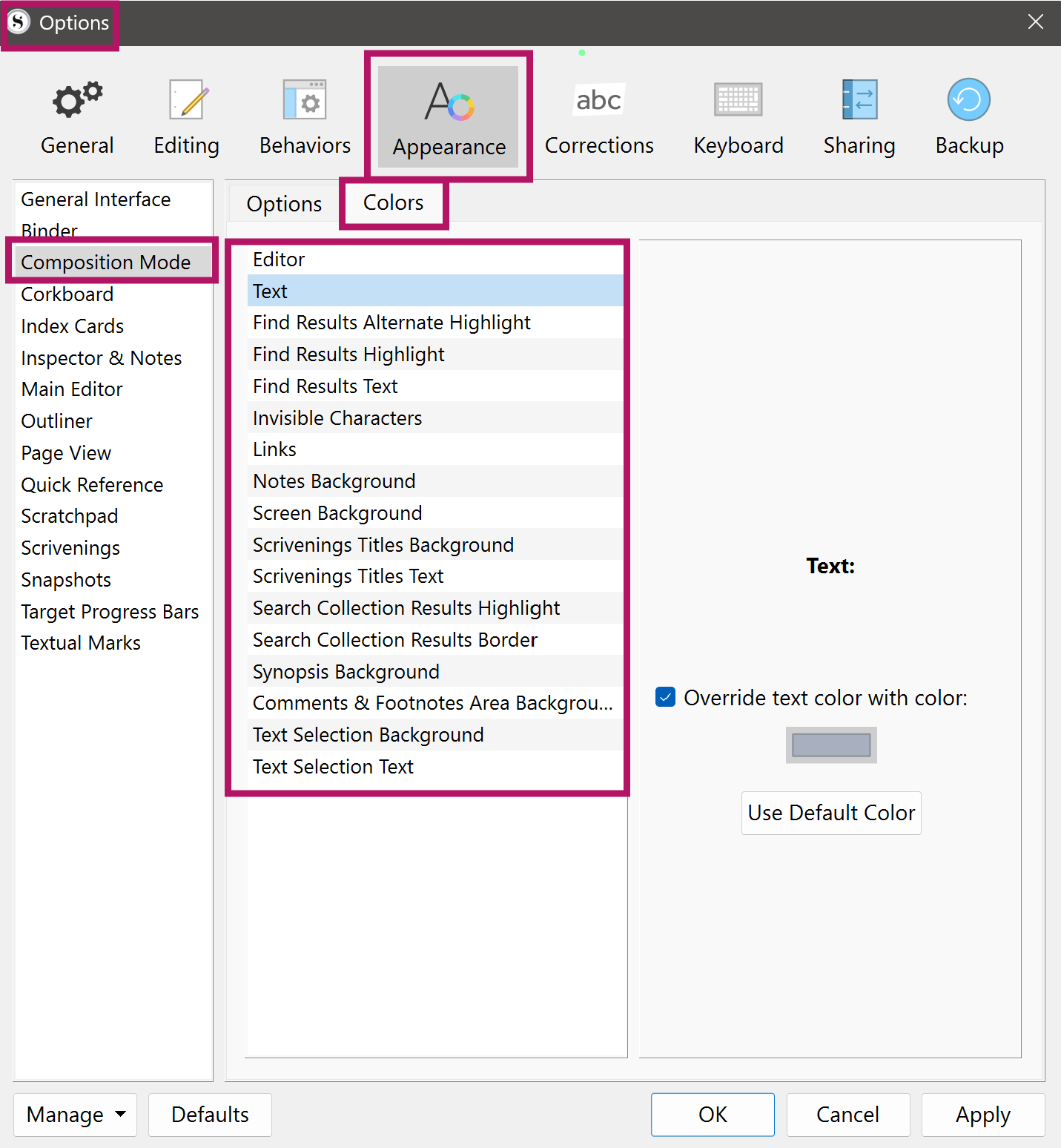
I have now the latest version of Scrivener for Windows. With the previous one with the shortcut F11 appeared a total black screen where to write in white letters.
In this new version i can’t find how to reach to that.
Btw: i would prefer the screen (total screen? full screen?) to be white and the letters black.