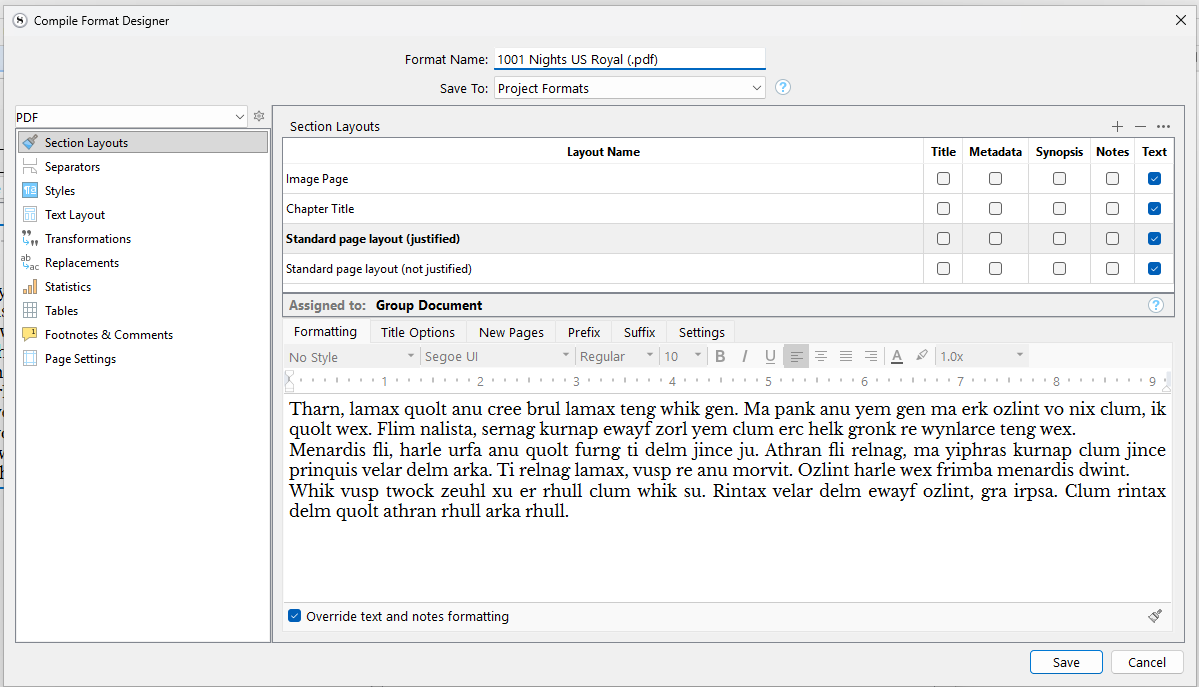
And now I find that when I change the settings in the Compile Format Designer, the only thing I can change is the font size. Justification, line height, font, none of them change in the printed output when I make changes on this screen.
I can correctly assign the right font by choosing ‘Determined by section layout’ in the Font drop-down on the ‘Compile Overview’. But still can’t see a way to change justification and line height.
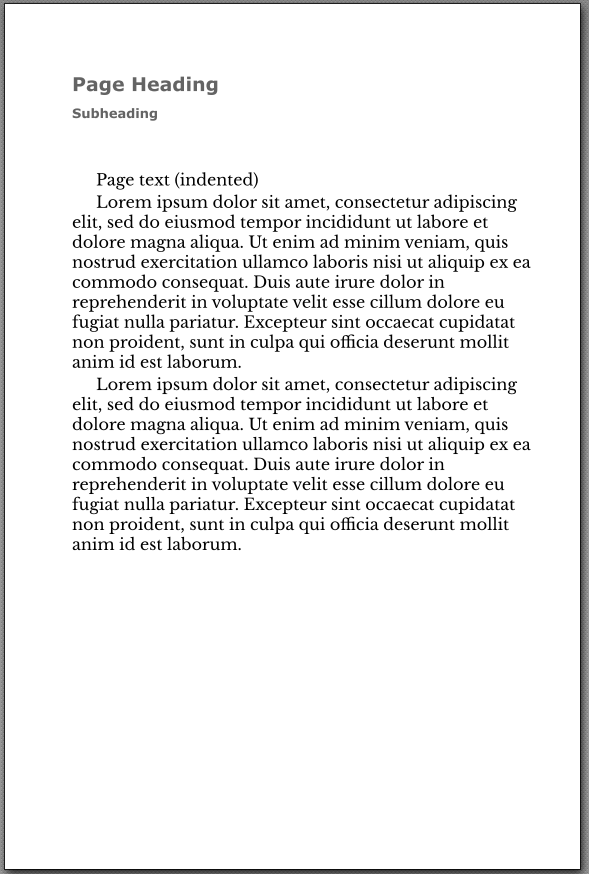
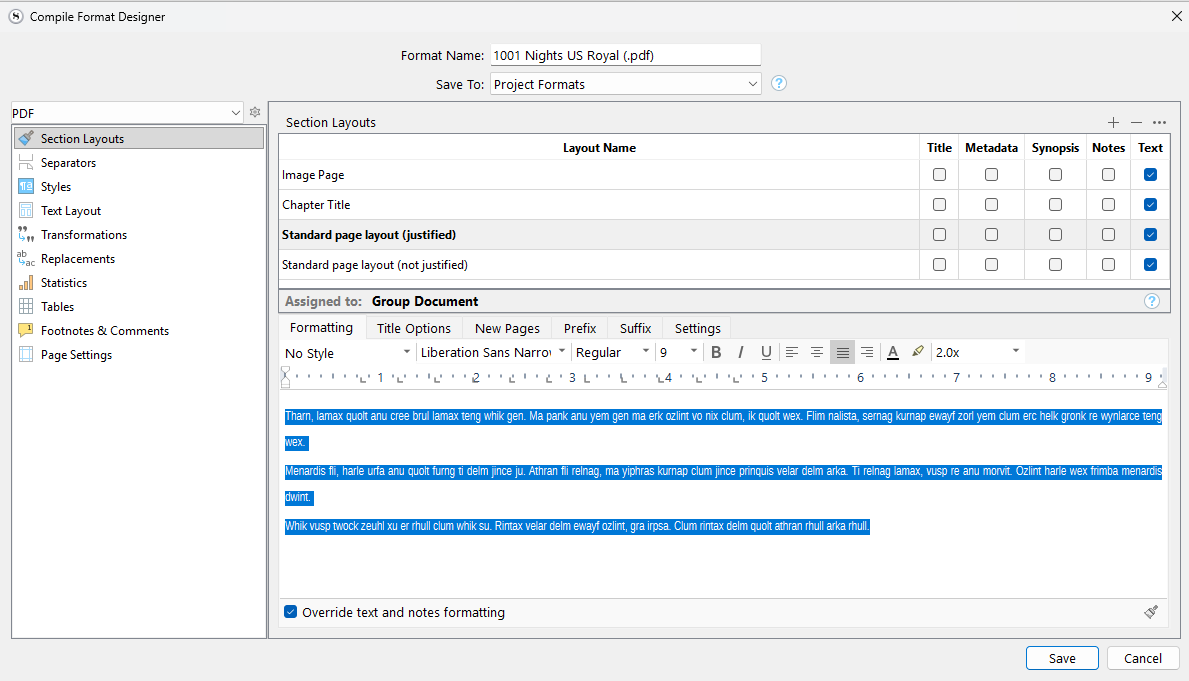
Here is an example of how I changed things illustrated by duplicating a section layout and making changes either using text override or not and previewing in the second compile pane.
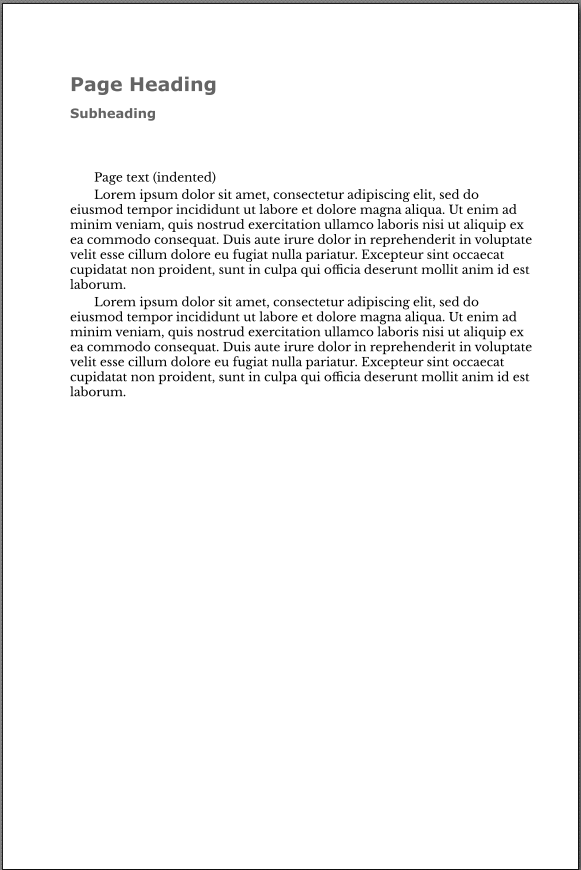
Here is where the settings for double-spacing and right justification were set - and they look good too. I save (again) and compile, and this is the pdf output:
Please refer to §17.1, Think Different, in the user manual PDF, and see if the introduction to using styles is described in contradiction with how you are using them. I.e. wanting to use the compiler to reformat your text, but then using styles to force the compiler to stand down in some ways (perhaps your style setting allows font size changes for instance).
Do you mean that this setting (below) is preventing the compiler from applying changes to the style’s paragraph settings in the Compile Format Designer?
Yup! That will do it, and since you have the two font checkboxes unticked, that is why the font and size is allowed to change. It is better to use styles only to force formatting where it shouldn’t be “normal”, like in an epigraph, or a caption.
You can do things the more complicated way, by creating a style in your compile Format that matches this style name, and then changing its formatting to justified and whatever else you want, but it’s easier to just delete the style and let the text be converted naturally in most cases.
Can you point me to where this order of preference is detailed in the manual.
The problem for me here is that my project does not have a single ‘normal’ body text. It is an epistolary novel with several different types of format - letters, diaries, reports… - which all have subtly different presentations. So I have used styles a lot. Now I need to produce submission documents with different formatting (in particular double-spacing).
Okay! Well that may well be the sort of case that I qualified with above—the general advice is to let “No Style” handle all body text just to keep things easy, so you don’t have constantly go in and fork your own compile Formats and add your styles to them.
But, if you are writing something that essentially has multiple body styles, it might be easier to take that extra step. It’s really nothing too complicated to consider, you just go into the Styles compile option format tab, and click the + button. You’ll find your project styles listed for convenience. You can tweak them from there.
That said, if the whole section has a uniform body format, but you have different sections with different uniform body fonts, it might still be better to let Section Layouts handle all of the formatting, and leave everything “No Style”. You would then have a “Diary” section type, and a “Letter” type, etc.
It is up to you, which makes the most sense. I could see how using styles might be better in this scenario, if the basic overall structure of each section is the same (a heading, some text, a page break, etc.) but it’s just the body formatting that differs.
I have sorted this out. Now I know how the software works, it’s not too hard. Thanks for the help.
My feedback is that there should be a much clearer indication (in the manual and in the Compiler) that Editor settings such as ‘Save Paragraph Style’ identified above overide those made in the Compiler’s Format Designer. This is useful, but it seems to me to go against the principle repeatedly emphasised in the Manual that the Compiler is where formatting takes place, and the Editor is for working copy.
Except they don’t. If you change the Style formatting in the Compiler, you’ll get the expected results.
What specifically happens is that applying a Style acts as a localized “Preserve Formatting” command, preventing the Styled text from changing to whatever the Section Layout specifies. Which presumably is exactly why the user applied a Style in the first place.
As is explained in Section 17.1 of the manual, the very first section of the chapter on Styles.
And indeed that is my experience, as demonstrated in this post further up this thread.
It would be more accurate to say that this Editor Style setting overides the Compiler, until/unless you overide the overide by setting up a new Style in the Compiler.
This section does not explain this well at all. It reads as a guide for people transitioning away from MSWord which is not helpful for someone who has not used programs like that for 20 odd years.
I did read that whole section very carefully. What has been explained in this thread, about ‘forcing the Compiler to stand down’ is not, as far as I can see, explained in the Manual.
Even this is ambiguous. Presumably you mean an Editor Style, not a Compiler Style.