How do I add new scenes to my Setting page in the US stage play template?
Hi.
From the end of your current last scene :
Enter - type - Tab - type - Tab - type - Enter
It is just a standard (normal mode) document, with the Tab stops set.
1 Like
Thanks! And the spacing between the rows? I know it’s a bit over one space between rows but not quite two.
1 Like
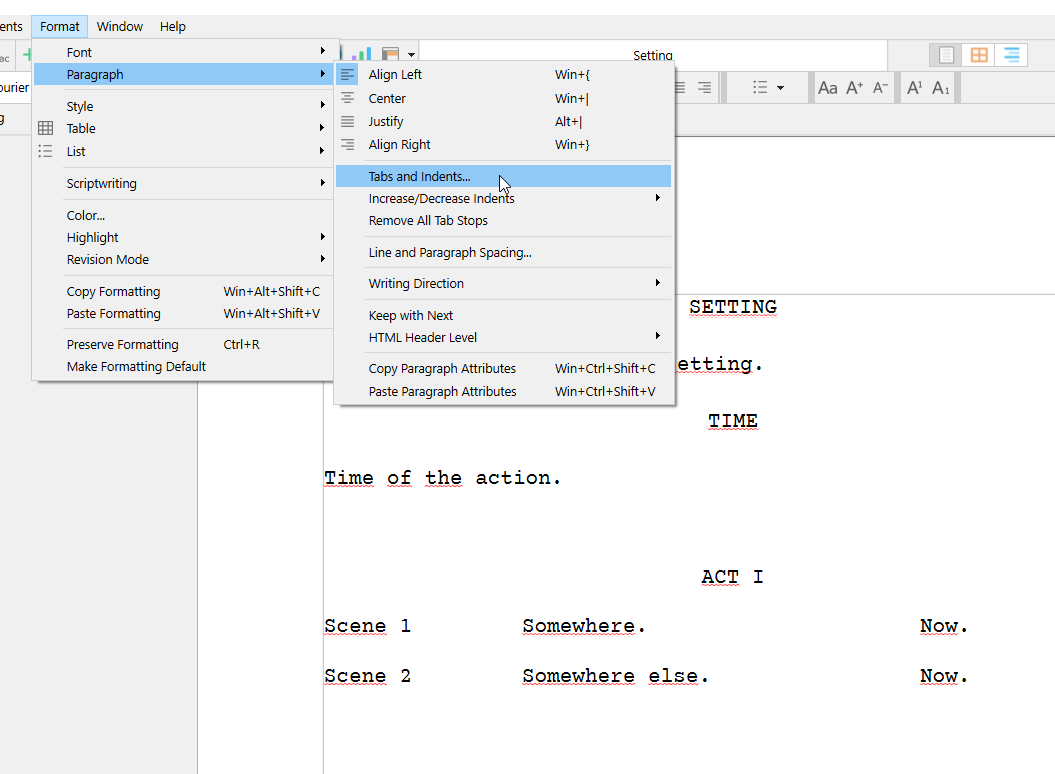
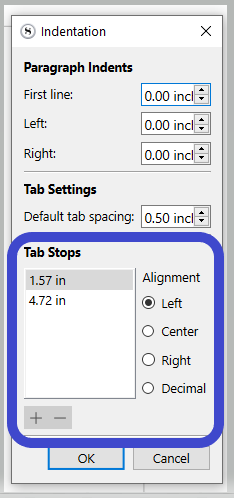
–> Bottom section is where the “columns” Tab stops are set.
[My bad. You said “rows” and my brain registered columns. I will leave this post here and reply properly in the next.]
1 Like
These are not rows but standard paragraphs.
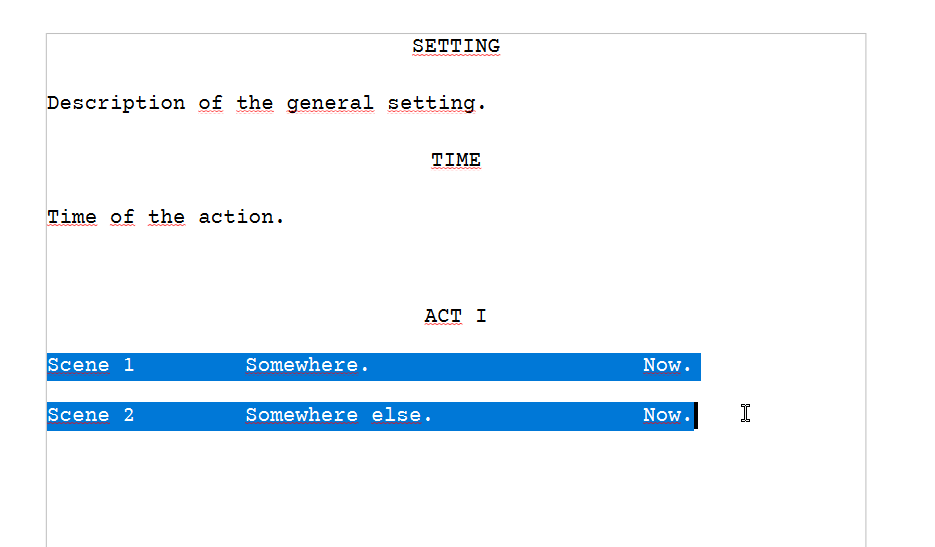
With the content selected, you can set the spacing here :
Format / Paragraph / Line and Paragraph Spacing or :
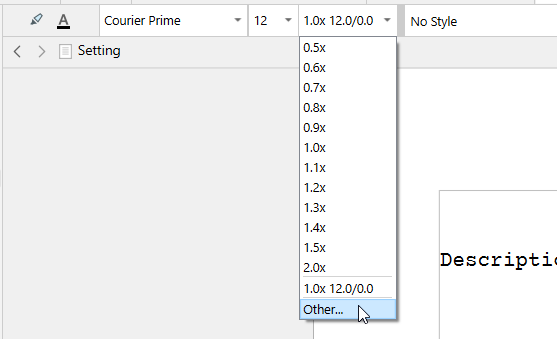
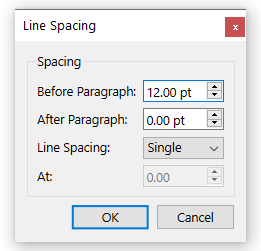
Here (first screenshot in this post) what you see is the result of the “Before Paragraph” and “After Paragraph” values.
[These are all Windows screenshots, but it should be the same for you.]
. . . . . . .
 If you want to get familiar with the app faster, take a few moments to go through the interactive tutorial located in the
 Help menu. It covers the basics.
2 Likes