Hi,
When I go to compile a series of chapters, anything listed in the Comments & Footnotes window does not export. Some troubleshooting steps I have tried:
-
I’ve confirmed that the comments & footnotes export when I use the Export > Files menu option and export to Word.
-
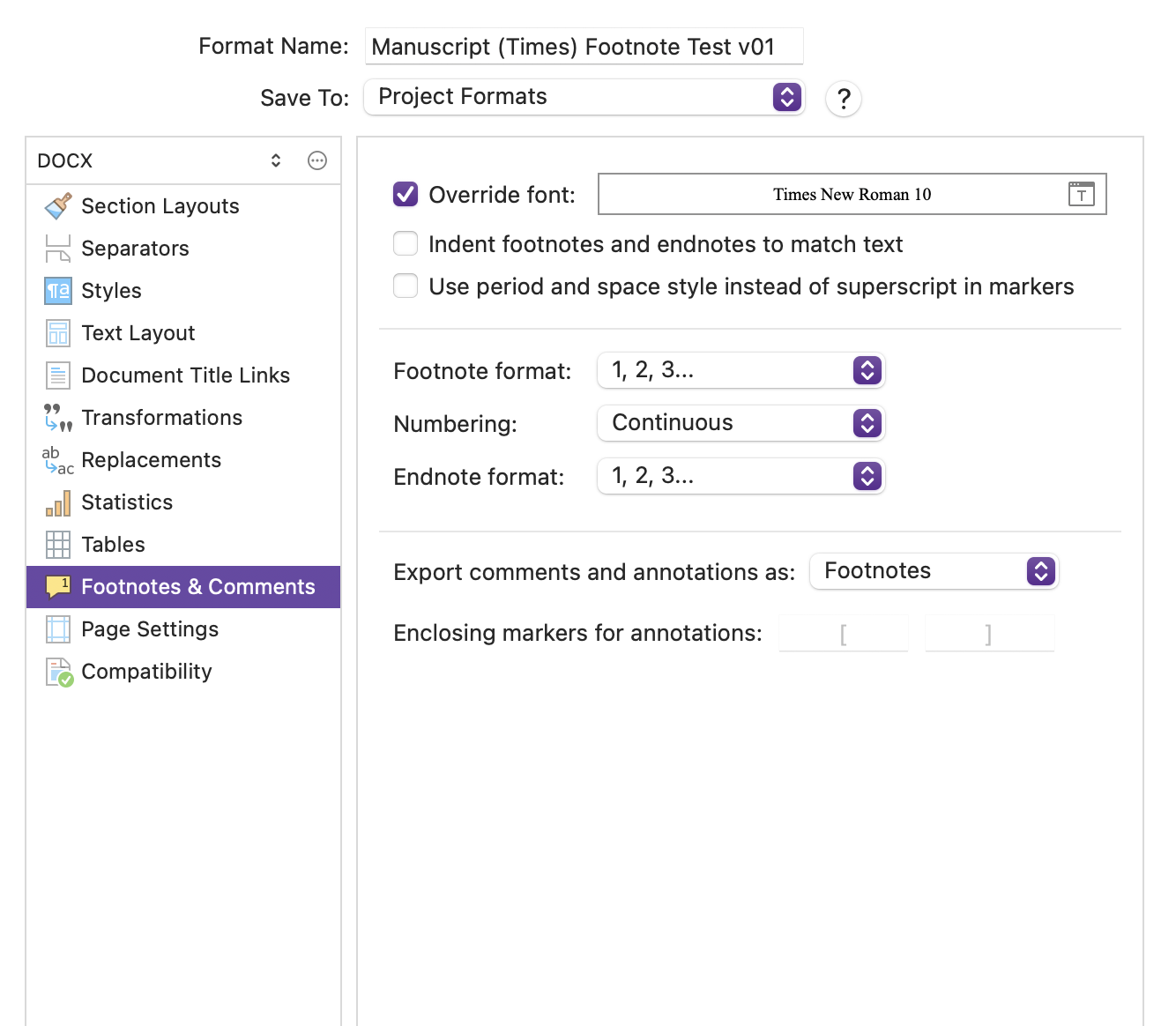
In the Compile > Edit Format > Comments & Footnotes settings, I’ve toggled between all the different export options (Margin Comments, Inline Comments, Footnotes, Endnotes). None have worked.
-
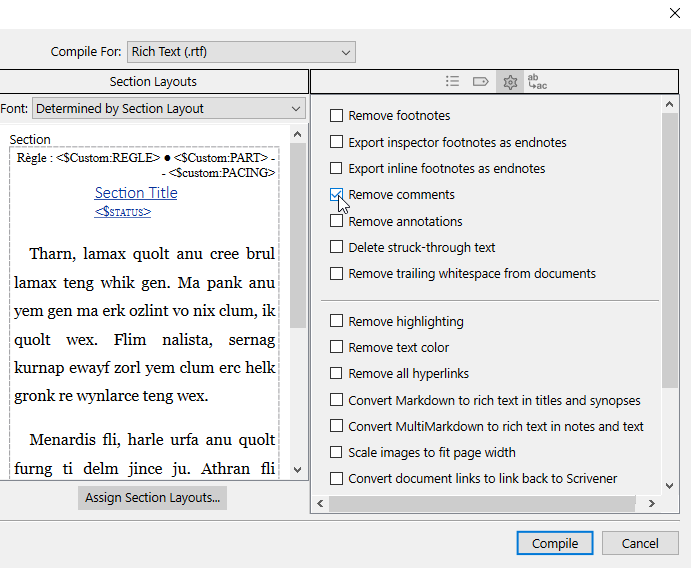
Microsoft Word (.docx) is my desired format, but I’ve tried exporting the compile to Microsoft Word 97-2004 (.doc), Rich Text Format, PDF, and HTML and none have worked.
Running Scrivener 3.5.2 on a MacBook Pro running Sequoia 15.6.1. I’ll enclose a screenshot of my Compile > Edit Format > Comments & Footnotes settings.
Huge thank you in advance for any help you might provide!
Best,
Neil