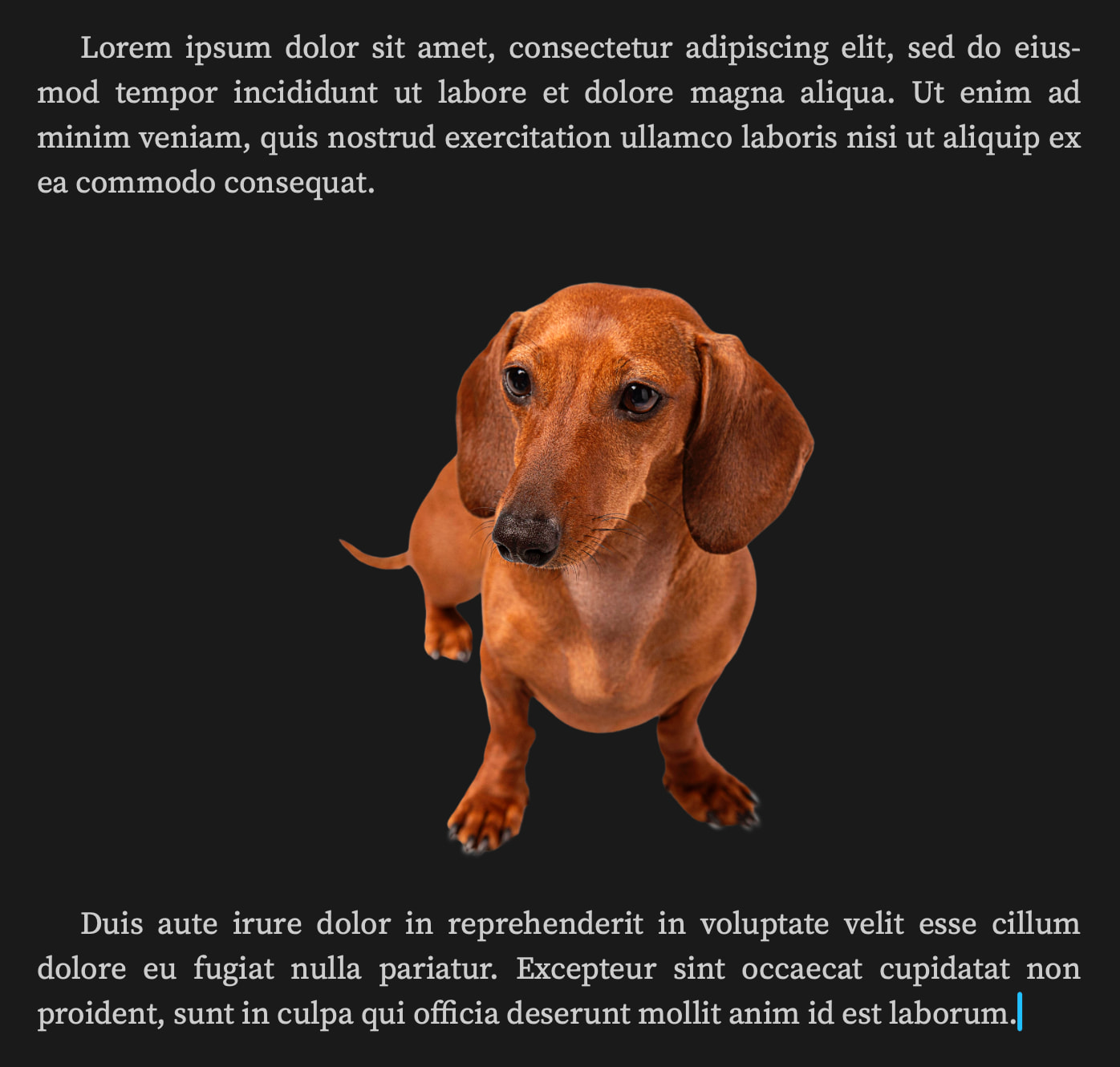
I want to use this separator graphic in a few places in my novel (the places I want to use it aren’t regular enough that I could apply a rule for placement, though I could put a placeholder). In order to support different rendering styles, I thought I’d create it with a transparent background, but when I compile, the graphic shows up with the little grey-and-white checkerboard as a background that’s an indicator in graphics programs of transparency. How do I get it to just show the page color? Running v.3.5.2 on MacOS.
Is this a Scrivener question, per se? It sounds like you are describing how some unknown piece of software displays transparent images in an unspecified document type. It might be more direct to query on the forums for that program, but it’s hard to say.
All I can say for sure is that it’s pretty unlikely that Scrivener is printing a checker pattern into the file. I don’t think anything in the core image stack that it uses would do that (if for example you load an image with transparency in Preview, it uses a solid grey background instead of the typical checker board).
It is absolutely a Scrivener question. What I want to know is how to place an image as an inline graphic in a Scrivener document so that the transparency in the graphic shows the page color when rendered. In this way, when I choose to publish with a non-white page color (or an eBook reader sets their rendering style to something other than black text on a white background), the background of the image doesn’t stand out.
The issue isn’t that Scrivener is adding the checkered background, it’s that it’s not recognizing the transparency layer in the PNG.
Yup, it’s a PNG with a transparent background. Just drag’n’dropped from the Desktop into Scrivener. Can you upload your original image somewhere or share a link? Maybe I can see what’s going on there.