Hello, I’ve attemtped to locate the solution, from this forum, but to no avail. Once again, the seperator or divider between the Scrivener page and the collection of Binder and folders has locked into it’s very tight space and will not move back and I can’t view/see all my folders. I can click to open any folder but cannot completely read the folder names due to how far in the divider now is. I’ve fixed this before but have forgotten how I did it. Questions, ideas, suggestions, comments? Thanks in advance.
Hi.
I can’t think of a single reason (and it never happened to me, despite extensive use) for which Scrivener wouldn’t let you tweak how wide the binder (or collection) is.
The only thing that comes to mind is that perhaps you are trying to make the binder/collection wider using the left side of the vertical scrollbar when you should actually grab the right side of it. (?)
If you actually do have an issue, whichever is the cause, one thing you could do is to create yourself a layout once your issue is fixed. Next time around, if ever, you’ll have this layout to rearrange the sizes and get you out of it.
3 Likes
Correct. I was, once again, trying to make the binder/collection wider using the left side of the vertical scrollbar by actually grabbing the right side of it. When I did it slammed shut which closed off most of the Binder for me. Thanks.
Apologies, but I am having trouble understanding what you say.
Is your issue resolved ?
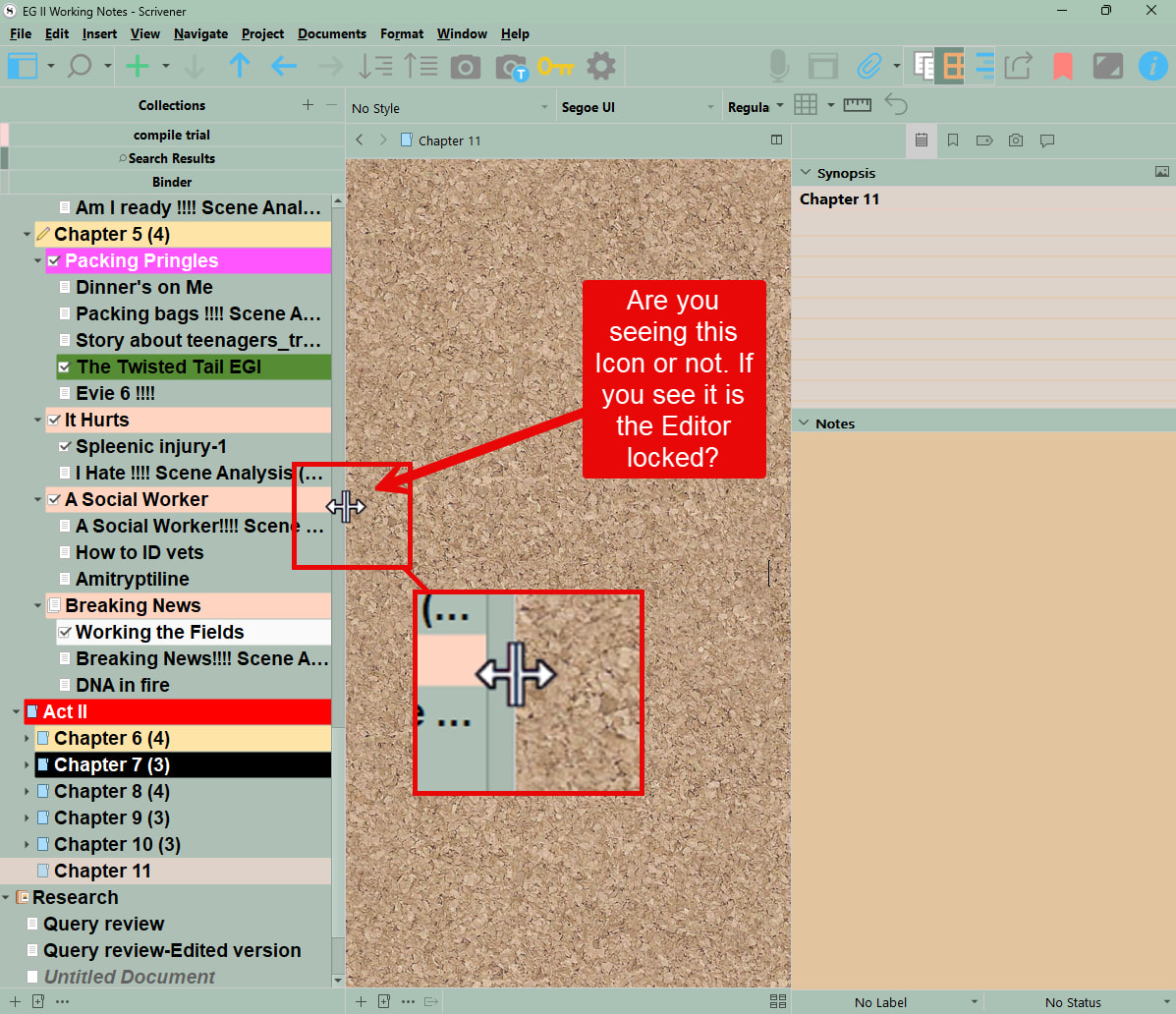
Are you see the mouse image shown below when you click on the Binder border. Is this one project or all of them?
3 Likes
Locking the editor only prevents binder selection from affecting which document(s) it displays. It is unrelated here, as it doesn’t prevent panel size adjustments.
2 Likes
Sorry, meant do you see the symbol to pull the divider, but it is still locked and immovable.
1 Like
Yes, I do se that icon. So my editor is locked?
ok, so I went to File/Options/Editing/Options and checked the “Use the Insert key to control the overtype mode.” That seems to work, I can move the divider back so that I can see the whole binder. I’m afraid if I mess with it again it will lock in place again.
I could of taken a screen shot and sent it here, sorry about that. Next time I will.
Darn it, went right back and closed off the majority of the binder so I can’t see it all.
Please take a screen shot. If have multiple projects is this every one or just one.
1 Like
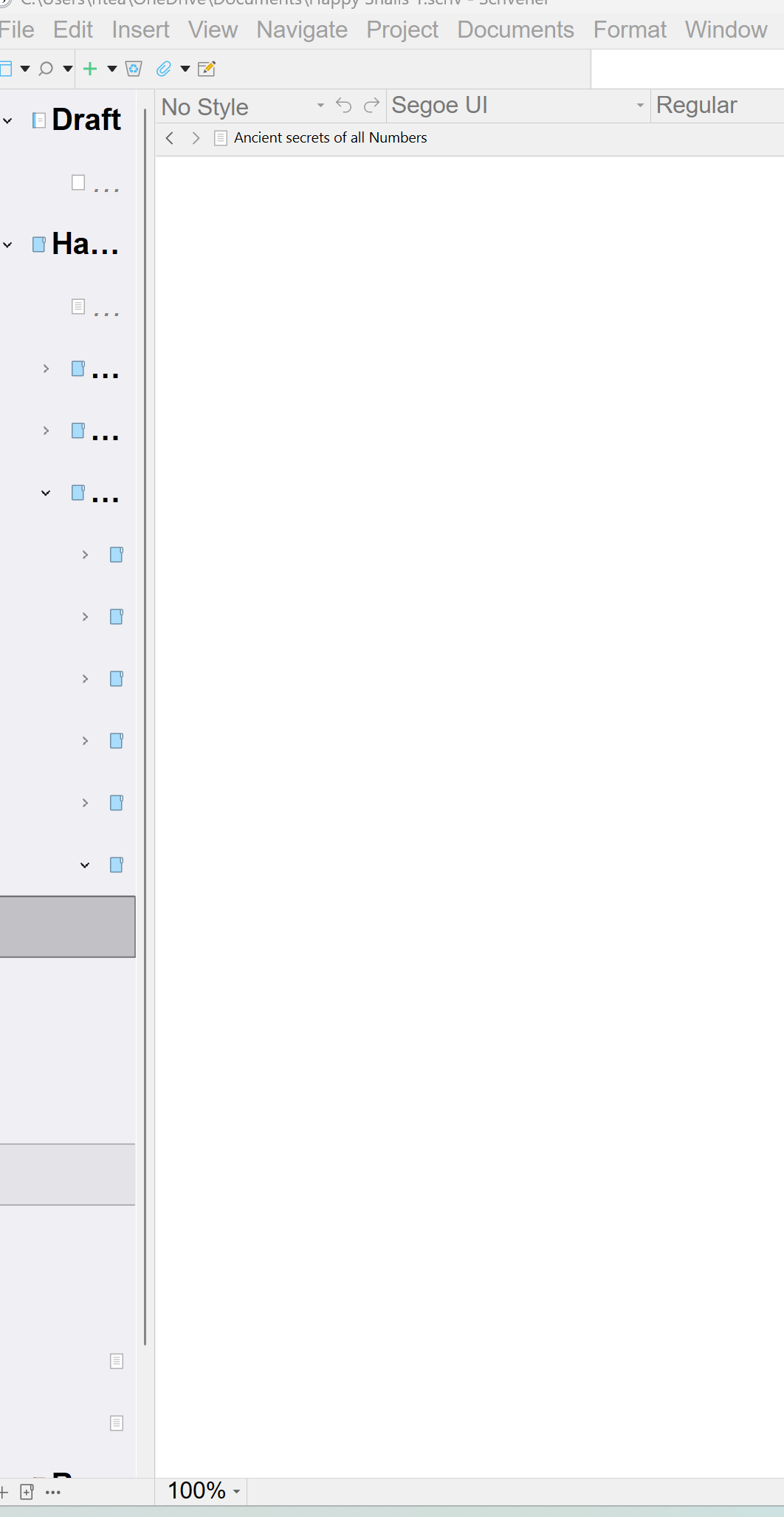
Here is my screen shot. Still can’t move the divider. It does make the double line and arrow symbol when I put my cursur over the line.
Wow.
Did you reboot since it started ?
1 Like
Your binder elements are quite spaced apart.
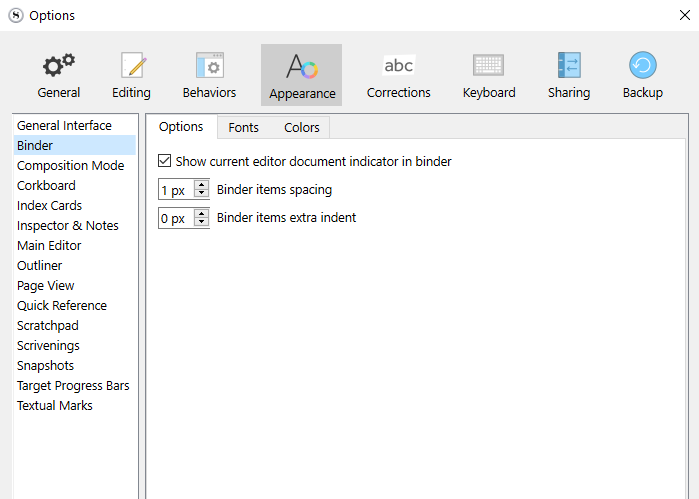
I think perhaps you pushed some settings a bit too hard in the Options/Appearance, and hit a bug.
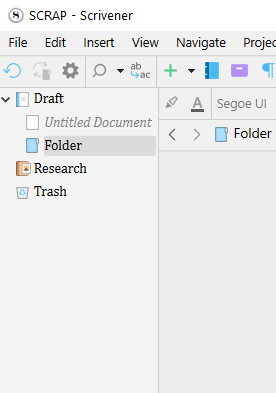
Normally, this is the narrowest possible binder :
. . . . . . . . . . .
In the options, set your values like this :
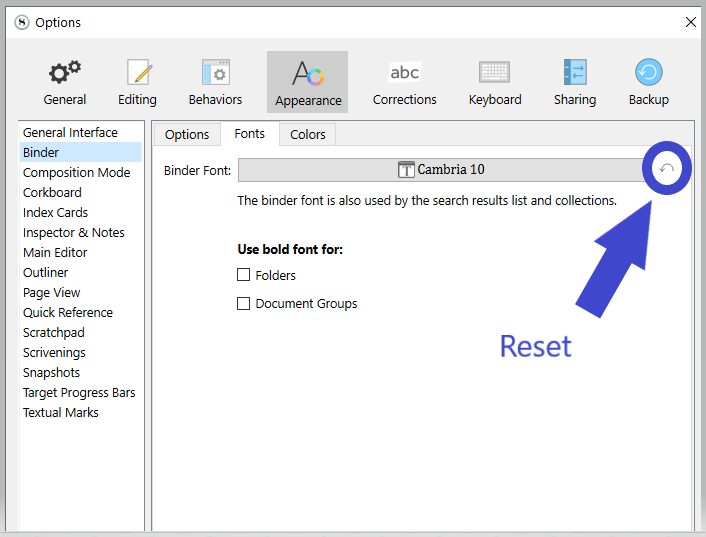
. . . . . . . . . . .
If you don’t care much about your current settings, just reset everything :
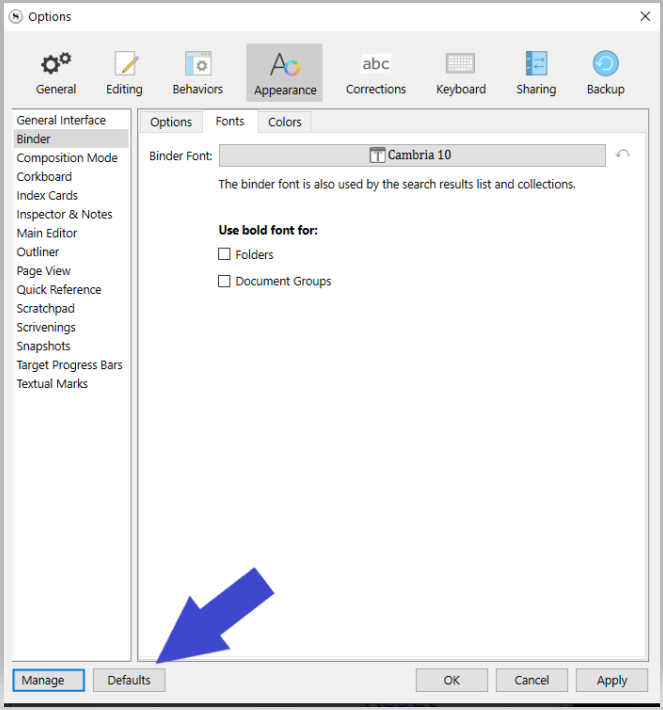
. . . . . . . . . .
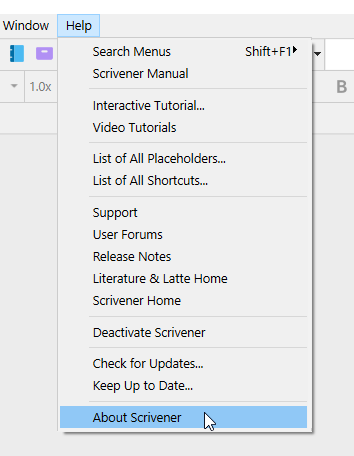
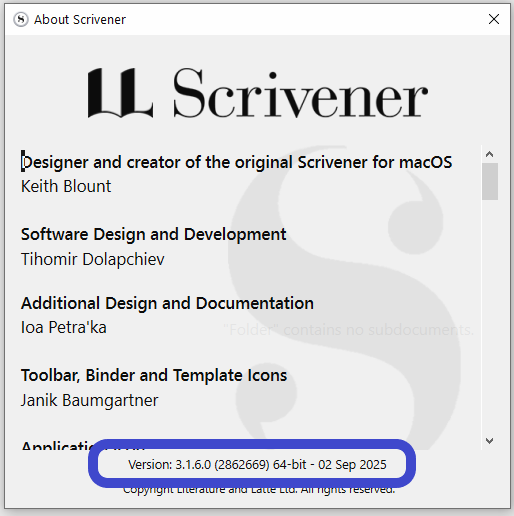
While you’re at it, make sure you have the latest version installed.
Currently : 3.1.6.0
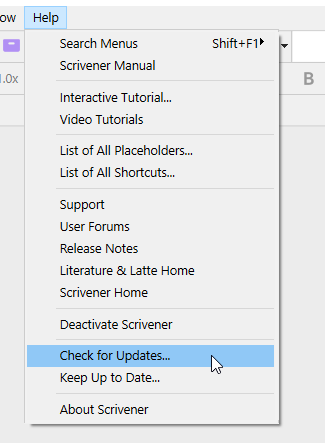
2 Likes
Thanks, I checked everything. But the divider is still locked up.
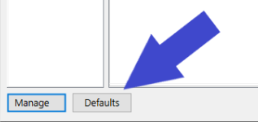
You were right Vincent, all I needed to do was to change the fonts. I can now manipulate the divider. Scrivener is an amazing program and I’ll try not to be so ignorant of it’s limits. Thanks!
1 Like
Happy writing. 
. . . . . . . . . . . .
2 Likes
It is not ignorance, the program is very complex, with lots of corners and settings. It can be easy to get caught in one.
3 Likes