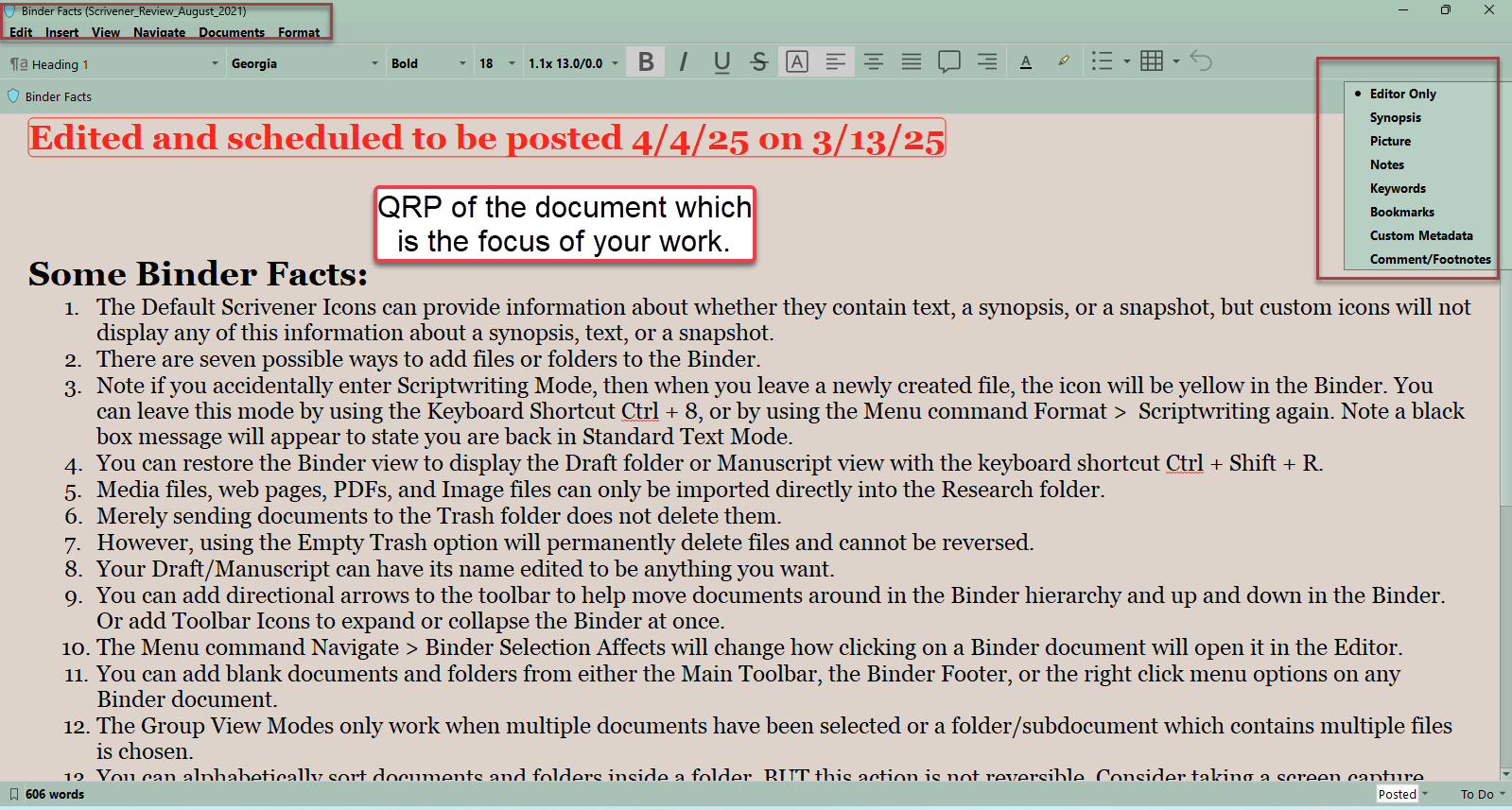
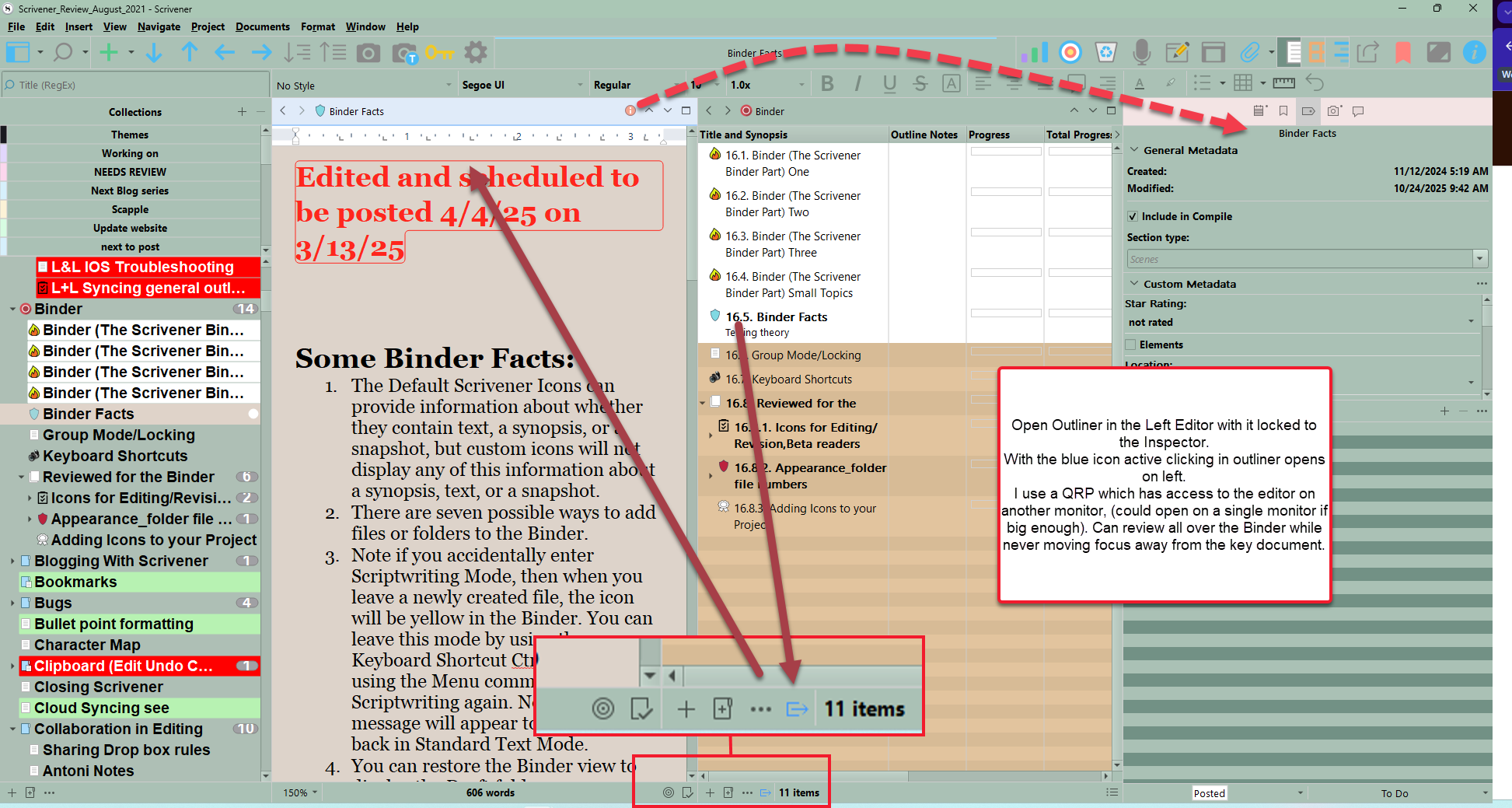
TLDR: In Outliner mode, the editor window remembers the user’s file selection, and the next time the folder containing that file is opened, the selection is already active, but it doesn’t work as expected and creates problems. Win 10, 3.1.6.0 version of Scrivener
Case 1: Using one editor in Outliner mode and a second as the main text editing window
This picture should make it clear (but I’ll still explain it in the text below just in case):
I use the left editor in Outliner mode because my binder in the real project has dozens of different folders, each containing more folders and files, and constantly collapsing and expanding them is inconvenient. Therefore, the “Automatically open selection in other editor” option is enabled in this editor window.
I also enabled the “Binder selection affects - Left Editor” setting in the Navigation menu. This allows me to maintain the display of the document I’m working on in the right editor when switching between folders in Binder. Thus I can recreate the behavior of Joplin that I used before switching to Scrivener: I have a folder hierarchy on the left, and selecting any of them opens a list of files in it in the next window, and selecting a file then activates the text editor.
What I see as a bug
According to the “Automatically open selection in other editor” logic, the editor on the right should ALWAYS show the selected file, even if the user hasn’t clicked anything and their previous selection is still active in the left window.
HOWEVER
If this were the case, I wouldn’t be able to even partially implement the workflow I need. Moreover, this will obviously be inconvenient for most users and will force them to constantly lock and unlock the editor.
So, besides the bug, there’s a UX/UI issue: no one asked me if I wanted the program to remember previous selections. Currently, it’s impossible to disable it (I’ve tried everything in every menu).
Another aspect of the bug (or perhaps a separate bug) is that I can’t click on a remembered selection to reselect and display it. This means I have to manually deselect it and then reselect what was already selected.
The second reason I suspect this is a bug is that I have the “Lock inspector to editor” option enabled. When I switch between folders, the previous selections correctly change the contents of the inspector window, but not the right editor.
Case 2: Using hyperlinks and how remembering past choices hinders it
From everything I wrote above, it follows that using links prevents the inspector from working correctly with the “lock inspector to editor” mode. I have to click on empty space every time to deselect something. But what if my entire folder is filled with files and there’s no empty space? What should I click to make the inspector show the folder instead of just one of its files?
Here’s what I propose:
- The “remember previous selection” behavior should be an option in the settings, and shouldn’t be enabled by default.
- A sub-option should be added: “Remembered selection affects editor (current, other, left, right…)”
- Another sub-option should be “Remembered selection affects inspector”
- The bug with the inability to select a previously remembered and automatically selected file should be fixed (even if it turns out not to be a bug technically).
- The user should be able to visually distinguish between a previously selected file and the current selection. This requires different colors and the ability to customize them. A similar approach should be taken with what you can see in Binder in my screenshots: turning the Fav folder into a separator made it visually indistinguishable from the currently selected folder.
But ultimately, I’m asking all this simply because I need to be able to work with folders and files like I did in Joplin.
Anyway, thanks for an otherwise wonderful program! Sorry if my English is bad, I’m using a translator.