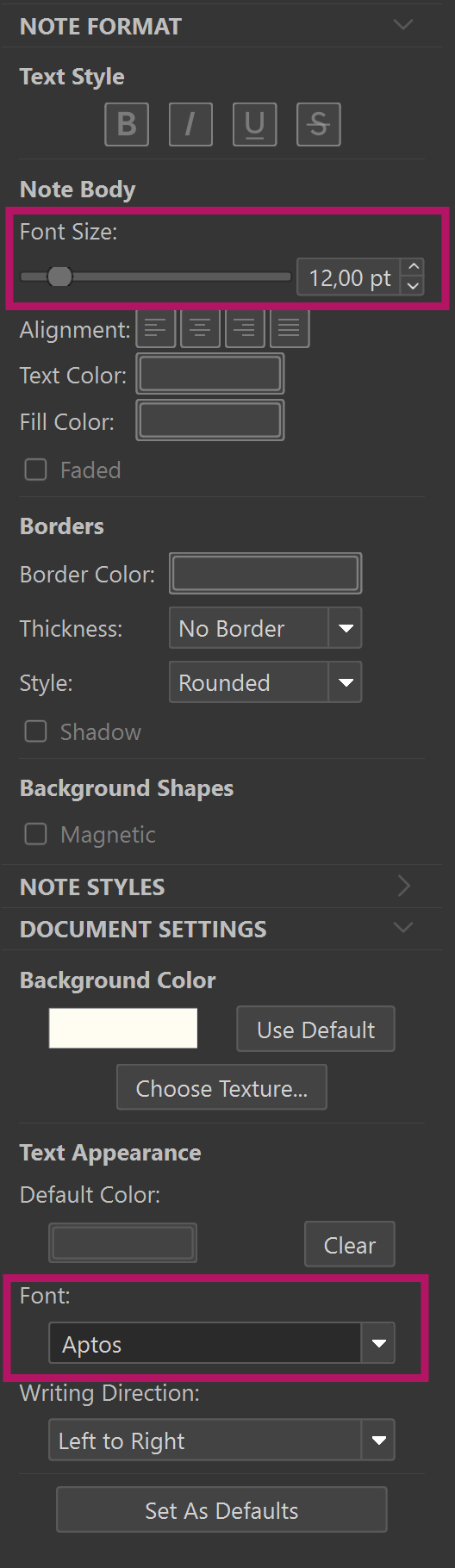
Is there a way to change the font on a single note and not change the font on all other notes?
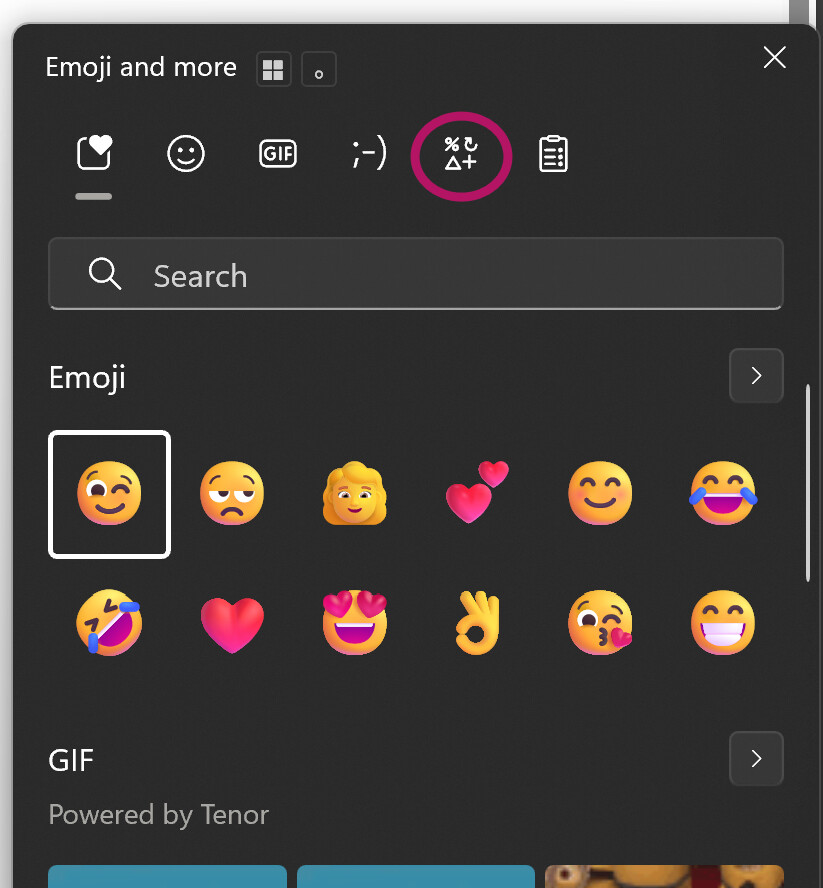
How do I insert a special character from a font like Wing Dings?
Is there a way to see a grid background whether dots or lines?
Is there a way to change the font on a single note and not change the font on all other notes?
How do I insert a special character from a font like Wing Dings?
Is there a way to see a grid background whether dots or lines?
Your font is set in the Inspector (Ctrl+Shift+I). Change a font to a highlighted item and it changes all fonts. Font sizes though can be different, as well a font effects.
Gridlines or dots, no. Only a Page Guide.
Stupid question - Where is Editor in Win Scapple?
Can one use page guides to approximate a grid by making a custom page size, for example, 3" x 3"?
The Scapple-board or canvas, more accurately.
Try it yourself, trial and error. It can shrink to within an approximation of a page. Obviously, the more you use its infinite canvas outside of the dimensions of your screen, the smaller your output will be.
Press F1 for the user manual.
Thank you. All very helpful.
I still don’t understand where the “Editor” is. Is this a Mac function?
It’s called the canvas. I called the editor earlier. It’s the workspace you create in.
For “page guides” you may try first selecting your page size and margins (File → Page Setup). Then insert a single background shape (Notes → New Background Shape). Check how it fits the page with File → Print Preview. Resize the background shape by trial and error methods as @RevoTiLlor suggested until it fits. Save the file which you would use as a template for your future work. Of course, that work will be rather limited when compared to the infinite size canvas: I use a limited size canvas when I make a mindmap for a section or a chapter to be used in Scivener’s notes so that I can actually read what’s in it.