The DOS Terminal theme by Shellnut / @Zee63 is awesome, so I wanted to share how I’ve tweaked it to make it even better.
There are a handful of things I wanted to change:
A - Scroll bars are way too dark. They’re barely even visible.
B - Binder text is white when it should be green to fit the theme.
C - The main editor text is blue. This is a valid choice, but I like green better.
D - The background is grey, but black looks better.
C and D are easy to change in settings. File > Options > Appearance > Main Editor > Colors. Text and Fixed Width Background are the ones to change.
A and B are more difficult to address because they require editing the .qss file. I’ll help make it easy.
Right click the .scrtheme file > 7-Zip > Open Archive
Right click the .qss file > Edit
The .qss file should open in Notepad. Scroll to the bottom, hit Enter twice, and paste this:
QScrollBar:horizontal {
   background: black;
   padding-left: 14px;
   padding-right: 14px;
}

QScrollBar::handle:horizontal {
   background: #232a24;
   min-width: 16px;
}

QScrollBar:vertical {
   background: black;
   padding-top: 14px;
   padding-bottom: 14px;
}

QScrollBar::handle:vertical {
   background: #232a24;
   min-height: 16px;
}

SCRBinder QAbstractScrollArea {color: #25ed69;}
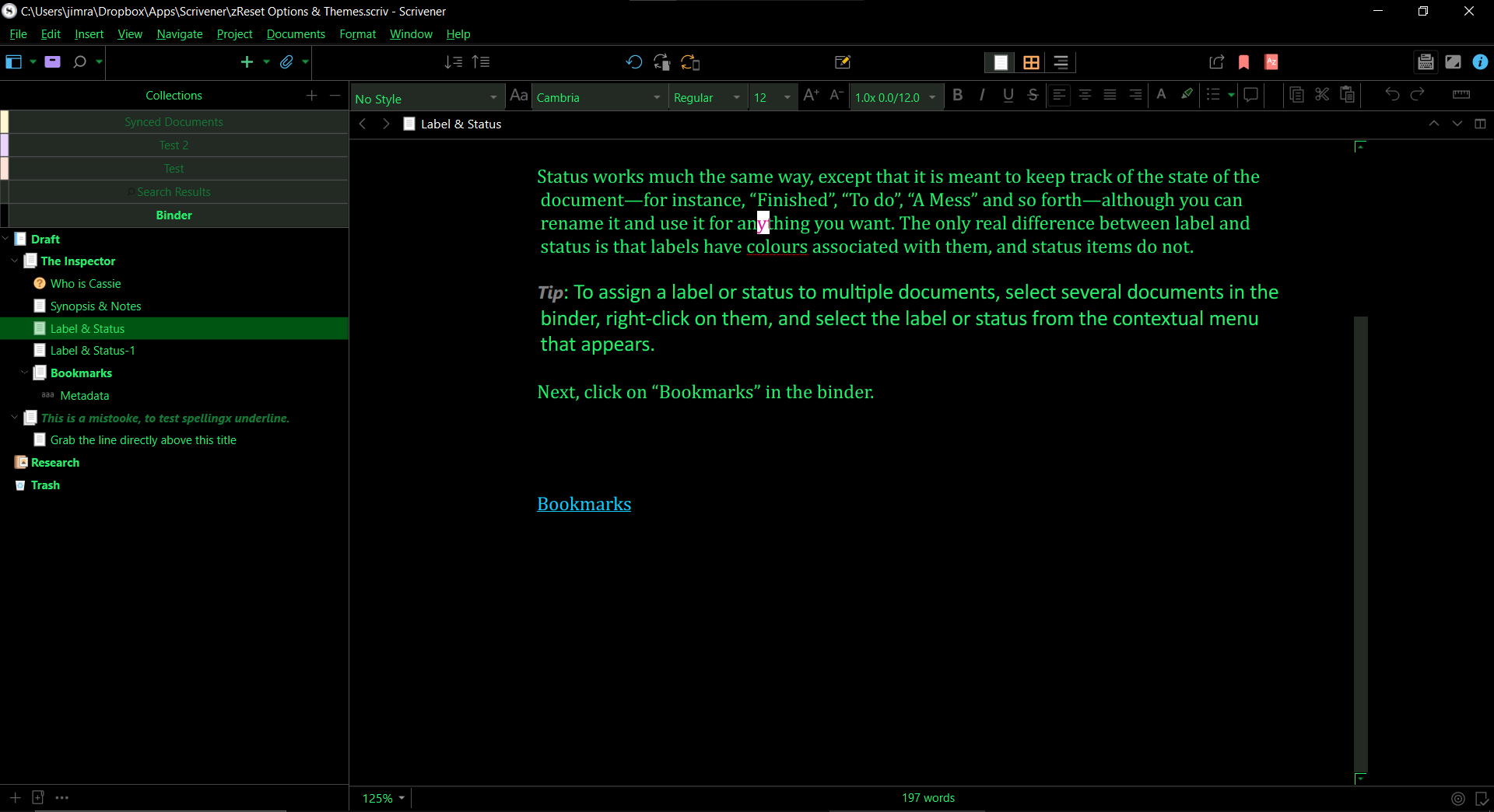
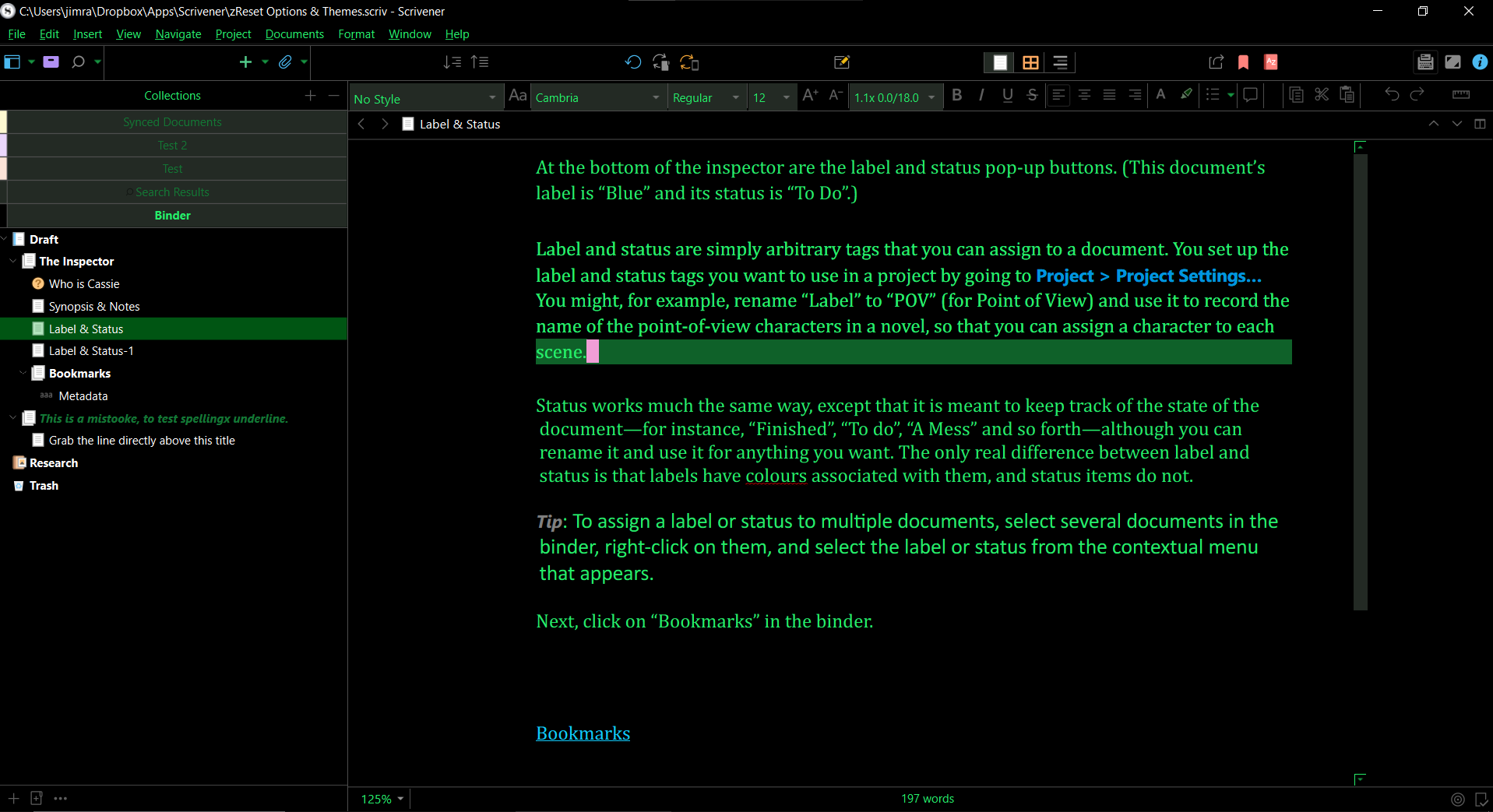
The first four sections turn black scroll bars into the same grey that’s used elsewhere in the theme, making them much easier to see.
The padding prevents the scroll bar from travelling so far that it covers the scroll arrows when you’re at the top or bottom of a page.
The min-height and min-width prevent the scroll bar from getting too small when there’s a ton of stuff to scroll through.
And the last line turns the binder font colour to a green that’s also used for other text in the theme.
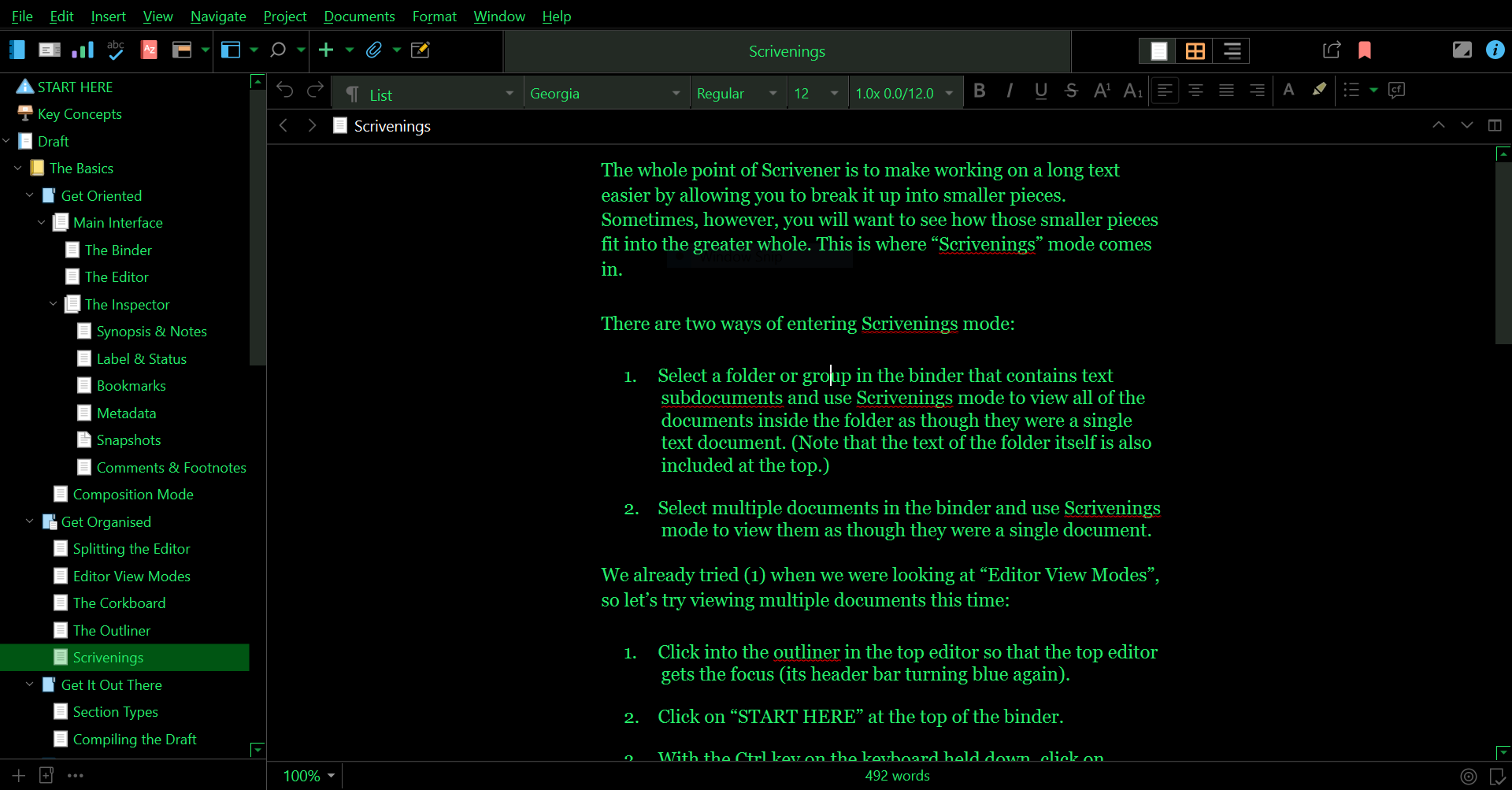
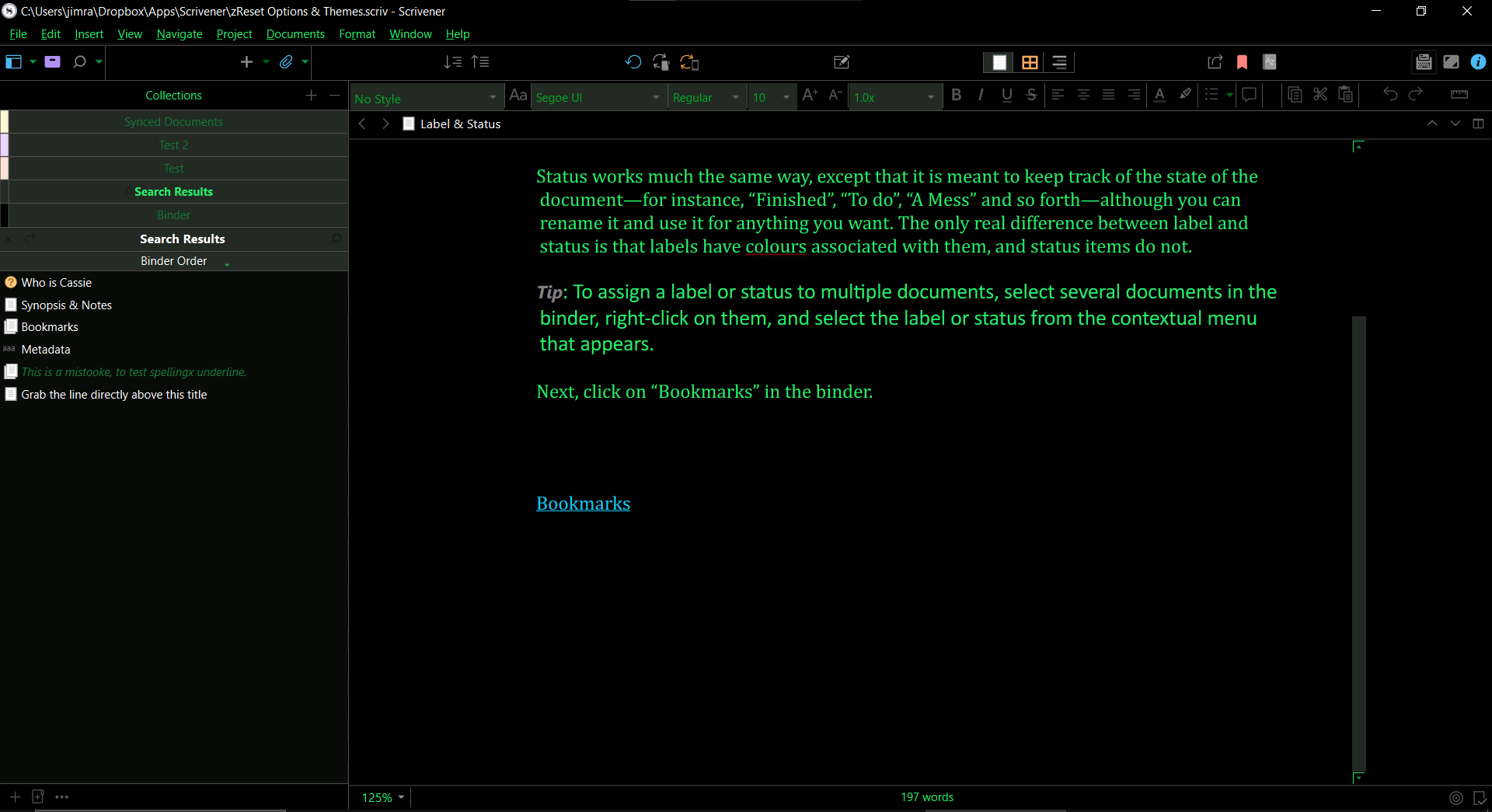
Here’s what it looks like. Though keep in mind I haven’t applied the .prefs file from the DOS Terminal theme, since I’m iffy on Shellnut’s font choices.
 Probably any theme with overridden/colored (non-white or non-black) binder item names will also. This possibly explains why Shellnut’s original