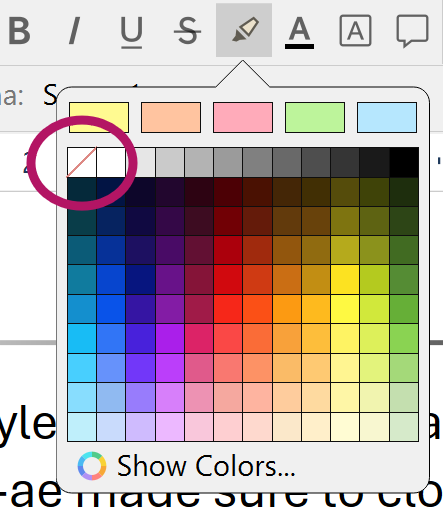
I’m a newbie, trying to set up the template for forthcoming projects. I’ve set the editor background to a very dark, almost black color. Everything works as desired for the header at the top of the page. But behind the “No Style” body text there exists a lighter gray background. I wish for this background either to go away, or to match the dark editor background. There is nothing in Scrivener > Settings > Editing > Formatting that calls for this background. I’ve set the desired dark color in Scrivener > Settings > Appearance > Main Editor > Colors > Editor, but the light gray persists. The same problem exists in composition mode. What am I missing? Thanks.
macOS 15.6.1
Scrivener 3.5