Good morning,
I was responding to a facebook post abut scrivener issues on a MacOS earlier and decided to test it for myself.
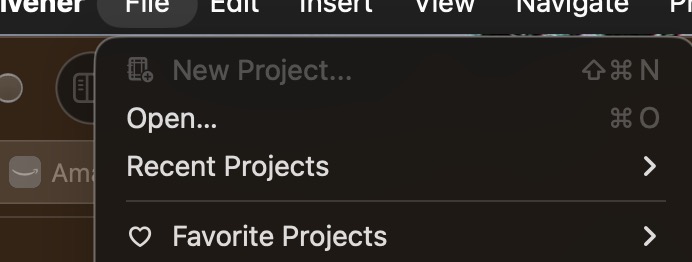
I tested this on my M1 Macbook pro and the new Mac Mini with the same results. OS is 27.2. Scrivener version is 3.5.2 and screen snapshots are included below.
I performed the procedure to recreate the preferences file, and that didnt help.
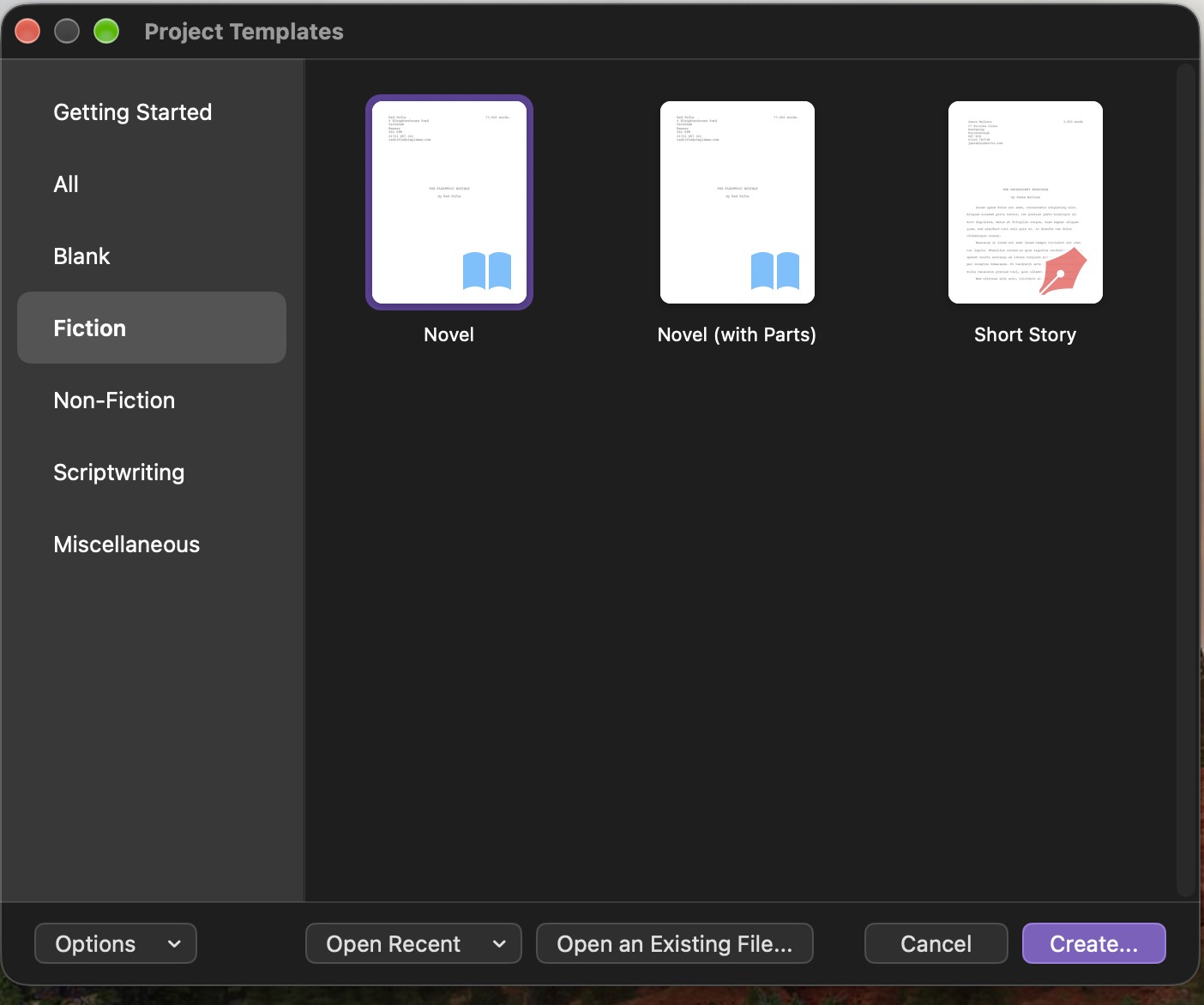
I did find out that if I went to the project templates screen. selected a template and that it would create a new project.
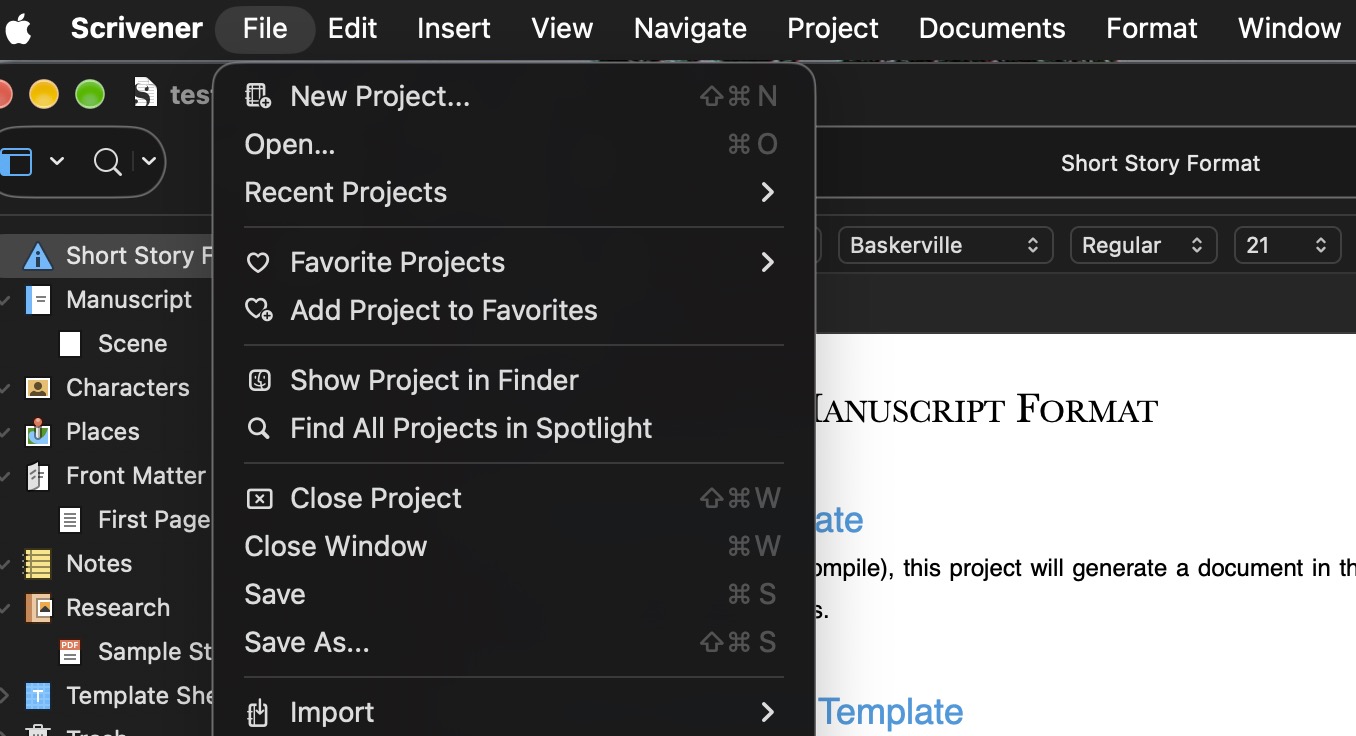
Once the new project was open then the ‘New Project’ option was enabled. Once I closed the open project it went back to being greyed out, and not usable.
How do we fix the issue of not being able to create a new project from the files menu when there isn’t any open projects?
If you go to the project template screen, select a template and click on the “create” button on the bottom it will create one for you. At that point the file → create new project option works. But it stops working when you close the new project.
An odd behavior. A bit of additional testing showed that if I selected a default template then the New Project option started working.
If the project template screen is open, the File → New Project command will be grayed out. That’s expected: the New Project command launches the template screen, you can’t have two of them open at once.
Is that the behavior you’re seeing, or something else?
Hmm. When I open scrivener it opens to the Project templates screen. When I cancel that screen, the file → New Project is enabled.
Sounds like that is the expected behavior, I will pass it on to the person on the facebook that is having similar issues.