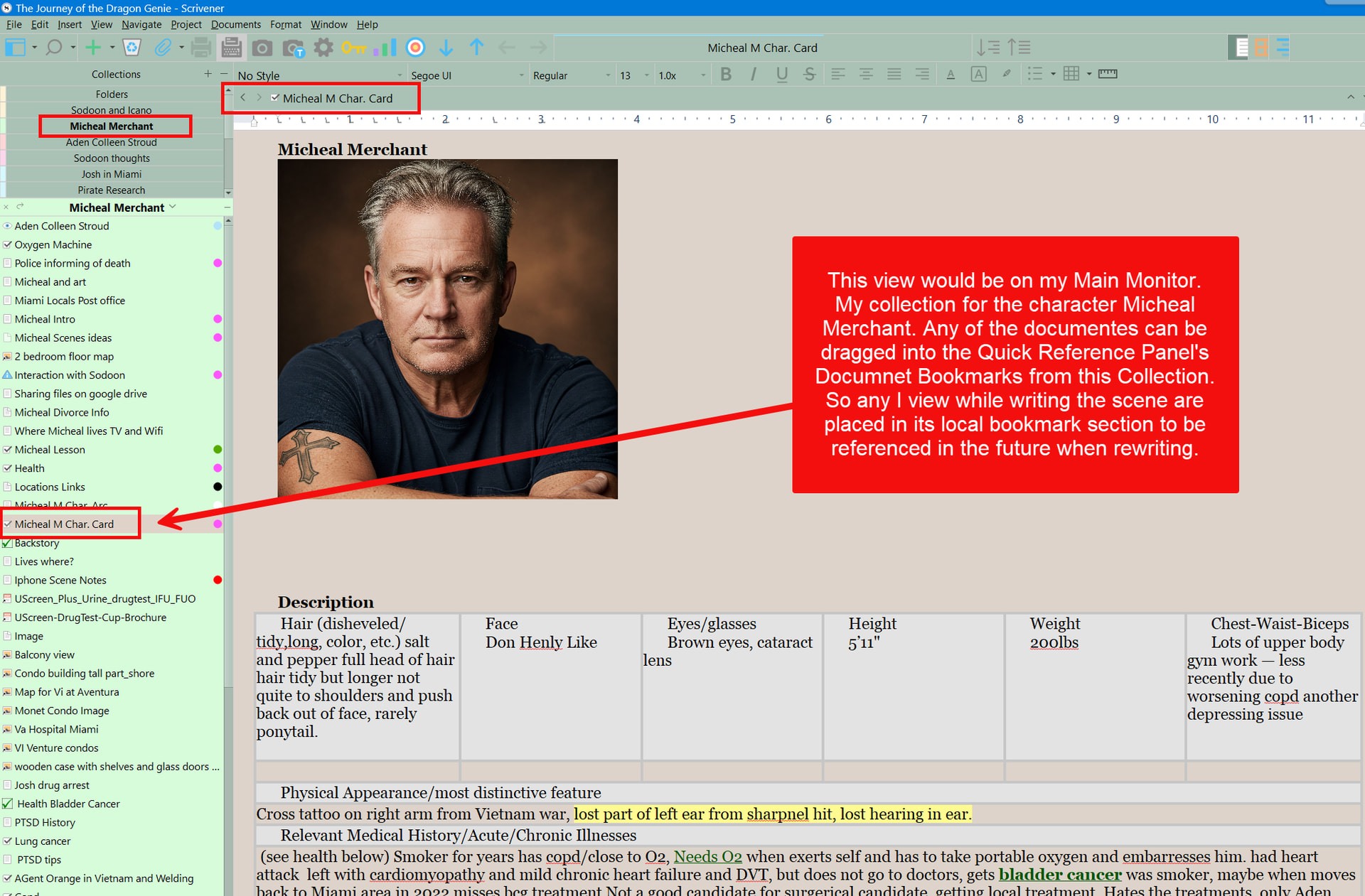
I planned my multi-novel fantasy story in Aeon Timeline and, once I was satisfied that I had the bones (Save the Cat! plot structure, characters, settings, magic system, etc.) far enough along, I started a new blank project in Scrivener. Using the sync-to-Scrivener function of Aeon Timeline, I sat back and watched it set up the Novel > Chapter > Scene > Passage structure in Scrivener for me, exactly as I had created in Aeon Timeline. Not only that, it populated into Scrivener my Save the Cat beats, labels, summaries, colors, start dates, end dates, notes, backstories, characters, character groups, locations, objects, magic system such as spells, themes, prophesies, goals, B Story, plants and payoffs, etc.
Once that was done, I set about writing the narrative in Scrivener while using Aeon Timeline for structure. The cool thing is that changes in either Scrivener or Aeon Timeline are reflected in the other program through syncing. I keep both apps on my screen as I write, taking advantage of an ultrawide monitor.
For me, Aeon Timeline is the best tool for organizing the elements of my story, and Scrivener is the best for writing the narrative. The syncing that Aeon Timeline provides lets them work very much like one app.
There is a learning curve, of course – but, for me, the payoff was well worth it.