Bookends (Sonny Software) [macOS & iOS]
According to Wikipedia Bookends is the oldest actively-developed reference manager available (first available in 1983!!!). It is used by many Scrivener users, and is best-in-class in terms of its reference management abilities. The independent developer is very active and Bookends is regularly improved. It supports a flexible floating citation interface that works in all apps. For iOS users, you can add and manage references on the go (in a talk, meeting, conference), and robust sync means all your references from the desktop are always available in your pocket.
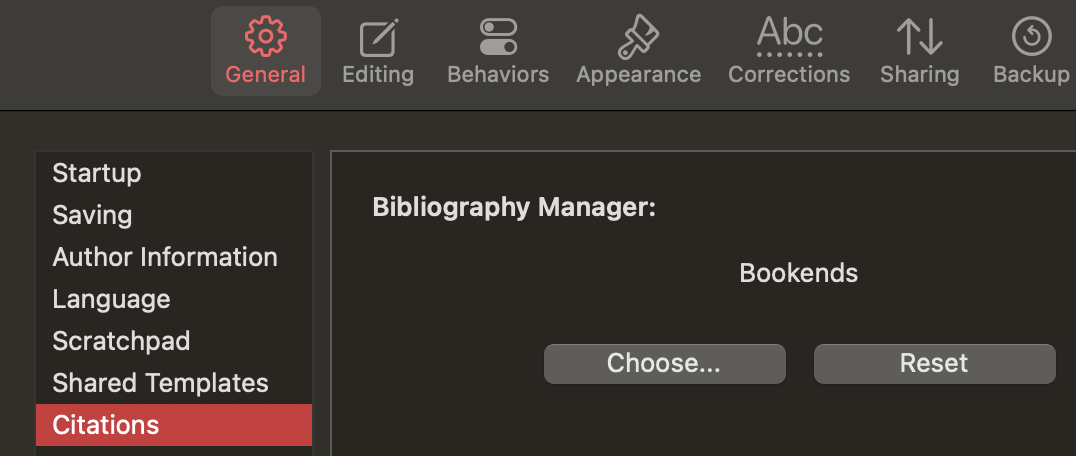
Bookends has very flexible temporary citation support (p.293 of its user manual). For its native citations it uses the following format:
{Mittelstadt et al., 2001, J Biol Chem; Li et al., 2002, Nature}
You can also easily set it up to create citation keys and generate Pandoc [@mittelstadt2001] or LaTeX \cite{mittelstadt2001} temporary citations…
Inserting temporary citations
- Direct: Bookends has a really neat floating citation dialog. Press Control⌃ twice from Scrivener, then type in your search term:
…then press return↵ or ⌘Y to paste it directly in Scrivener. Use the drop-down to control prefix / suffix modifiers and to access other options. - Direct: You can also use Scrivener’s
Insert > Bibliography/citations(⌘Y on macOS) to switch to the main Bookends window, then search and select your reference, then press ⌘Y again to insert the temporary citation into Scrivener. - External tool: For Alfred users, @nontroppo has a workflow which allows you the search and insert temporary citations in Pandoc/MMD format. See GitHub - iandol/bookends-tools: Alfred Workflow to Integrate with Bookends, an academic reference manager/bibliography tool for macOS for the details…
- External tool: If you use a synced BibTeX file, Chris Geisler’s excellent supercharged citation picker allows you to search and cite directly into Scrivener (even if Bookends is closed). See GitHub - chrisgrieser/alfred-bibtex-citation-picker: Picker for markdown-based citations and lightweight reference manager for BibTeX libraries. for the details.

Compile options:
- DOCX ⇨ Microsoft Word: Bookends has a Microsoft Word plugin that uses the Bookends temporary citations format and can generate a formatted document. REcent updates use a new native formatter.
- DOCX / RTF ⇨ Bookends Scan Document: Bookends can scan and format a document from within Bookends using
Biblio ⇨ Scan document…— according to the documentation it supports: “DOCX, RTF, RTFD , or text files”. See Scanning Documents starting on p278 of the user manual. - RTF ⇨ Nisus Writer Pro (NWP) & Mellel: Both of these word-processors have deep integration with Bookends. They allow you to scan and change references, find the citation in Bookends and more. You should compile to RTF, and then use the tools in NWP or Mellel to finalise the bibliography. @xiamenese has automated this in NWP with a macro so the bibliography and other details are automatically generated.
- Markdown & LaTeX: Bookends can sync and update a parallel BibTeX or JSON file. This can be used by Pandoc, Quarto, Typst and LaTeX. Pandoc and Quarto uses the
[@adolphs2009]citation format and can output to almost any final document target. You can see scrivomatic | A writing workflow using Scrivener’s style system + Pandoc for output… for sample batteries-included workflows for Pandoc, Quarto, Typst and Tufte Book for this.
Tutorials
Bookends has some helpful Youtube tutorials: