Dictation items: 0s
Get spell check results from selection: 0.001s
Look up in: 0s
Custom look up items: 0.004s
Translate items: 0s
Cut copy paste: 0s
Styles items: 0.002s
Custom contextual items: 0s
Text colour and highlight items: 0.001s
Spelling and grammar, show spelling and grammar, cehck doc now: 0s
Fonts: 0s
BIUS: 0s
Speech submenu: 0s
Ref tools: 0s
addLookUpItemsToMenu: 0s
Sharing services: 0s
Tried it twice on same document:
1st time
Dictation items: 0s
Get spell check results from selection: 0.001s
Look up in: 0s
Custom look up items: 0s
Translate items: 0s
Cut copy paste: 0s
Styles items: 0.002s
Custom contextual items: 0s
Text colour and highlight items: 0.002s
Spelling and grammar, show spelling and grammar, cehck doc now: 0s
Fonts: 0s
BIUS: 0s
Speech submenu: 0s
Ref tools: 0s
addLookUpItemsToMenu: 0s
Sharing services: 0s
2nd time
Dictation items: 0s
Get spell check results from selection: 0.002s
Look up in: 0s
Custom look up items: 0s
Translate items: 0s
Cut copy paste: 0s
Styles items: 0.002s
Custom contextual items: 0s
Text colour and highlight items: 0.002s
Spelling and grammar, show spelling and grammar, cehck doc now: 0s
Fonts: 0s
BIUS: 0s
Speech submenu: 0s
Ref tools: 0s
addLookUpItemsToMenu: 0s
Sharing services: 0s
3rd time after scrolling to different document
Dictation items: 0s
Get spell check results from selection: 0.001s
Look up in: 0s
Custom look up items: 0s
Translate items: 0s
Cut copy paste: 0s
Styles items: 0.002s
Custom contextual items: 0s
Text colour and highlight items: 0.002s
Spelling and grammar, show spelling and grammar, cehck doc now: 0s
Fonts: 0s
BIUS: 0s
Speech submenu: 0s
Ref tools: 0s
addLookUpItemsToMenu: 0s
Sharing services: 0s
All of which seems to bear no relation to the fact that ! had the beachball for ≤2 secs!

Mark
1 Like
Friend, I also encountered this problem before, but at that time I only found delay in the file menu in the menu bar and the keyboard shortcuts. Now thinking back, the right-click menu also had this issue.
I solved it by clearing the favorite projects. You can try it.
Thanks. And argh. Those times seem to suggest that the problem isn’t coming from Scrivener but from Apple’s frameworks. The times there are near instantaneous, with the longest item taking 4 thousandths of a second to be created, which is the same as I’m seeing on my machine where the menu opens instantly. Those counters are started at the moment Apple’s code says “hey build a menu” and go up to the moment Apple’s code shows the menu. So the delay must be coming either before or after. Hmm.
2 Likes
Tried clearing the favourite projects… made no difference.
Mark
It’s ungood. Hope clearing the favorites will not affect your work.
Besides the right-click menu, do you have any other menu lag? I suspect it’s caused by some items that require dynamic loading.
If found another menu also exhibits lag, it may be necessary to remove some dynamic loaded item.
No, won’t affect my work; and the only lag I’ve ever experienced is working in a substantial scrivenings session with many individual documents and a lot of inspector footnotes for each document.
Mark
Okay, two more builds to test:
https://www.literatureandlatte.com/downloads/beta/ScrivenerContextMenuNoImageCheck.zip
The above build removes the check for an image at the selection that occurs before showing the contextual menu. (This check is made so that a different menu can be shown for inline images.) If this fixes the problem, then that is the culprit.
https://www.literatureandlatte.com/downloads/beta/ScrivenerStandardContextMenu.zip
The above build also removes the image check, and on top of that it removes all custom contextual menu code, so the menu that you will see when right-clicking in text is the same as the one you’ll see in TextEdit. If this still triggers a delay, then we at least rule out Scrivener’s contextual menu code.
3 Likes
I’ll check later Keith. Involved in preparing supper etc. at the moment.
Mark
2 Likes
Right. I tried both versions and both still have the same issue.
New observation:
- If I have the cursor within a word, then right-click, the context menu appears immediately
- If I right-click in some word other than the one that the cursor is within, the menu delays (and sometimes shows a beachball before opening the menu)
I checked the above in all three builds (release, and the two test builds)
(sorry! but happy to take more test builds if it’s helpful)
Thanks for testing! I’m a bit stumped at the moment, to be honest, since the delay is clearly not coming from anything Scrivener is doing with the context menu, given that the builds you tested just use Apple’s stock contextual menu with no extra code.
Okay, another quick test:
https://www.literatureandlatte.com/downloads/beta/TextViewApp.zip
Please download this sample app and paste into it text from a Scrivener doc where the issue occurs. Then right-click in the sample app and let me know if there is any delay.
I expect the menu to load instantly in the sample app, but this will at least confirm that a vanilla Apple text view doesn’t have the issue.
Thanks again!
2 Likes
No problem. Tested with that. Pasted the novel into it, and none of the delays present themselves. 
As I’m not booted into 26 at the moment, quick question: in this very simple test, is the Share menu present, and does it present the same options that this menu does in the other more integrated test?
Share extensions have been known to introduce lag in text contexts, and might change based on how text is selected (or not).
Thanks! Okay, so that suggests there is something somewhere in Scrivener that’s the trigger… but not the contextual menu itself. Argh!
2 Likes
There is no “Share” submenu on macOS 26. Instead there’s a “Share…” item. Clicking on it brings up a popover with the share options.
Ah good, guess they fixed that open-ended problem some time ago then.
2 Likes
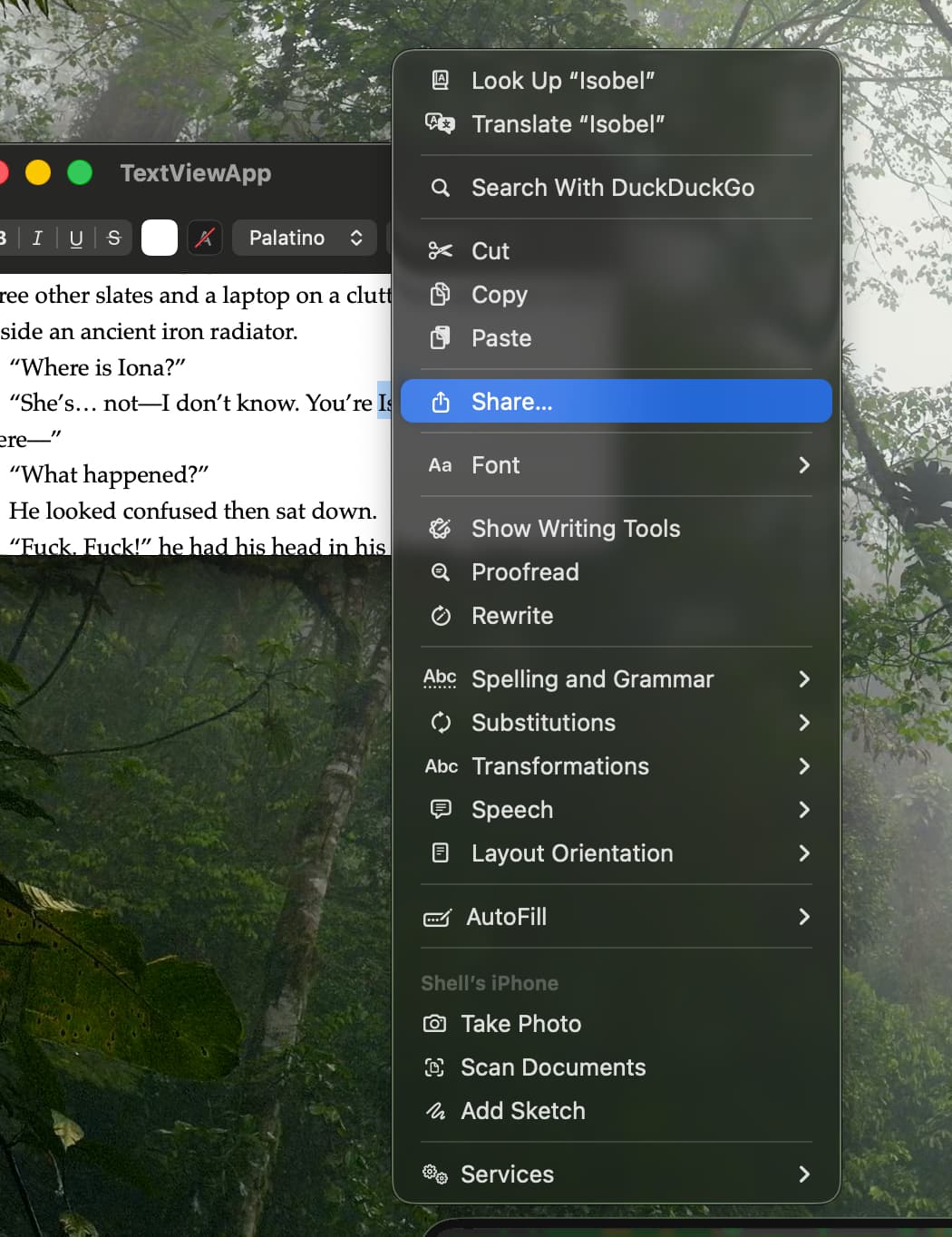
New observation this morning while editing.
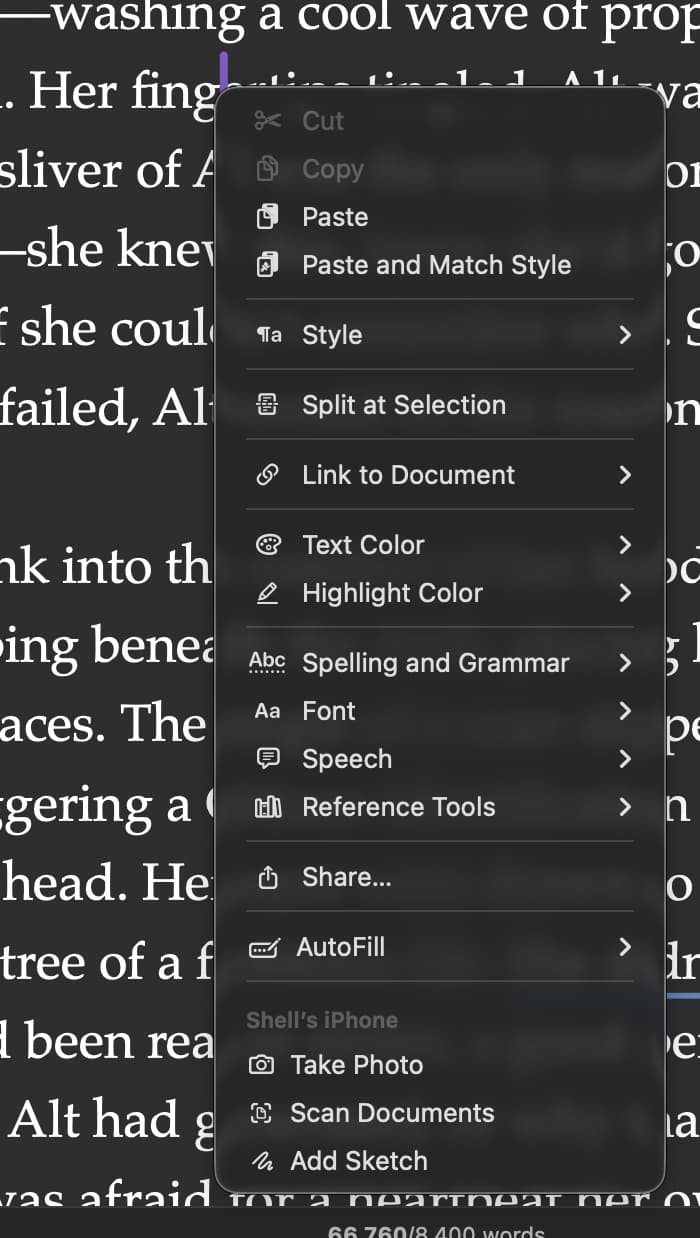
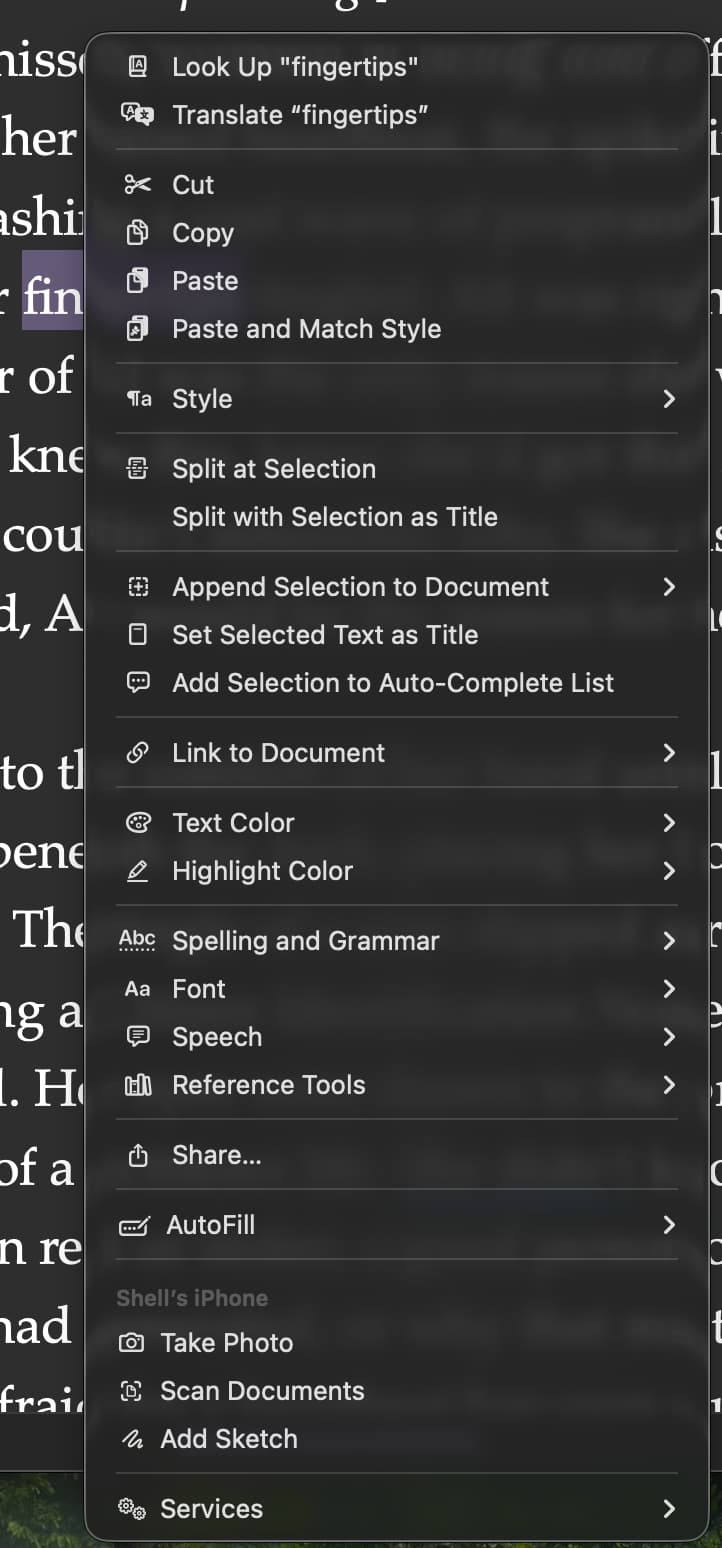
Right-click a word, inconsistent highlighting/word selection, affecting how long it takes the context menu to appear:
- Sometimes it does not highlight the word. But the context menu appears immediately:
- Sometimes it does highlight the word, resulting in a delay before the context menu appears.
Is this happening in all projects - even, say, a new blank project? I’m wondering if there are any project-related factors involved.
1 Like
Good question!
I switched to one of my other novels (~140k words), selected Manuscript and tried there. Sadly, similar Context behaviour and inconsistent selection of the word when right-clicking.