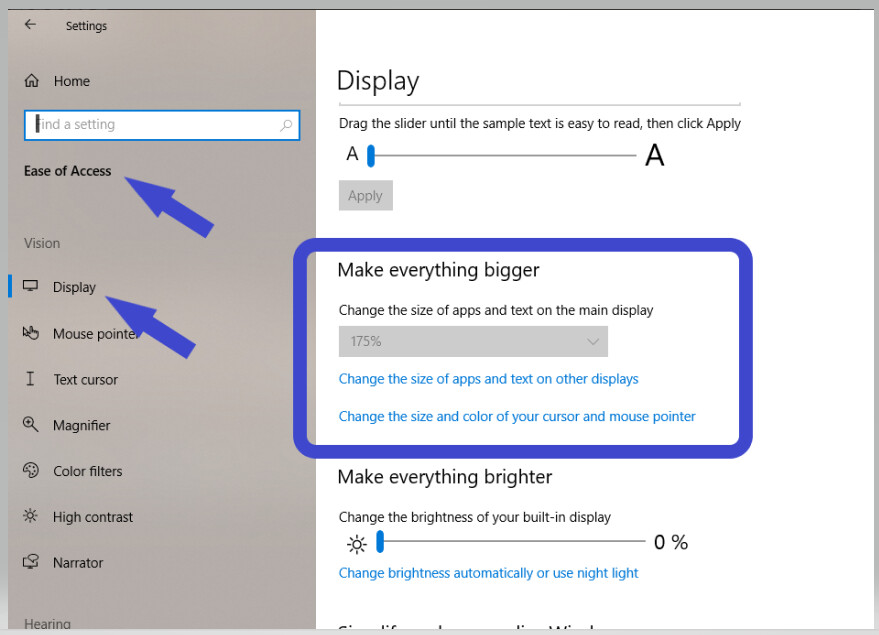
My vision is impaired, and trying to make Scrivener easier to see and navigate.
Before I get started, I need to enlarge the overall interface size. Is there an easy way to scale up the entire program/interface, or do I need to manually adjust individual features and text areas one by one?
For example, on my desktop, holding down the CTRL + scroll up, zooms in on things globally. Is there something similar in Scrivener?
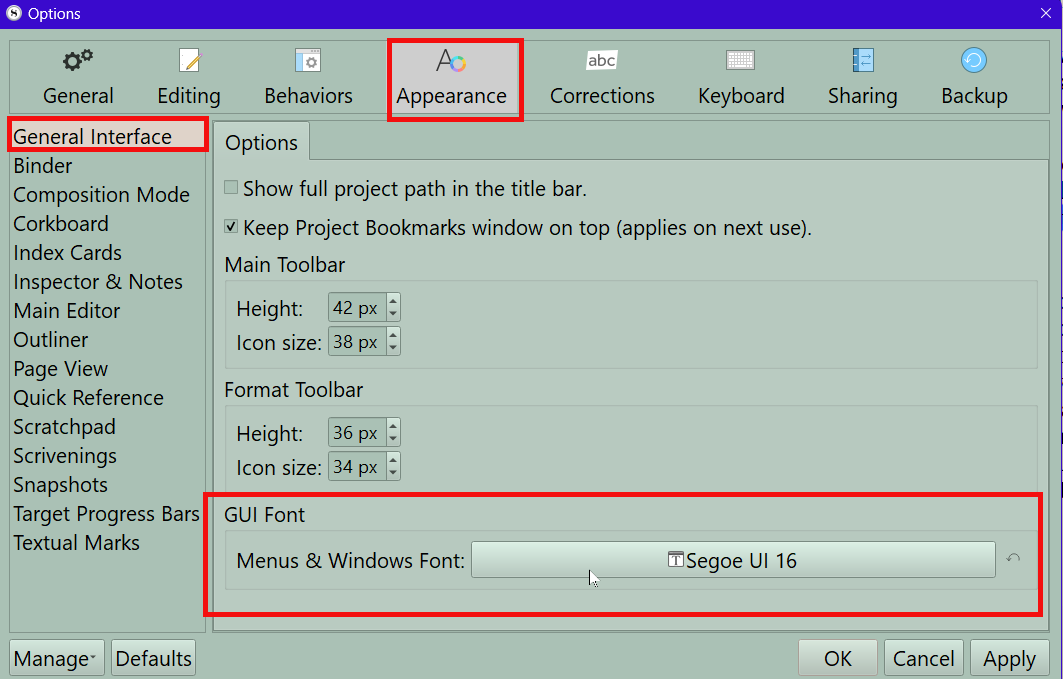
Unfortunately that only fixes the title of your Scrivener Project and not the interface. However, you can change the Menus and Windows fonts in the Options panel. This will effect the Compile format designer truncating some menu entries in the Section Layout panel. see below