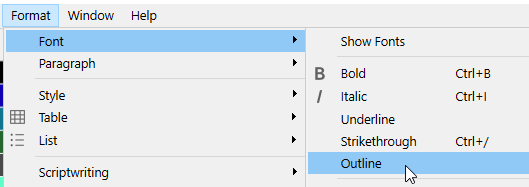
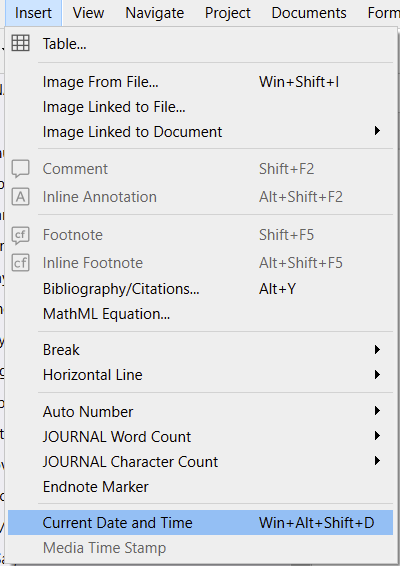
After inserting the Date and Time in today’s document, I went to a new line and typed “Note:” in Italic, then turned off italics to return to regular Georgia font. What I got was a weird bold font: https://imgur.com/a/t3Q8Loe
None of the settings show bold or any font change. It should be No Style, Georgia, Regular (which is what the toolbar shows).
It happens on its own. (Sometimes it’ll be from opening a project that was last edited on Mac in the Windows version, iirc. It is rare, but it does happen.)
You should reproduce your actions sequence in a dummy document, see if it does it again. (Or just ignore it, now that it is fixed, if this insert date etc is not something you plan on having to do again and again.)