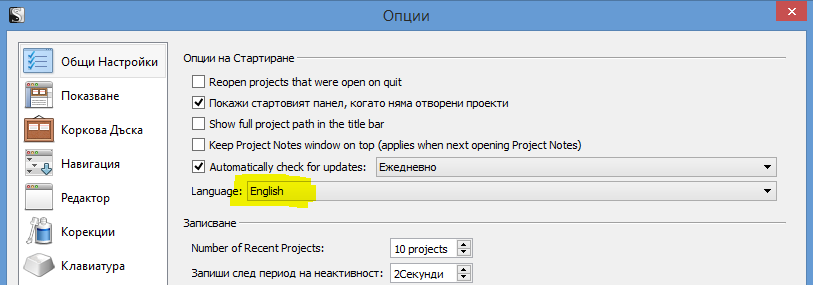
I have updated, rolled back, and updated the software again. I changed and ensured the language was English, but the main toolbar, title bar, and other places still show the what is gibberish to me.
This is weird! Just to be sure: did you close and reopen Scrivener after changing the language setting? (You have to completely exit Scrivener, including the Project Selector window).
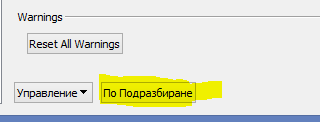
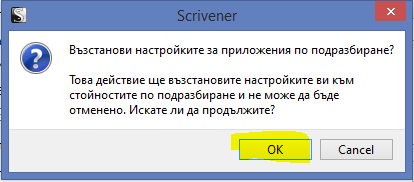
Assuming you’re using the latest version (1.8.5), the next thing I’d try is to reset all settings to their default values. You can do this by clicking on the yellow button below:
Thank you for your help. It turns out that it was none of the above, but an issue that I unwittingly created myself.
I tracked it back to a program which I had recently installed called CryptoPrevent to help prevent against CryptoLocker and similar ransomware. The setting which I had applied is maximum protection and is in beta and also has program filtering. This was creating the issue. Why, is uncertain.
I simply changed the setting and rebooted my system and now Scrivener is back to normal.