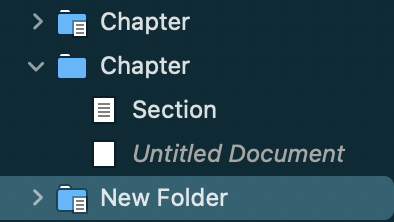
I can barely make out this symbol, overlaid on a folder in the binder, which appears to denote text of some kind.
What does it mean?

I can barely make out this symbol, overlaid on a folder in the binder, which appears to denote text of some kind.
What does it mean?
Take a look at
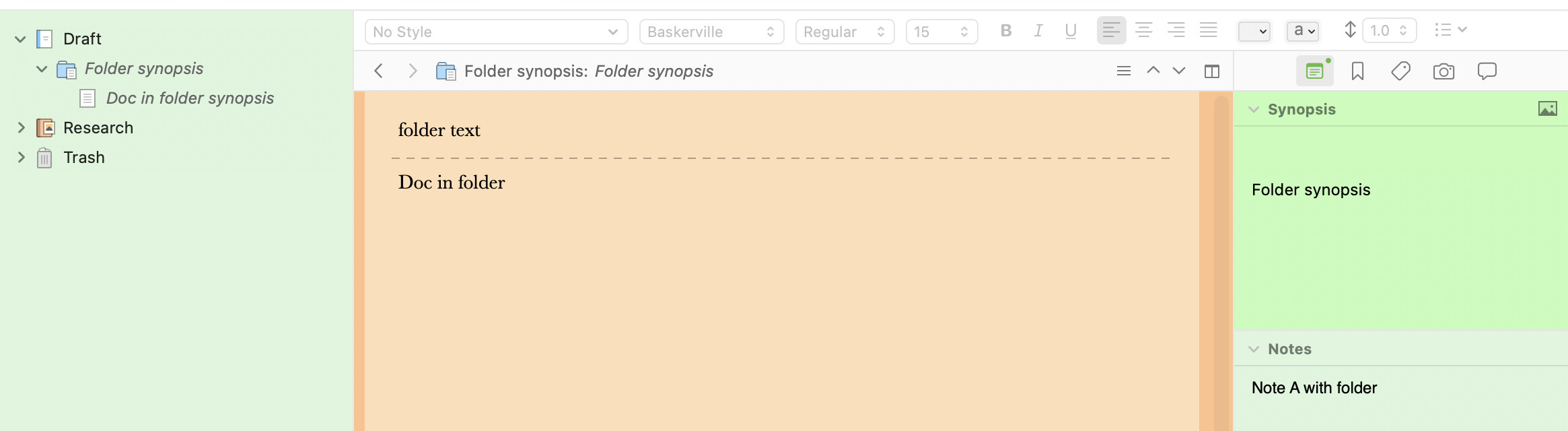
It means the folder itself has content in it. See section 7.1 of the manual.
That’s what I thought, but here are three chapter folders and all have content but not all have this icon. The folder without the icon also has content besides the section and untitled document.
Editor content
No editor content
Editor content
No editor content - no synopsis
Editor content – (Or is it perhaps a gas tank with a grocery list?) 
(For a complete list of icons and their meaning, see earlier friendly replies?)
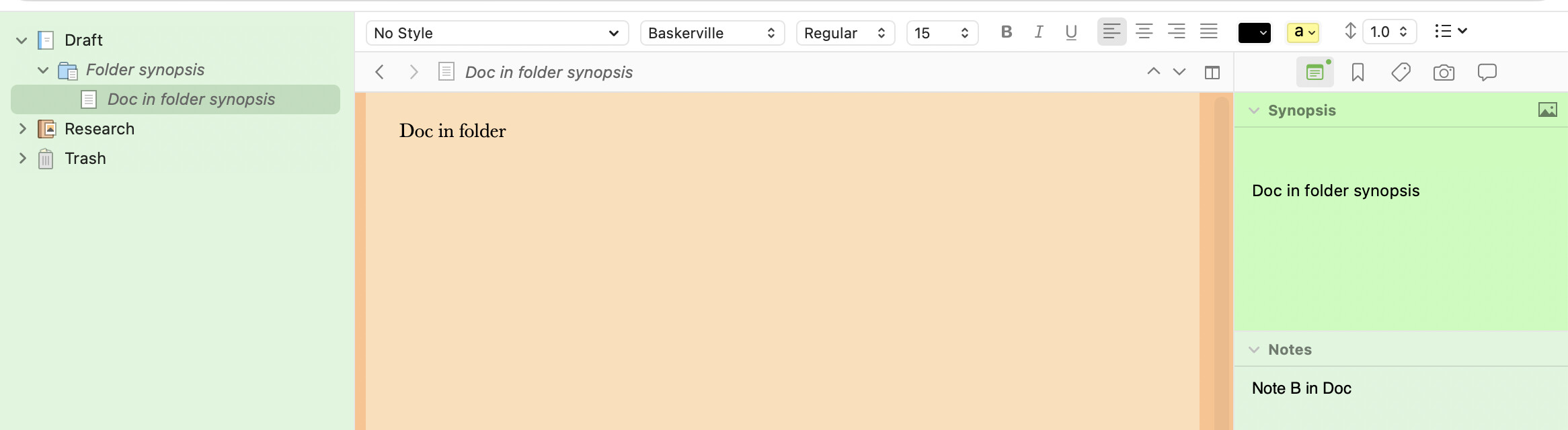
In Scrivener, the folder itself can have content (which is what this icon indicates), as if it were a document itself. This is not the same as the folder having files in it.
It’s an oddity of Scrivener, and not something you’d be used to from, say, folders in Windows.